 where's my
 Home › Guides
Guides
Guides for people with too many drives
Everything we have learned about keeping a shelf of external drives findable: how to catalog them, label them, name them — and which printers make it painless.
Labels & printers
Label printers, sticker sizes and label materials that survive years on a shelf.
Label printersLabel printers for your drive stickersThe best small label printers for QR stickers on external drives — NIIMBOT and Phomemo side by side, by drive type, labe…ComparisonNIIMBOT vs Phomemo for drive labelsNIIMBOT vs Phomemo compared for QR labels on external drives: equivalent models (B21 vs M110, D11 vs D30), label sizes, …Label printers · buyer’s guideNIIMBOT label printers: which one for your drives?Every NIIMBOT label printer compared — B21, B1, M2, D11, D110, K3 and more — with label sizes, thermal vs thermal-transf…Printer notesLabelling hard drives with the NIIMBOT B21How we use the NIIMBOT B21 to label external hard drives with scannable QR codes: which rolls to buy, 50×30 mm layout, p…QR labelsQR code labels for hard drivesWhy a QR code on each external drive beats a written label, what the code should link to, how big it needs to be, and ho…Cheat sheetLabel sizes for external drivesWhich label size fits which drive: portable HDDs, Samsung T7 and SanDisk SSDs, rugged LaCie drives, desktop enclosures a…Label materialsThermal vs thermal transfer labels for drivesDirect thermal labels are cheap and ink-free but can fade; thermal transfer labels last 8–10 years. Which to use for dri…No label printer neededPrint a whole shelf of QR labels on A4No label printer? Print a QR sticker for every drive on one A4 sheet with any office printer — sheet layouts, paper type…Buyer’s guideThe best label printer for hard drivesWhat to look for in a label printer for external drives — label width, resolution for QR codes, durability, phone vs com…Label printers · buyer’s guidePhomemo label printers for your drivesPhomemo M110, M20 Pro, M200, M220, D30, A30, M02 Pro and T02 compared for labelling external hard drives with QR codes —…Printer notesLabelling hard drives with the Phomemo M110Using the Phomemo M110 to print QR labels for external hard drives: which rolls to buy, 50×30 mm layout, print settings …
Guides
How to catalog, name, label and find things on external drives.
Step-by-step guideHow to catalog your external hard drivesA practical way to catalog every external hard drive you own: scan folder and file names, label each drive, and search e…GuideSearch files on drives that aren’t plugged inFind which external drive a file is on without connecting every drive: build an offline index of file names once, then s…SystemA hard drive labeling system that survivesA simple, durable labeling system for external drives: unique IDs, QR codes, colour coding by client or year, what to wr…NamingNaming conventions for external drivesPractical naming conventions for external drives and volumes: what to put in the name, examples for editors, photographe…Software guideDisk catalog software: how to chooseWhat disk catalog software does, the main types (desktop catalogers, spreadsheets, web catalogs), and how to choose one …ComparisonSpreadsheet vs drive catalogMany studios track drives in a spreadsheet. Where it works, where it breaks, and what a scanned drive catalog does diffe…Team accessShare what’s on your drives with the whole teamHow to share the contents of external drives with editors, assistants, freelancers and clients: read-only access with a …BackupsAn inventory for your backup drivesTrack which drives hold which backups: pairing masters and copies, marking drive health, noting off-site copies, and fin…NAS & RAIDCatalog NAS, RAID and network drivesScan mounted network shares, RAID volumes and NAS folders into the same searchable catalog as your portable drives — wha…ArchivingArchiving finished projects so you can find them in 2031A practical archiving workflow for finished projects: what to keep, how to structure the drive, cataloging, durable labe…TrustSecurity & privacy, in plain wordsExactly what leaves your drive when you scan it, how QR stickers and the team PIN are protected, where data lives, and h…Product tourHow Where’s My Drive worksA walkthrough of Where’s My Drive: scanning a drive in the browser, printing QR labels, team PIN access from any phone, …Editing workflowAuto subtitles in Premiere Pro — offline, in any languageHow to generate subtitles inside Premiere Pro without uploading footage: offline Whisper transcription in 99 languages, …
Use cases
How different teams use a drive catalog day to day.
For video editorsFor video editors with a drawer full of drivesHow freelance and in-house video editors keep track of RAW, proxy and archive drives: catalog every clip, label drives w…For studiosFor post-production studiosA shared, searchable catalog of every drive in the facility: roles for editors and assistants, free viewer seats for pro…For photographersFor photographers with years of shoots on drivesHow photographers keep years of shoots findable across external drives: catalog RAW folders, search by shoot or file nam…For wedding filmmakersFor wedding videographersWedding videographers and photographers: keep every couple’s footage findable for years, answer “can we get the raw file…For agenciesFor agencies and marketing teamsAgencies and in-house marketing teams: find campaign assets across external drives by client and campaign, give producer…
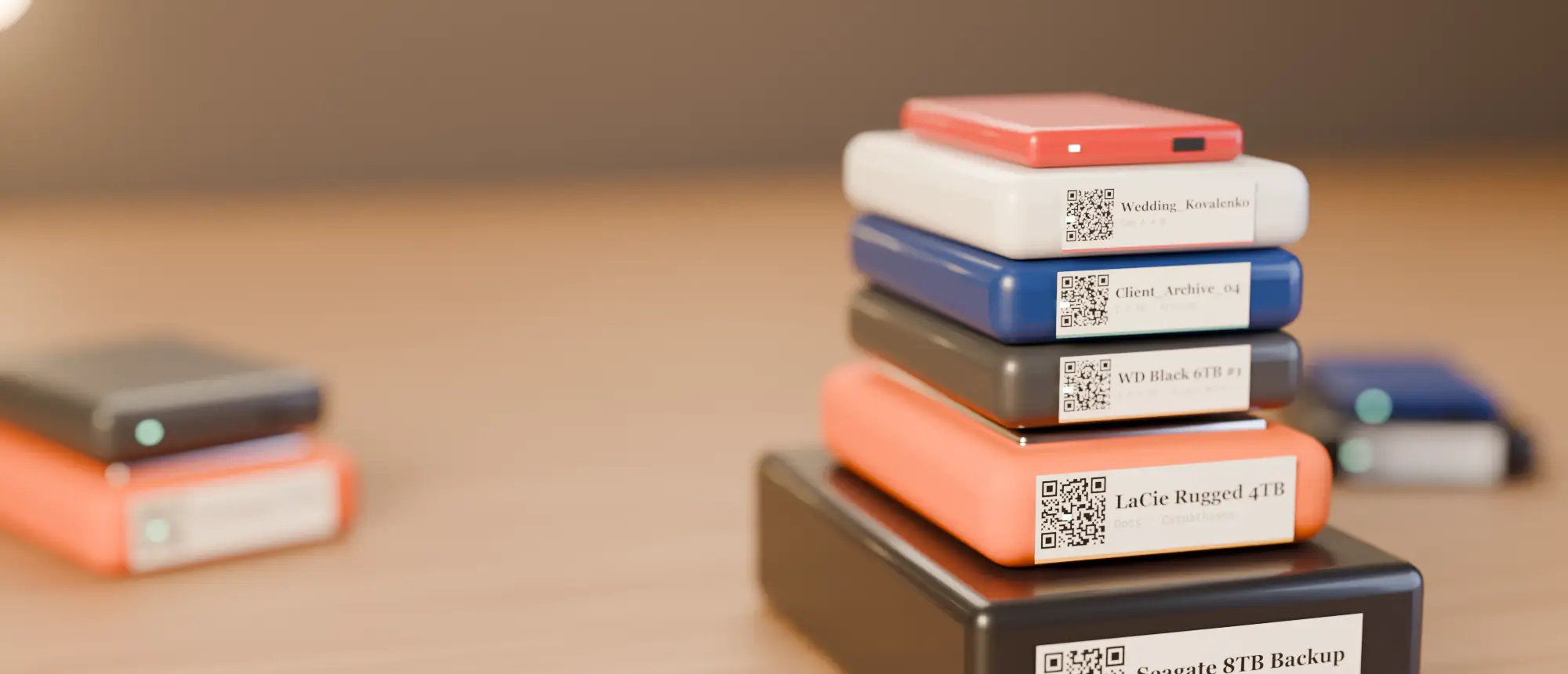
Stop plugging in drives to remember what's on them.
14 days free, no card. Scan your messiest drive tonight — you'll know by tomorrow whether it's worth it.