Where’s My Drive
Two kinds of access
- Accounts for people who add and organise drives — editors, admins. They scan, rename, print labels, manage the team.
- A shared team PIN for everyone who only needs to look. Scan the sticker, type the PIN, browse read-only.
How the team PIN works
- An owner or admin sets a 4–6 digit PIN.
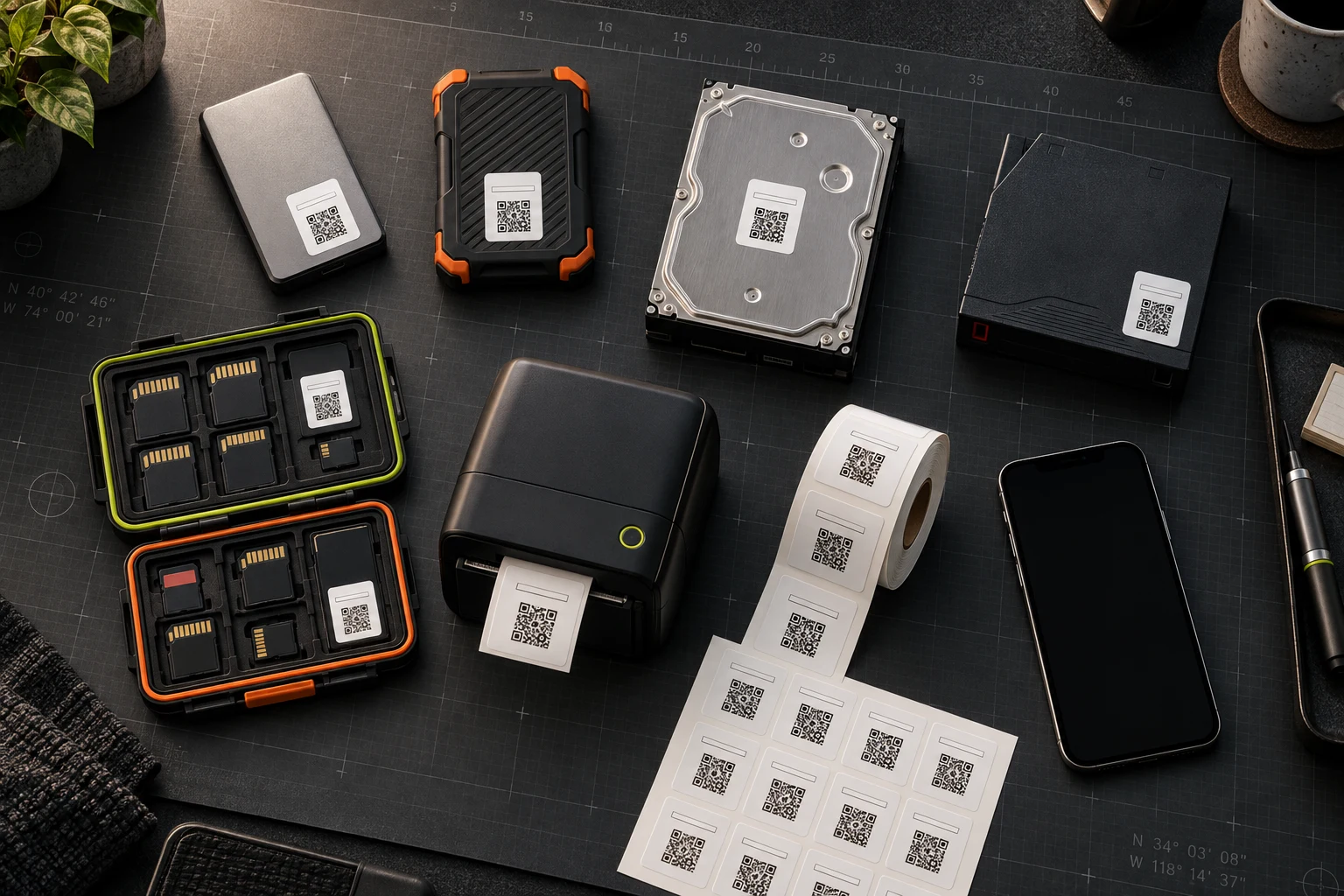
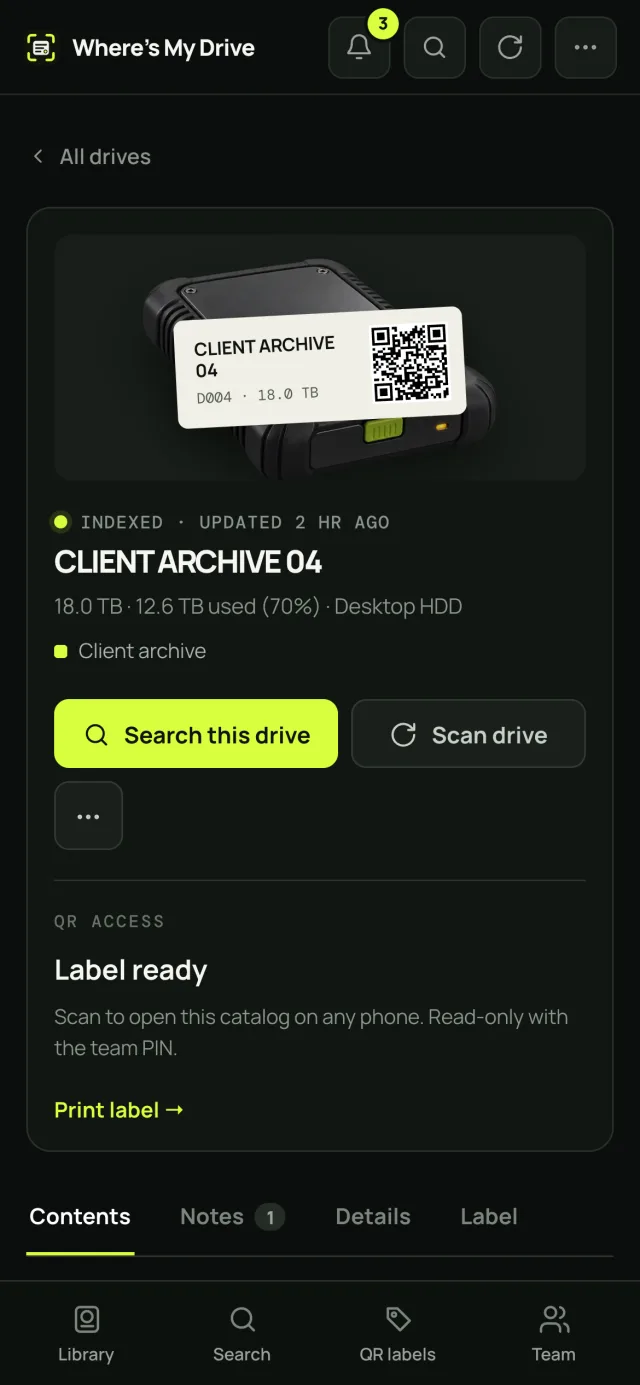
- Someone scans a drive’s QR sticker with their phone camera.
- They type the PIN and can browse that drive and search the team’s drives, read-only. The PIN is asked again on every new scan, so a phone that once saw the PIN doesn’t keep access.
- Change the PIN and the old one stops working immediately, for everyone.
A PIN can browse and search — never edit, delete, rescan or see billing. Repeated wrong guesses are rate-limited per team.
Roles for account holders
| Role | Can do | Billed |
|---|---|---|
| Owner / Admin | Everything, including team, PIN and billing | Yes |
| Editor | Add, scan, rename drives, notes, labels | Yes |
| Viewer | Browse and search | Free |
When to use which
Freelancer for two weeks? PIN. Assistant editor who rescans drives? Editor account. Producer who searches but never touches drives? Free viewer seat.
Why not just share a folder?
Cloud folders share files; they do not tell you what is on the drive sitting on the shelf. And giving freelancers accounts in your storage means managing — and remembering to remove — every one of them. A read-only catalog plus a PIN gives people what they need (where is it?) without handing over the files.
Good PIN hygiene
- Choose 6 digits for teams with many freelancers; 4 is fine for a small, stable team.
- Rotate the PIN when a project with outside people ends.
- Only owners and admins can see or change the PIN.
What people on the PIN can and cannot do
| Action | PIN (guest) | Viewer seat | Editor |
|---|---|---|---|
| Browse drives & folders | ✓ | ✓ | ✓ |
| Search across drives | ✓ | ✓ | ✓ |
| Read notes | ✓ | ✓ | ✓ |
| Add notes, rename, rescan | — | — | ✓ |
| Print labels | — | — | ✓ |
| See or change PIN, billing | — | — | Owner/Admin |
Set up your team in five minutes
Invite editors by email, set a team PIN for everyone else, stick QR labels on the drives.
Frequently asked questions
Can someone view drive contents without an account?
Yes — with the team PIN. They scan the drive’s QR sticker, enter the team PIN and get read-only access. The PIN is asked on every scan.
How do I revoke access for a freelancer?
Change the team PIN. The old PIN stops working instantly, on every phone.
Do viewers cost extra?
No — viewer seats and PIN access are free on every plan. You pay only for people who add and organise drives.