Where’s My Drive
Heads-up: links to the NIIMBOT store on this page are affiliate links. If you buy through them we may earn a small commission, at no extra cost to you. We only recommend printers we would use for drive labels ourselves.
The short answer
Buy the NIIMBOT M2 if your labels are 50 mm wide or less — portable hard drives, SSDs, cables, small boxes. Buy the NIIMBOT M3 if you also need wider labels (up to 78 mm): desktop drives, NAS enclosures, tape cases, archive boxes.
Side by side
| NIIMBOT M2 | NIIMBOT M3 | |
|---|---|---|
| How it prints | Thermal transfer (ribbon) · 300 dpi | Thermal transfer · 300 dpi |
| Label width | 20–50 mm labels | 20–78 mm labels |
| Connects | Bluetooth + PC | Bluetooth + USB |
| Best for | Best for archives | Wide + durable |
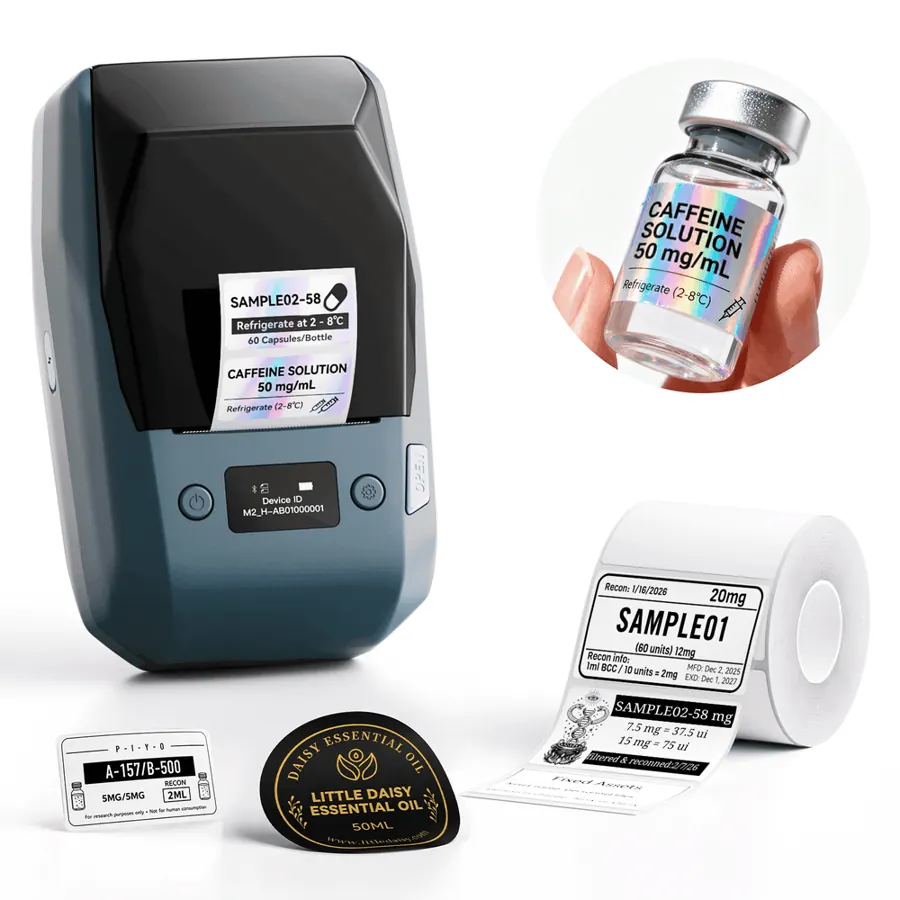
NIIMBOT M2
- Print: Thermal transfer (ribbon) · 300 dpi
- Size: 20–50 mm labels
- Connect: Bluetooth + PC
Prints with a ribbon onto PET labels rated for 8–10 years — the one to buy for drives that sit on a shelf for years.
See on NIIMBOT →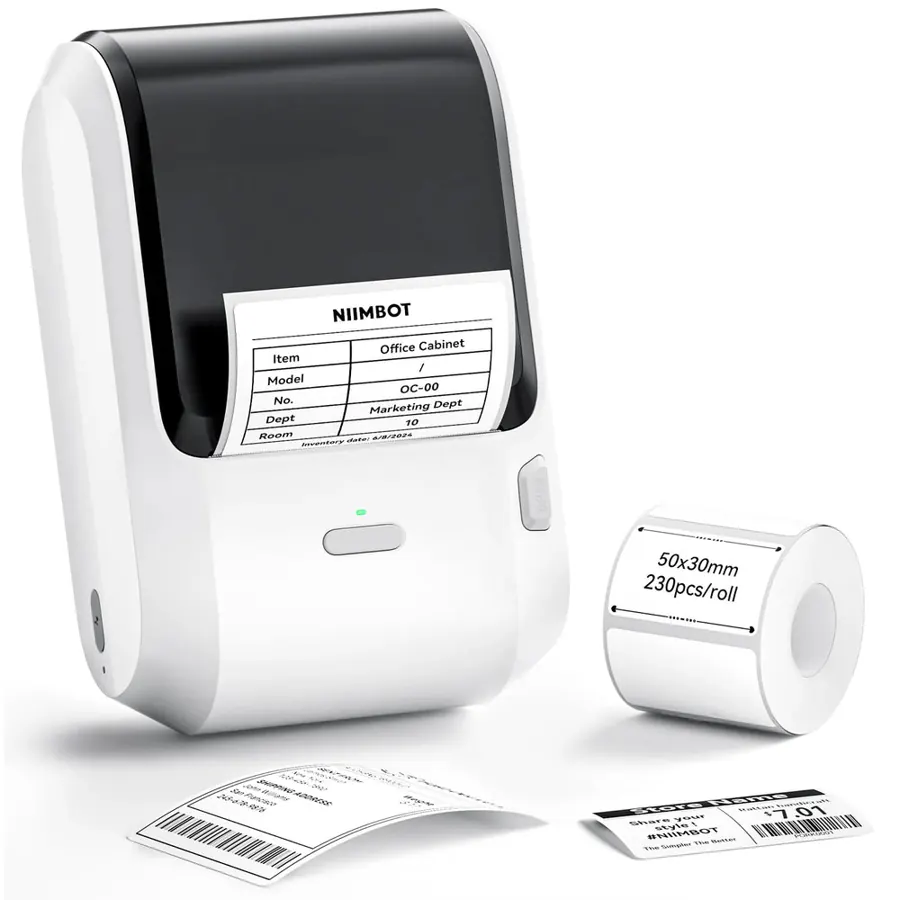
NIIMBOT M3
- Print: Thermal transfer · 300 dpi
- Size: 20–78 mm labels
- Connect: Bluetooth + USB
The M2’s bigger sibling. Worth it if you also label desktop drives, NAS boxes or tape cases with wider labels.
See on NIIMBOT →What is the same
Both are thermal-transfer printers: a ribbon melts ink onto PET labels, so the print survives heat, water, scratches and years on a shelf. That is the reason to choose an M-series over the cheaper direct-thermal B21 or B1, whose labels can slowly fade. Both print at 300 dpi, sharp enough for small QR codes.
Direct thermal vs thermal transfer is the bigger decision than M2 vs M3. If your drives live in a cold archive for years, pick a ribbon printer — either of these.
Where the M3 is worth the extra
- You label 3.5-inch desktop drives, NAS bays or tape cases, where a 60–78 mm label fits a big QR plus a readable project name.
- You want one printer for drives and shelf or box labels.
- You print from a computer over USB a lot.
Where the M2 is the better buy
- Your labels are 50×30 mm or smaller — the standard size for portable drives.
- You want the smaller body and the lower price for the same print quality.
Our pick for hard drive labels
For a typical video, photo or post-production archive of portable drives, the M2. Pair it with 50×30 mm PET labels and print the QR label Where’s My Drive designs for each drive — scan it with a phone and see every file, even when the drive is unplugged.
Label your first drive tonight
14-day free trial, no card. Connect a drive once, print its QR label, and scan it from any phone to see every file — even when the drive is unplugged.
Frequently asked questions
What is the difference between the NIIMBOT M2 and M3?
Label width. Both print with a ribbon (thermal transfer) at 300 dpi; the M2 takes labels 20–50 mm wide, the M3 takes 20–78 mm.
Is the NIIMBOT M2 or M3 better for hard drive labels?
For portable drives the M2 — 50×30 mm labels fit perfectly. The M3 is worth it only if you also label wider items like desktop drives or archive boxes.
Do NIIMBOT M2 and M3 labels fade?
No. They are thermal-transfer labels printed with a ribbon, made to last for years, unlike direct-thermal labels from the B-series.