where's my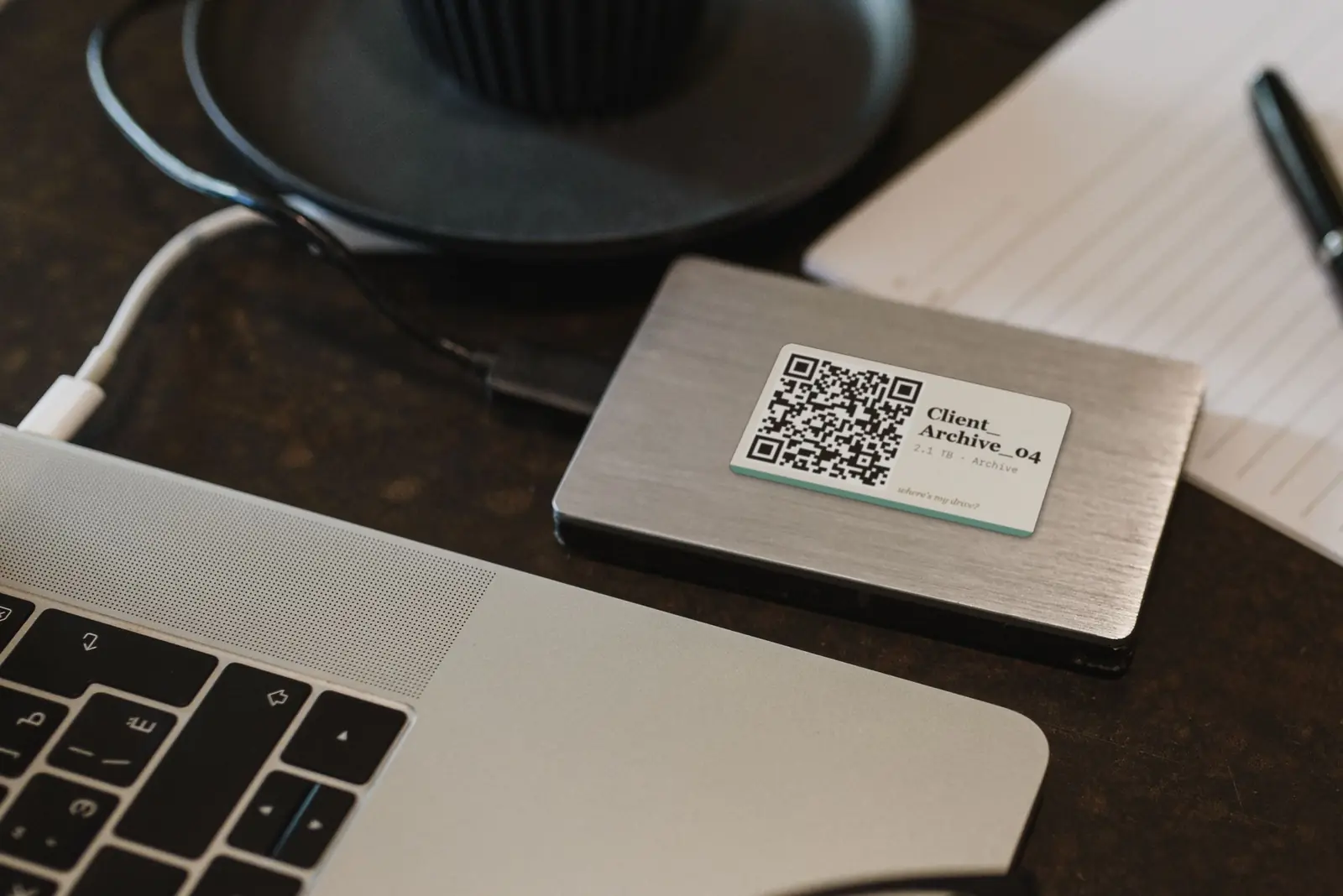
Heads-up: links to the Phomemo and NIIMBOT stores on this page are affiliate links. If you buy through them we may earn a small commission, at no extra cost to you. We only recommend printers we would use for drive labels ourselves.
The short answer
For portable drives, get the Phomemo M110: it prints the same 50×30 mm labels our QR stickers are designed for, works from a phone or a computer, and its rolls are cheap. If you want sharper small QR codes and a screen, the Phomemo M20 Pro has a 300 dpi head. For wide labels on desktop drives or NAS boxes, the Phomemo M220 prints up to 80 mm.
The range at a glance
Phomemo splits into business label makers (M-series with die-cut labels — the sweet spot for drives), strip printers (D30, A30, P12 Pro for narrow edge labels) and mini sticker printers (M02, T02 on continuous sticker paper).
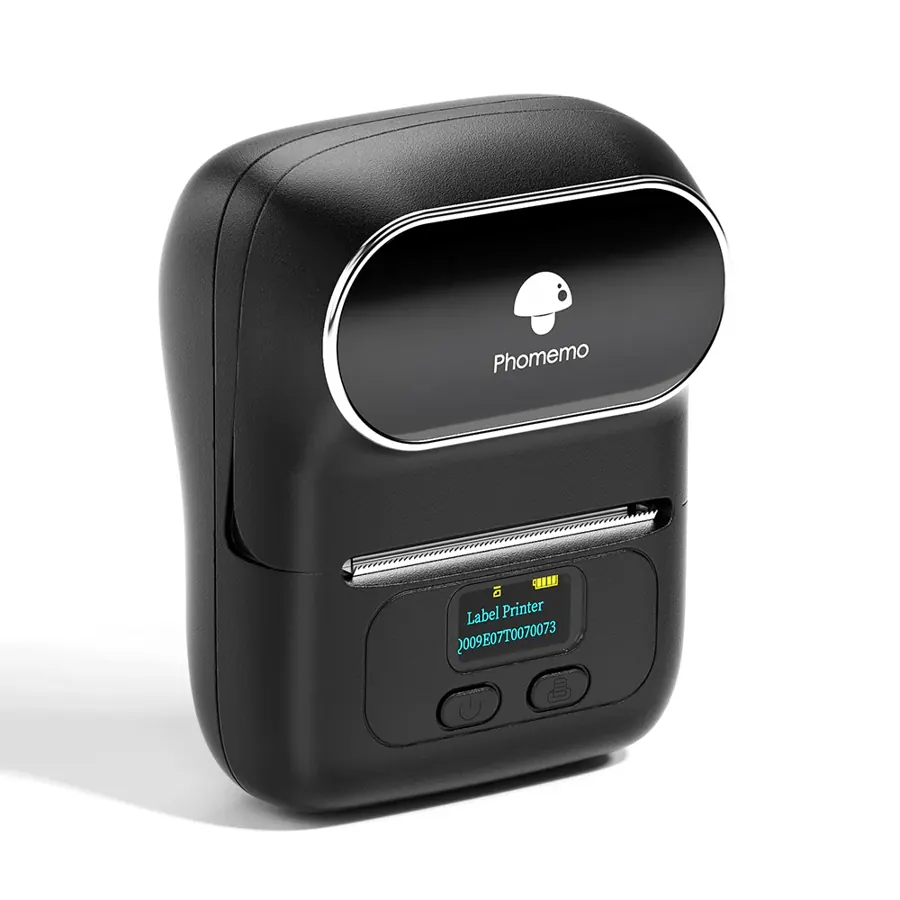
Phomemo M110
- Print: Direct thermal · 203 dpi
- Size: 20–50 mm labels
- Connect: Bluetooth + USB (PC)
Phomemo’s answer to the NIIMBOT B21: pocket-sized, takes 50×30 mm rolls, prints from phone or computer.
See on Phomemo →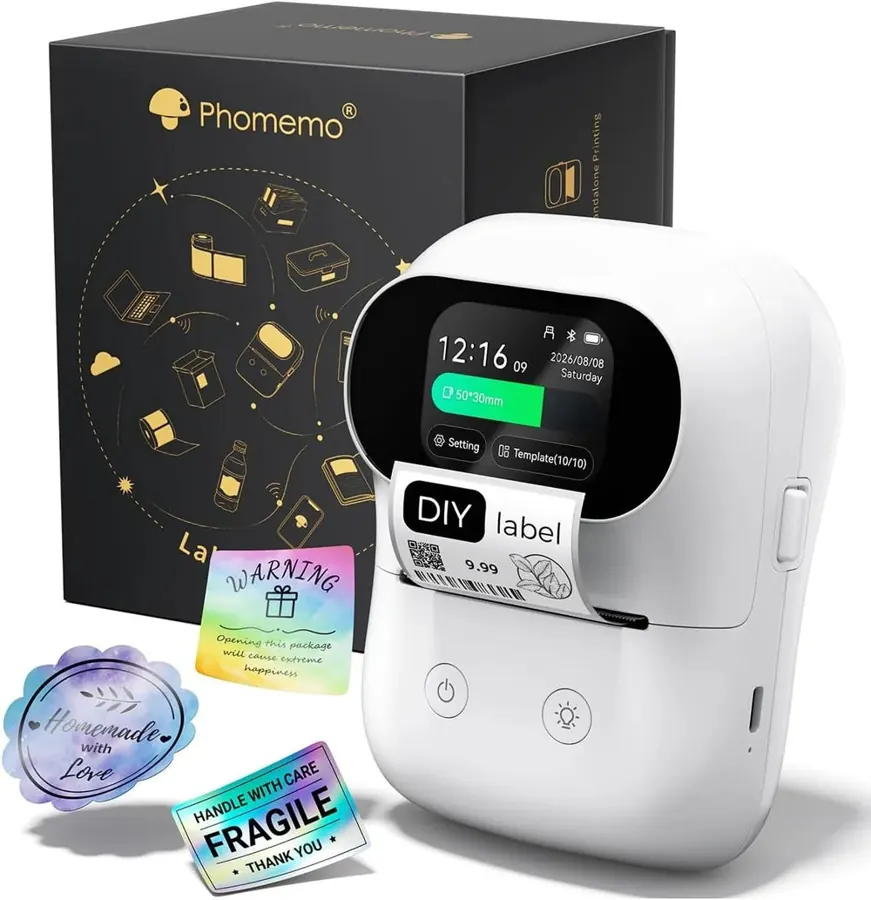
Phomemo M20 Pro
- Print: Direct thermal · 300 dpi
- Size: 2-inch labels
- Connect: Bluetooth + PC
Touch screen, RFID roll detection and offline templates. The 300 dpi head keeps small QR codes crisp.
See on Phomemo →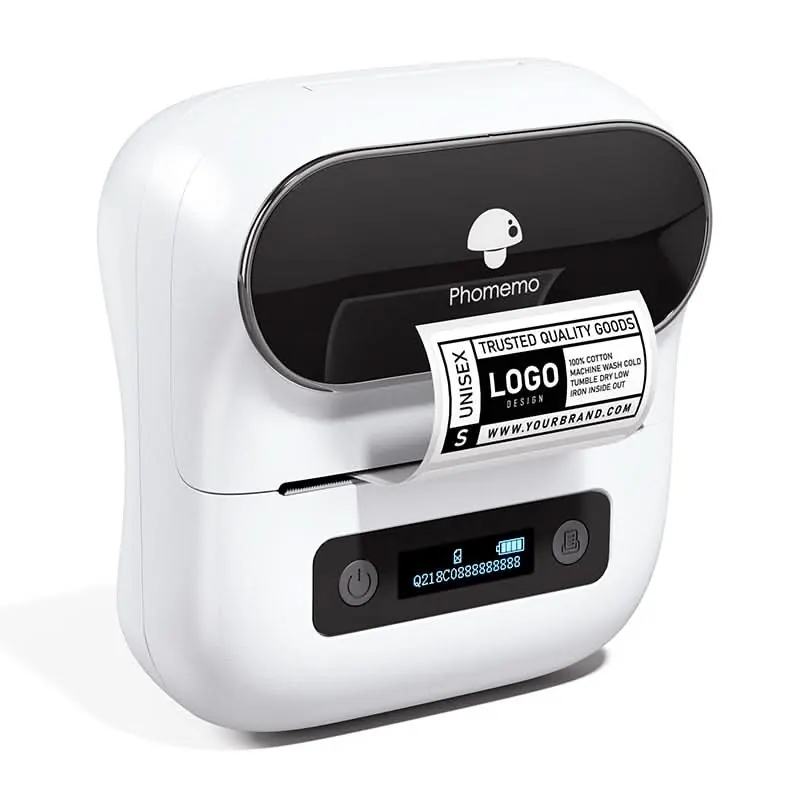
Phomemo M220
- Print: Direct thermal · 203 dpi
- Size: 20–80 mm labels
- Connect: Bluetooth + USB
The widest of the portable range: room for a big QR and a readable project name on RAID boxes and NAS fronts.
See on Phomemo →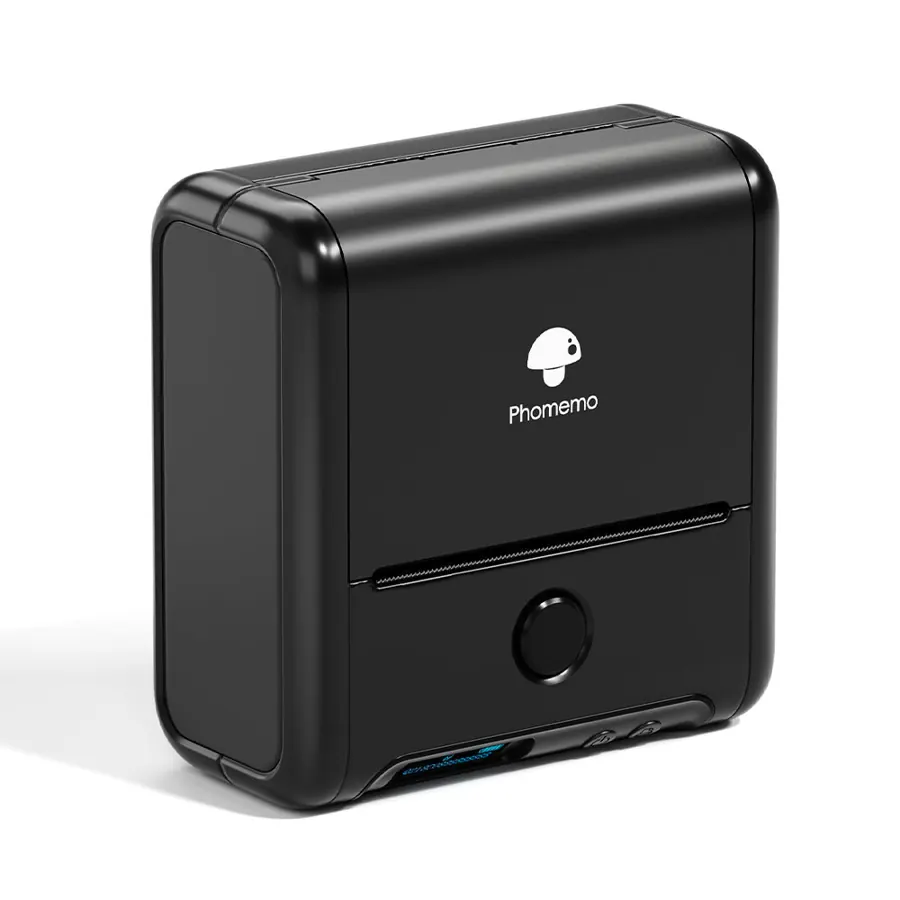
Phomemo M200
- Print: Direct thermal · 203 dpi
- Size: 20–75 mm labels
- Connect: Bluetooth + USB
Wider labels for desktop drives and enclosures, with a 2200 mAh battery.
See on Phomemo →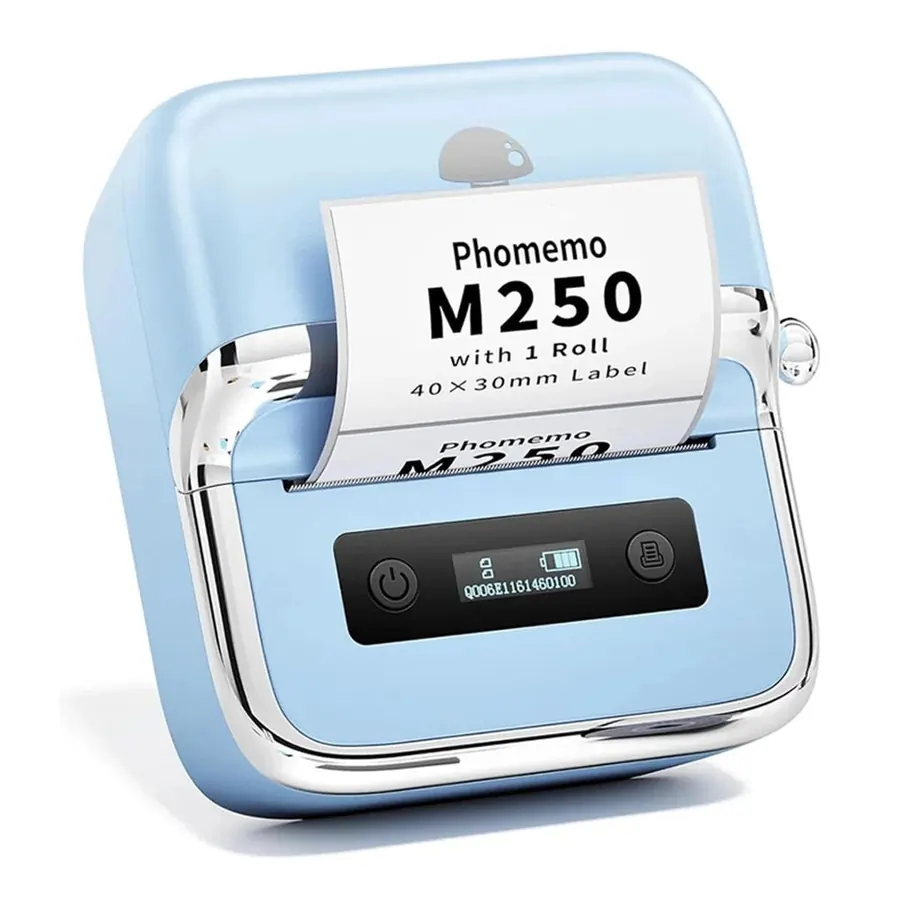
Phomemo M250
- Print: Direct thermal
- Size: 20–75 mm labels
- Connect: Bluetooth + USB
Two batteries and up to ~5000 labels per charge — comfortable for labelling a whole shelf in one sitting.
See on Phomemo →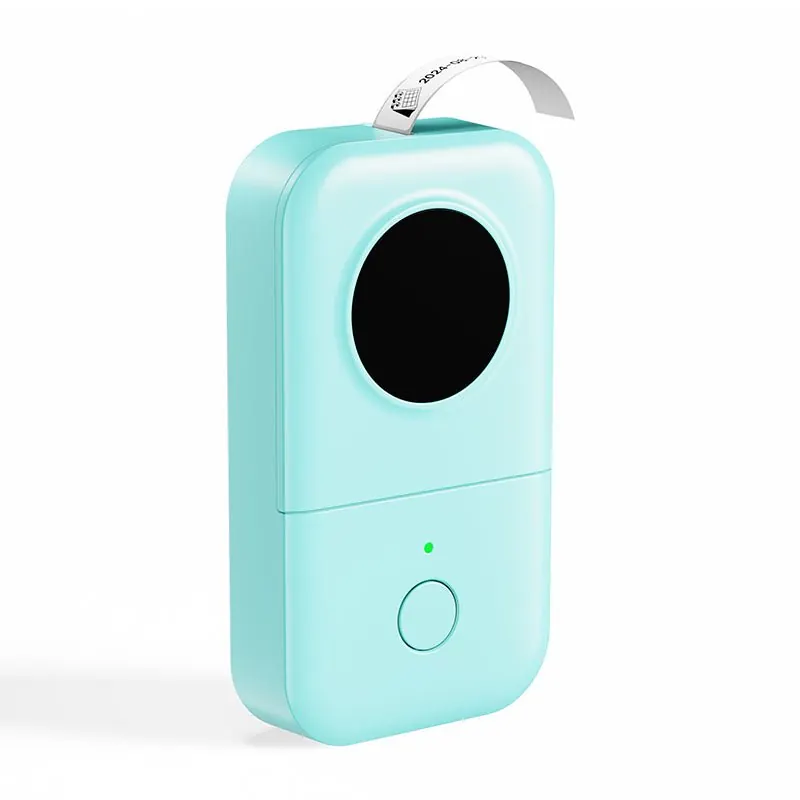
Phomemo D30
- Print: Direct thermal · 203 dpi
- Size: 12–15 mm tape
- Connect: Phone (Bluetooth)
A cheap, tiny strip printer for drive names on the front edge and cable tags.
See on Phomemo →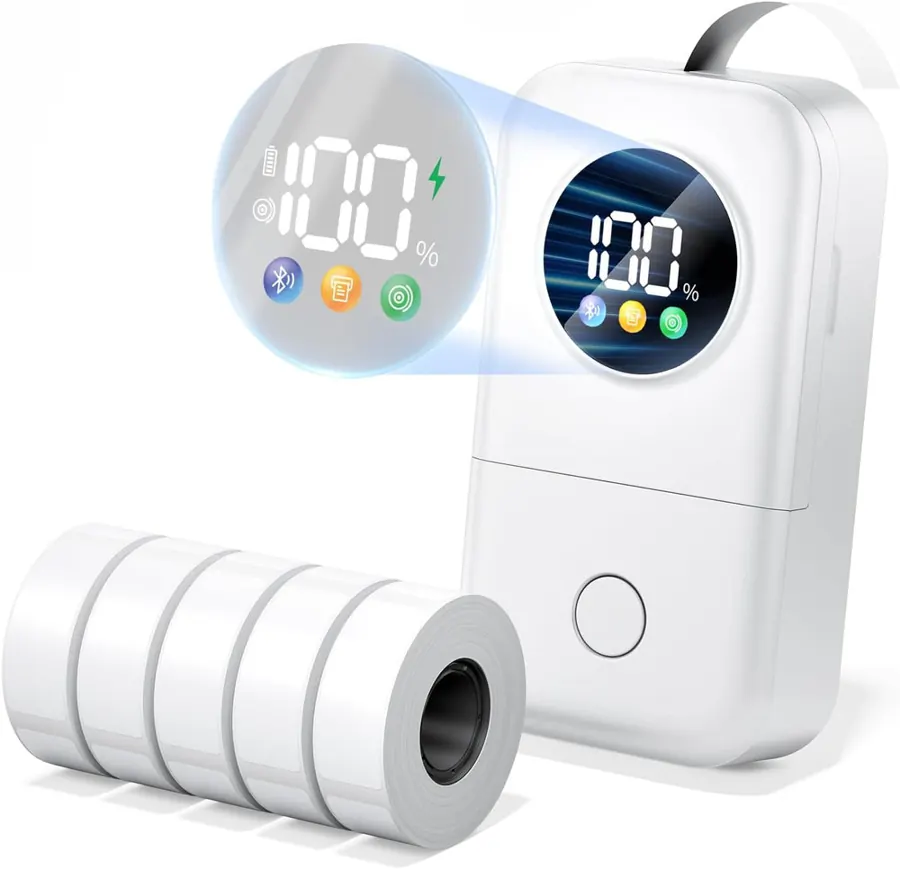
Phomemo D30D
- Print: Direct thermal
- Size: 9–15 mm tape
- Connect: Phone (Bluetooth)
The 2026 D30 with a status screen and RFID roll detection.
See on Phomemo →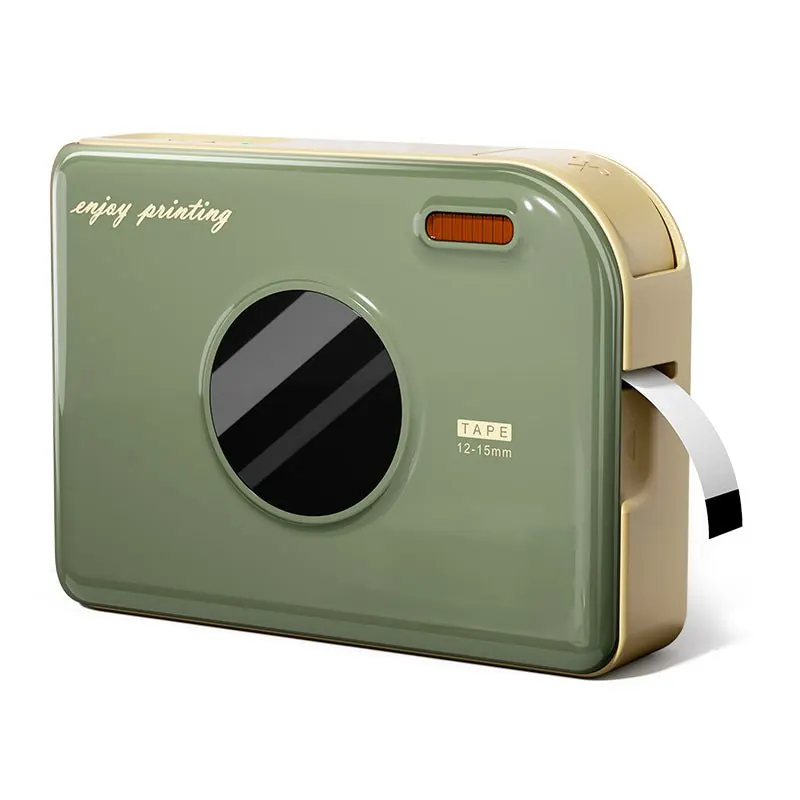
Phomemo A30
- Print: Thermal transfer (ribbon) · 203 dpi
- Size: ~12–14 mm tape
- Connect: Keyboard + Bluetooth
Ribbon-printed labels that resist water, heat and abrasion — good for drive edges that must last.
See on Phomemo →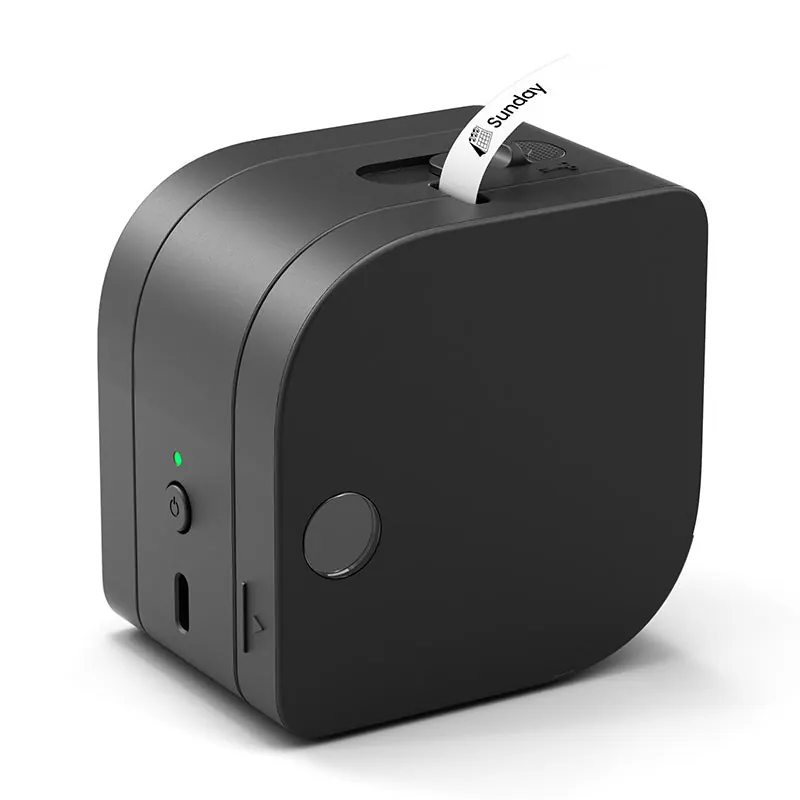
Phomemo P12 Pro
- Print: Thermal & thermal transfer · 203 dpi
- Size: narrow tape
- Connect: Phone (Bluetooth)
Prints on both direct-thermal and ribbon tapes, so one small printer covers working and archive drives.
See on Phomemo →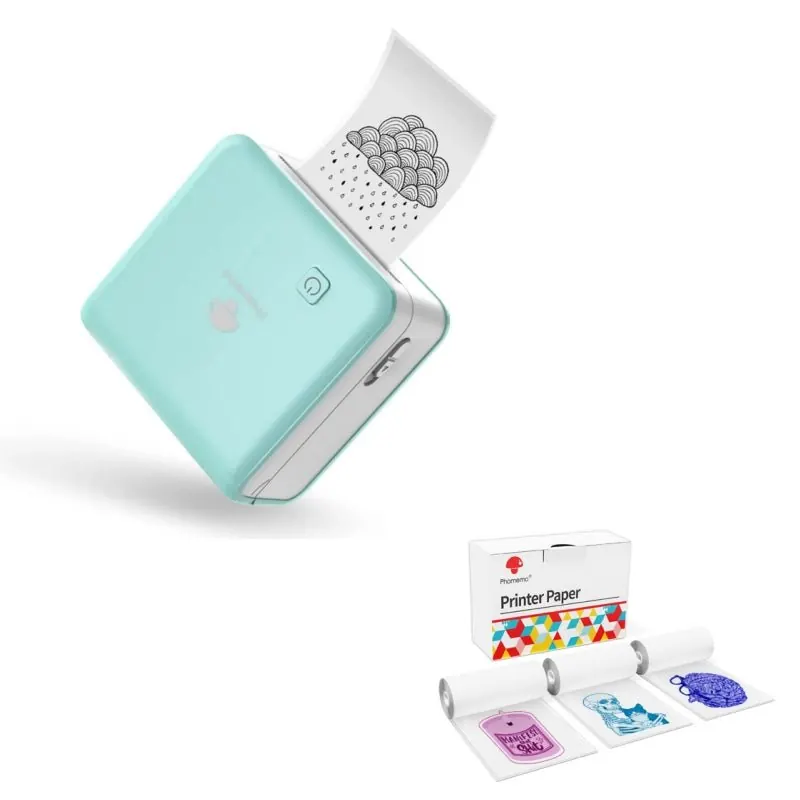
Phomemo M02 Pro
- Print: Direct thermal · 300 dpi
- Size: 15 / 25 / 53 mm rolls
- Connect: Phone (Bluetooth)
A pocket sticker printer. On 53 mm sticker paper rated for 10–20 years it makes long-lasting QR stickers you cut to size.
See on Phomemo →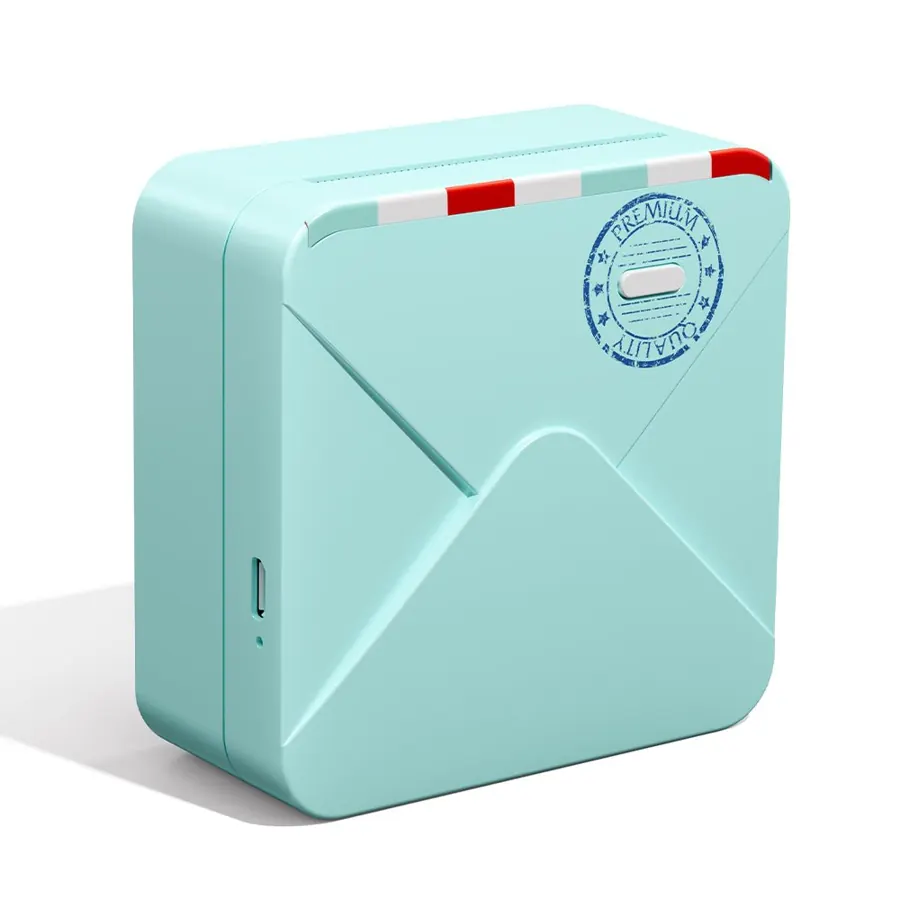
Phomemo M02S
- Print: Direct thermal · 300 dpi
- Size: 15 / 25 / 53 mm rolls
- Connect: Phone (Bluetooth)
Same idea as the M02 Pro in a different body — continuous sticker rolls instead of die-cut labels.
See on Phomemo →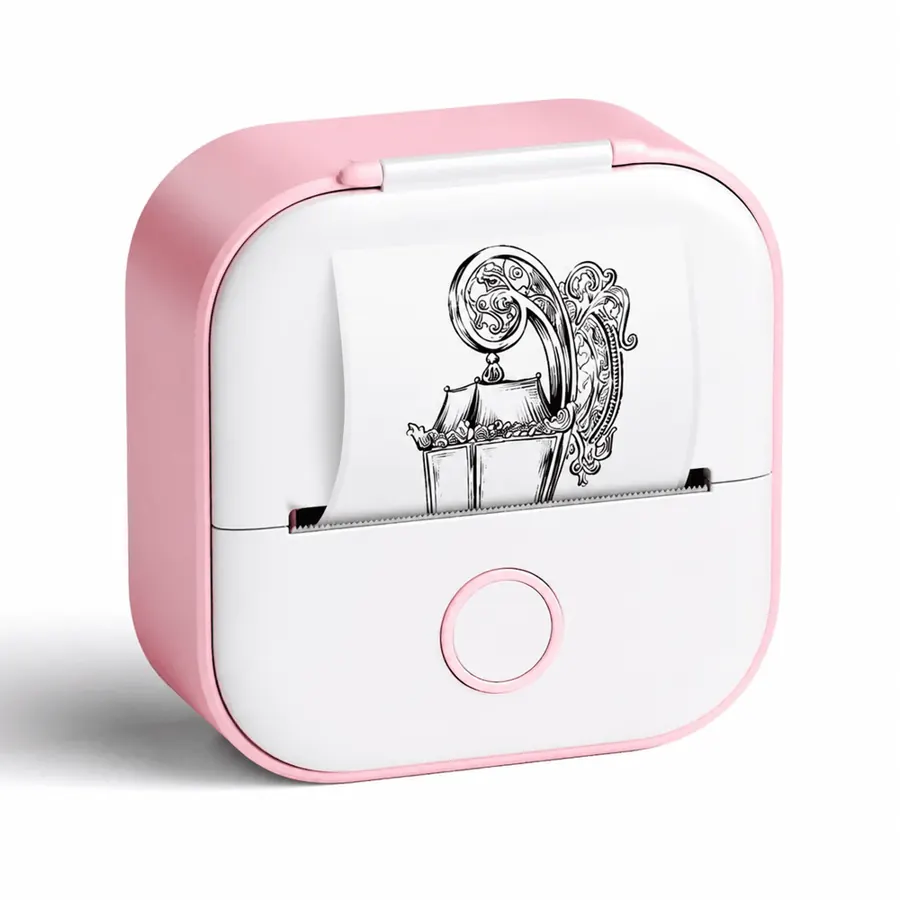
Phomemo T02
- Print: Direct thermal · 203 dpi
- Size: 53 mm rolls
- Connect: Phone (Bluetooth)
The cheapest way to try printed QR stickers — fine for a handful of drives, slower for a whole shelf.
See on Phomemo →Got a Phomemo? Make the labels.
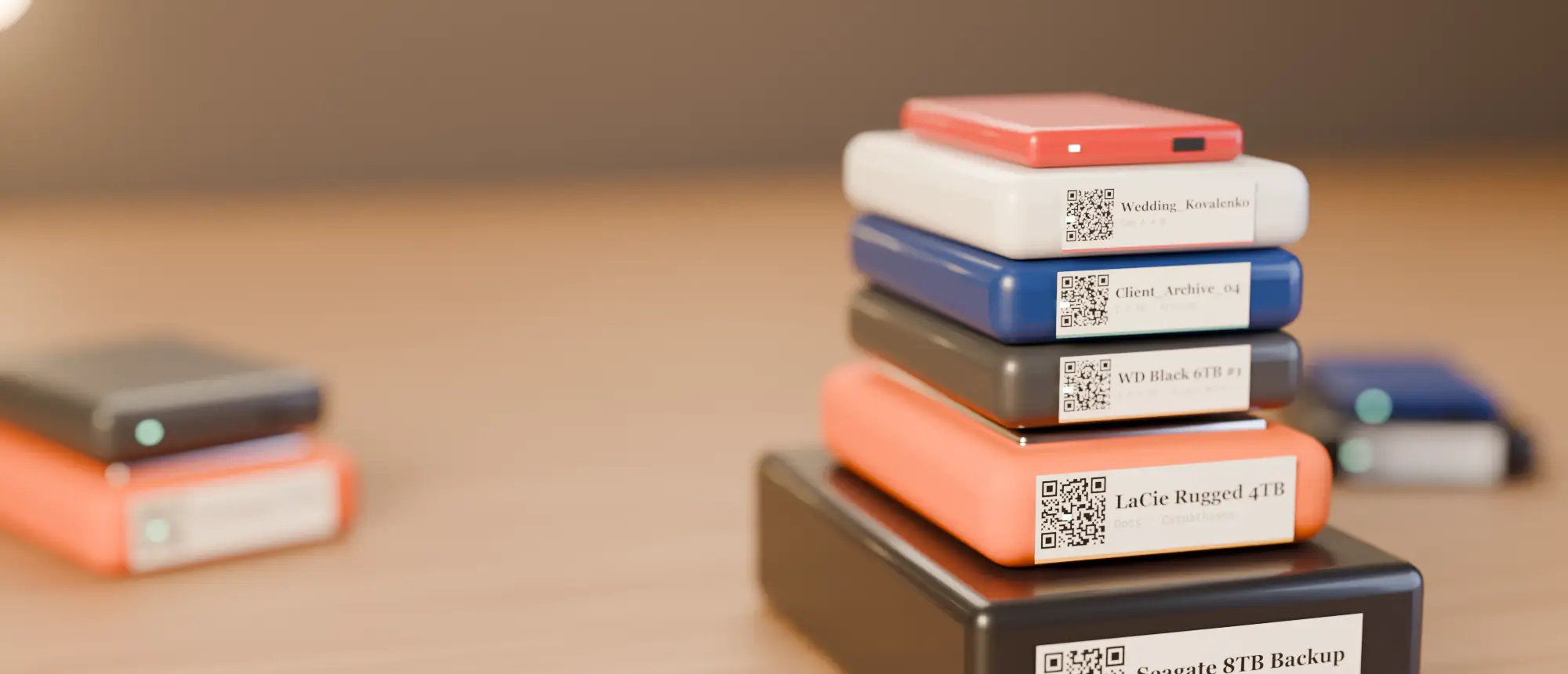
Where’s My Drive scans each drive, gives it a QR code, and exports print-ready 50×30 or 50×50 mm labels that anyone on your team can scan.
Comparison table
| Model | Print tech | Label width | Resolution | Best for |
|---|---|---|---|---|
| Phomemo M110 | Direct thermal | 20–50 mm | 203 dpi | Portable HDD labels |
| Phomemo M20 Pro | Direct thermal | 2-inch | 300 dpi | Small, sharp QR codes |
| Phomemo M200 | Direct thermal | 20–75 mm | 203 dpi | Desktop drives |
| Phomemo M220 | Direct thermal | 20–80 mm | 203 dpi | NAS, RAID boxes |
| Phomemo M250 | Direct thermal | 20–75 mm | — | Whole-shelf batches |
| Phomemo D30 | Direct thermal | 12–15 mm | 203 dpi | Edge strips, cables |
| Phomemo A30 | Thermal transfer | ~12–14 mm | 203 dpi | Durable edge labels |
| Phomemo M02 Pro | Direct thermal | 15/25/53 mm rolls | 300 dpi | Cut-to-size QR stickers |
| Phomemo T02 | Direct thermal | 53 mm rolls | 203 dpi | Cheapest start |
Labels to buy
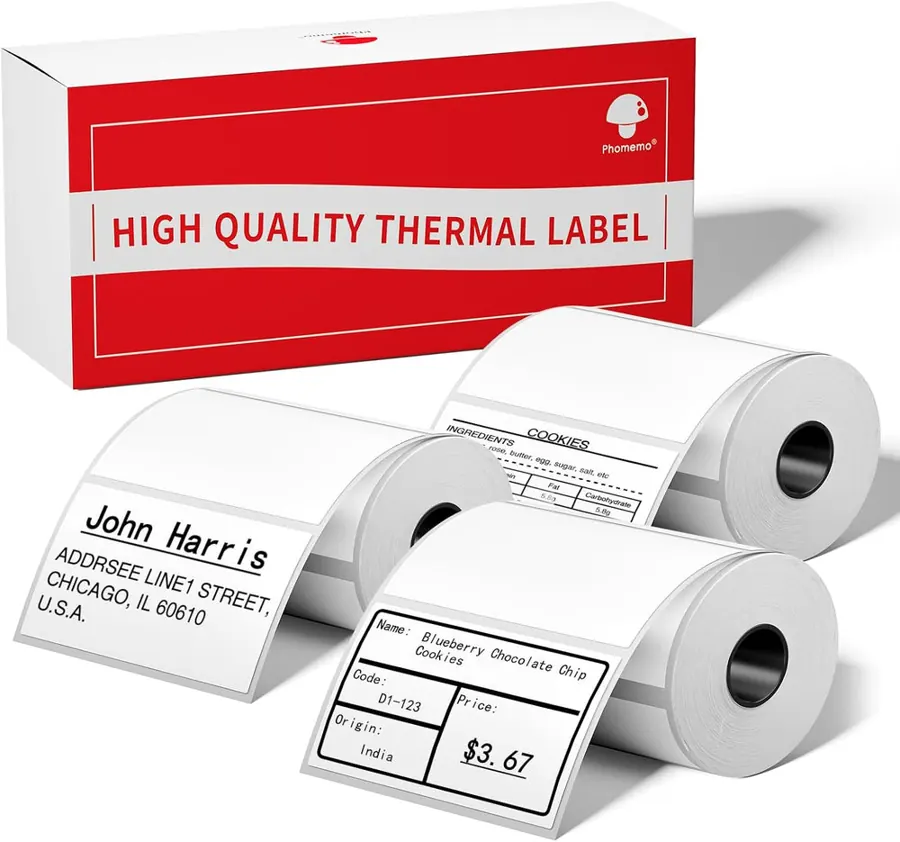
50×30 mm labels, 3 rolls
690 labels in exactly the Where’s My Drive 50×30 mm size. The default roll.
See labels →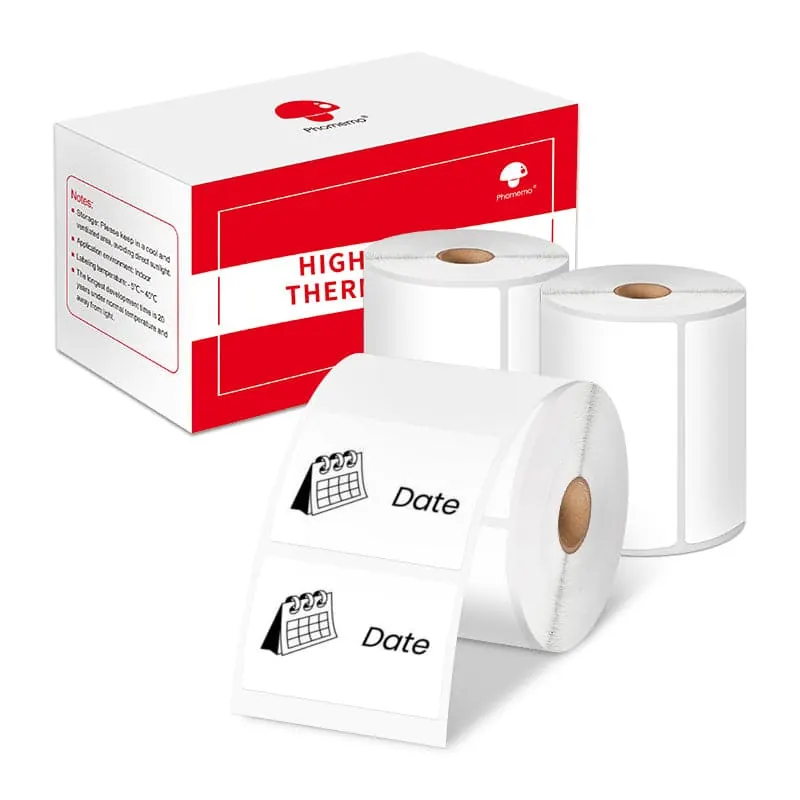
40×30 mm white labels, 3 rolls
Slightly smaller — right for pocket SSDs like the Samsung T7.
See labels →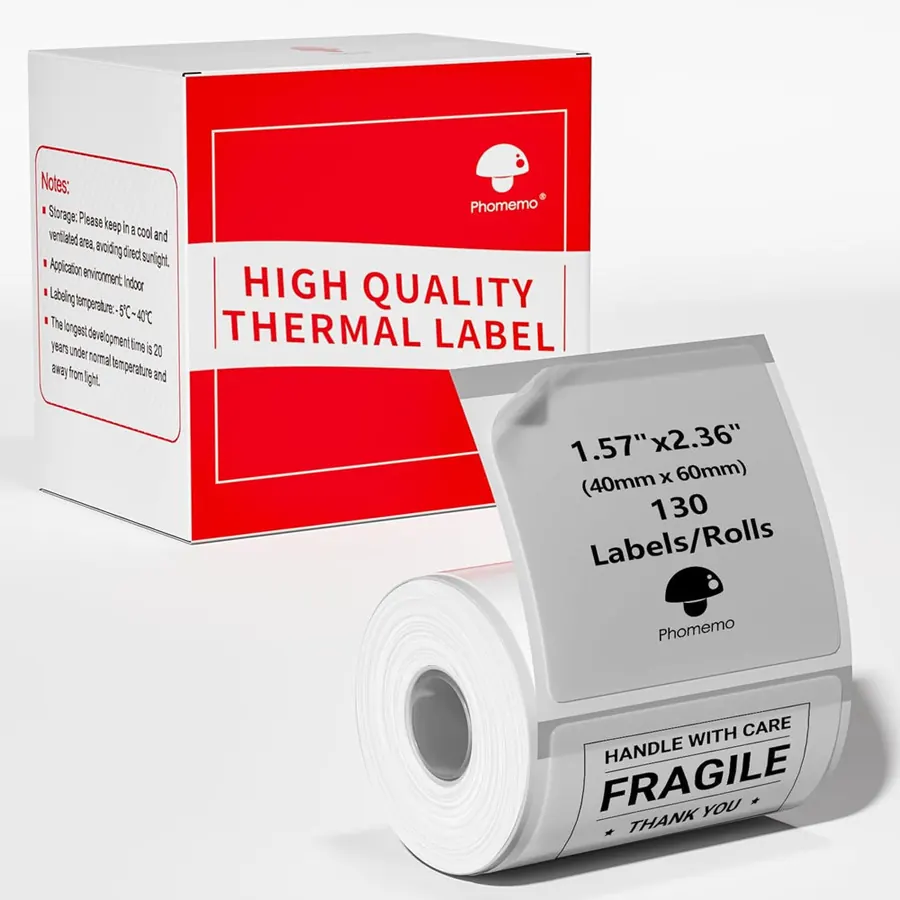
Clear labels 40×60 mm
Near-invisible on black drives. Keep a white patch behind the QR for reliable scans.
See labels →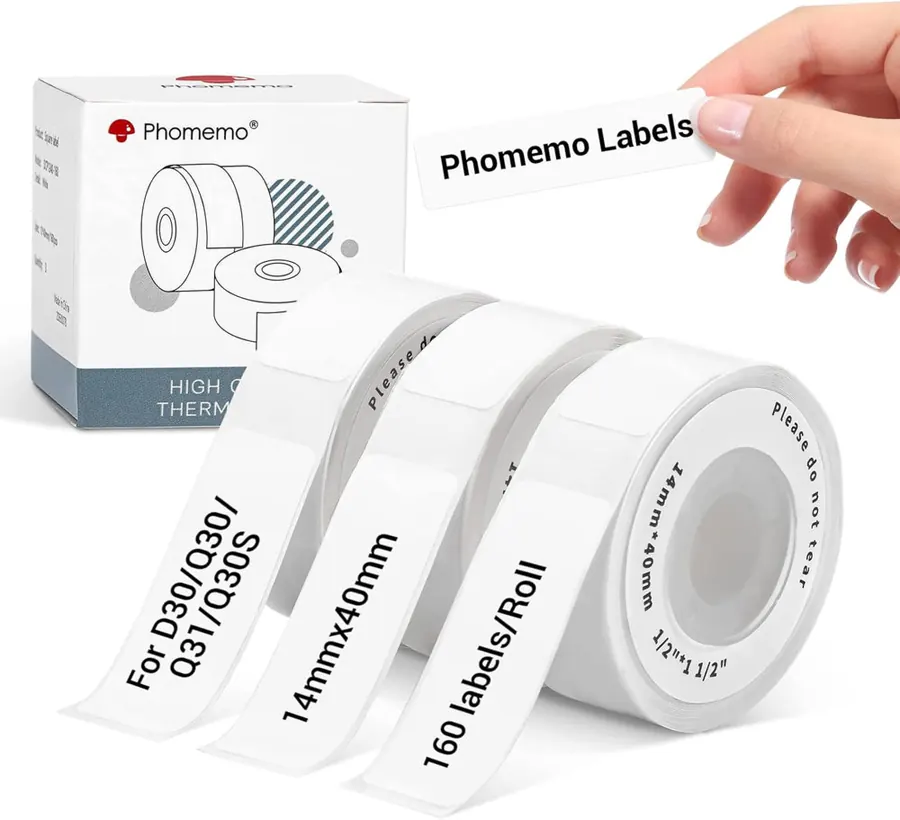
14×40 mm labels for D30
Narrow strips for names on the front edge of stacked drives.
See labels →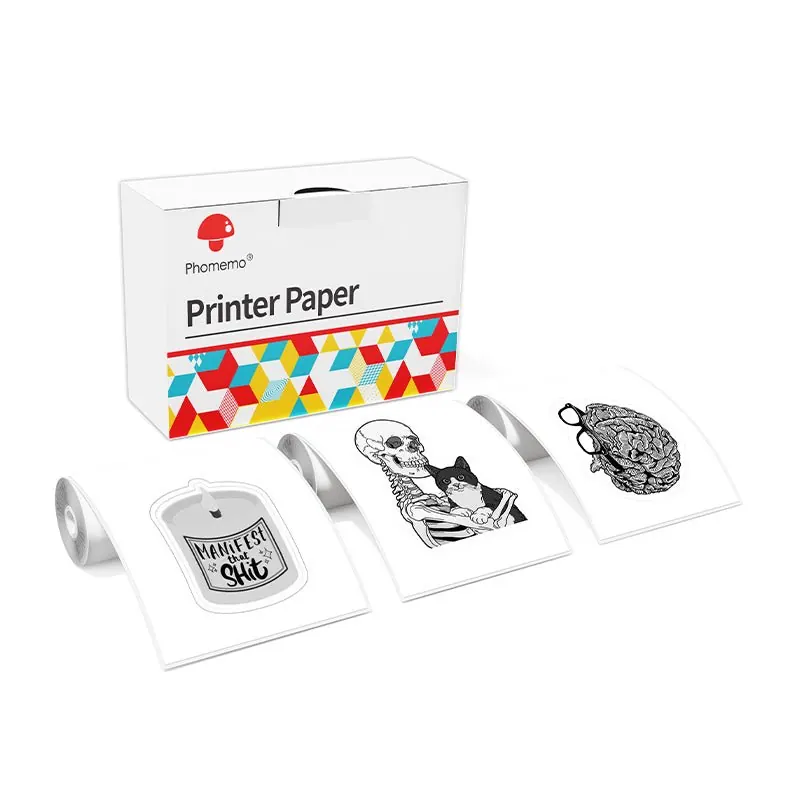
53 mm sticker paper, 10-year
Continuous sticker paper rated to last 10 years — cut to size for archive drives.
See labels →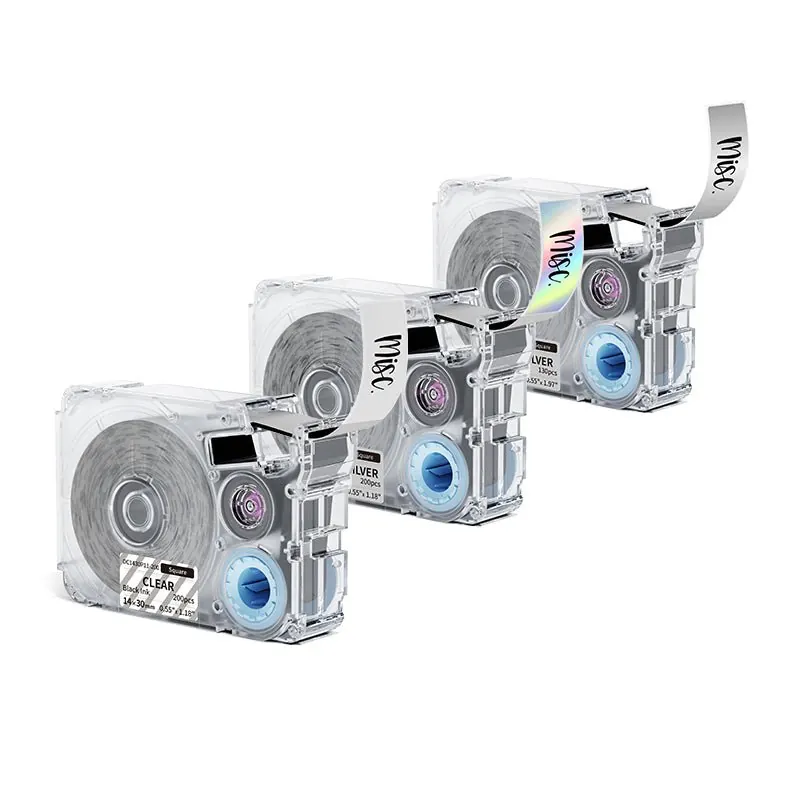
14 mm thermal-transfer tapes
Ribbon-printed tapes that resist water, sun and abrasion.
See labels →Phomemo sells 53 mm sticker paper rated for 10 and even 20 years — a nice option for archive drives if you use one of the mini printers.
How to print Where’s My Drive labels on a Phomemo
- Scan the drive in Where’s My Drive (Chrome or Edge).
- Open the drive → QR → choose 50×30 (or 50×50) and add an optional note.
- Click Download PNG (300 dpi, already sized).
- In the Phomemo app (“Print Master”), start a label of the same size, insert the PNG as an image and fit it to the edges.
- Print, stick it on the top face, scan it with your phone to check.
Phomemo or NIIMBOT?
Both make excellent pocket printers and both take 50×30 mm labels. We compare them head to head in NIIMBOT vs Phomemo; the short version is that NIIMBOT has the archive-grade ribbon printer (M2), while Phomemo has more choice in wide labels and 300 dpi mini printers.
Frequently asked questions
Which Phomemo is best for hard drive labels?
The Phomemo M110 for portable drives (50×30 mm labels), the M20 Pro if you want 300 dpi, and the M220 for wide labels on desktop drives and NAS boxes.
Can Phomemo printers print QR codes?
Yes — the Phomemo app creates QR codes and prints images, so you can also print a Where’s My Drive QR label as a PNG.
What size Phomemo labels fit an external drive?
50×30 mm fits almost any 2.5-inch portable drive; 40×30 mm suits pocket SSDs.