where's my
 What can be scanned
Where’s My Drive scans any folder Chrome or Edge can open with its folder picker: internal disks, external drives, RAID volumes and mounted network shares (SMB/AFP/NFS). Treat each share or volume as a “drive” in the catalog.
Tips for big shares
- Scan from a wired connection. Scanning over Wi-Fi works but is slow on shares with many files.
- Split huge shares into several catalog entries by top-level folder — faster rescans, clearer search results.
- Up to 400,000 file names per entry are indexed; past that, folders stay complete but only the first 400,000 file names are searchable.
Label the hardware too
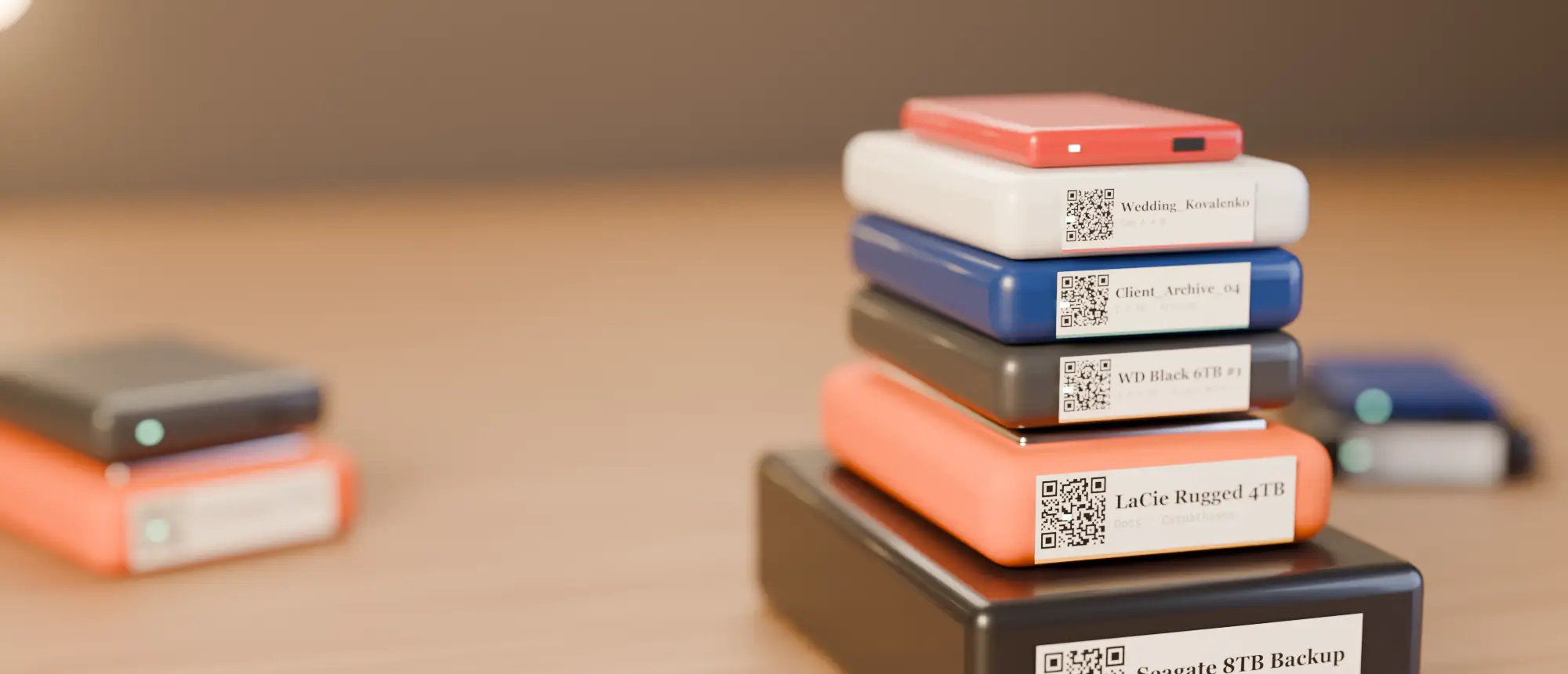
Put a wide QR label on the NAS or RAID box front — scanning it opens the catalog of its volumes. Label sizes for enclosures.
How to scan a network share
- Mount the share on your computer (Finder → Connect to Server on a Mac, Map Network Drive on Windows).
- In Where’s My Drive, add a new drive and name it after the share, e.g.
NAS-Projects. - Pick the mounted folder when asked and let the scan run — ideally over Ethernet.
- Label the NAS enclosure with its QR so anyone in the room can open the catalog.
Why catalog a NAS at all?
A NAS is online, so why index it? Because most searches start with “which of our places has this?” and the answer might be a portable drive, the NAS, or an archive disk in a cupboard. One catalog means one search instead of three places to check — and it still works from a phone when you are away from the network.
RAID boxes and multi-bay enclosures
Treat each volume the operating system mounts as one catalog entry. If a RAID box presents a single big volume, split it into entries by top-level folder when it holds more than a few hundred thousand files; rescans are quicker and results easier to read.
The scan only reads names and sizes — it never opens files — so it is safe to run on a production share, though it will add read traffic while it runs.
Catalog your first drive tonight
14-day free trial, no card. Scan a drive in Chrome or Edge, print its QR sticker, and find any file on it from your phone.
Frequently asked questions
Can I catalog a NAS?
Yes — mount the share on your computer and scan it in Chrome or Edge like any other folder.
Is there a file limit?
Up to 400,000 file names per drive entry are searchable. Split very large shares into several entries.