where's my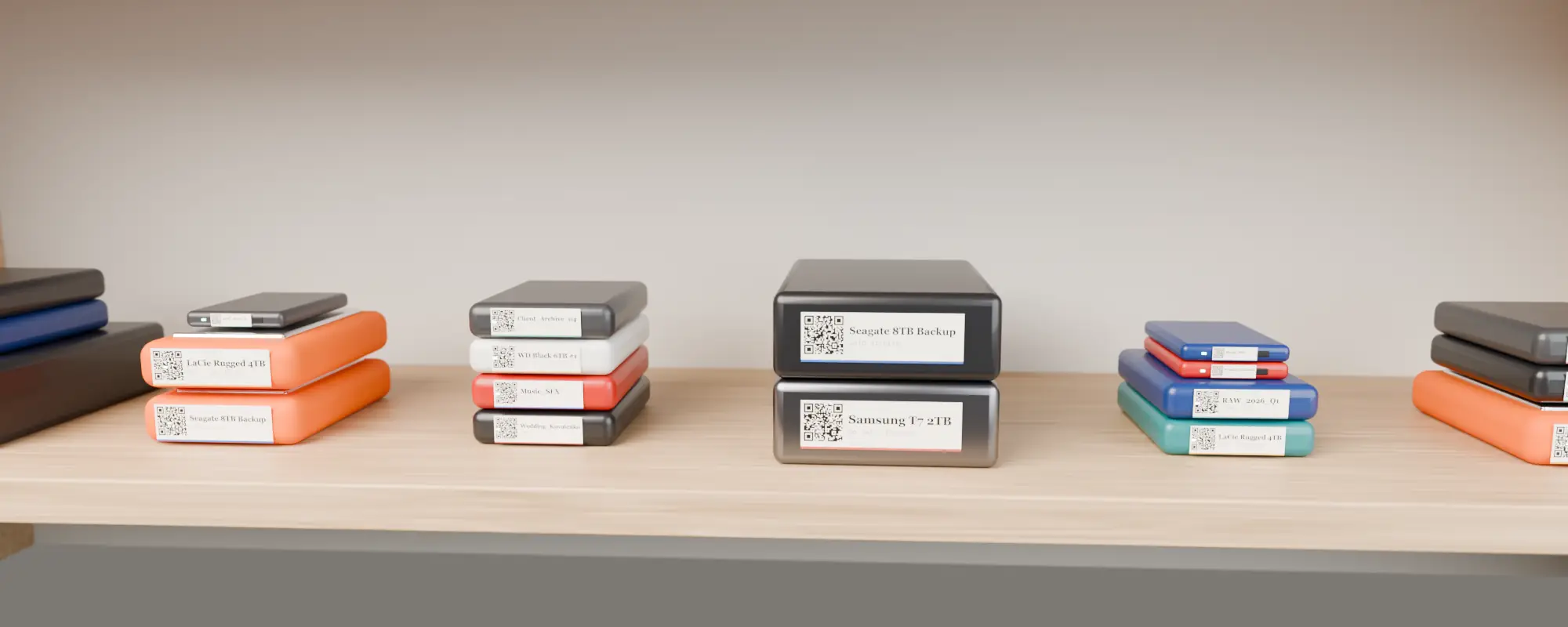
Heads-up: links to label printer stores on this page are affiliate links — we may earn a small commission at no extra cost to you.
Quick reference
| Drive type | Typical top face | Recommended label | Where to stick it |
|---|---|---|---|
| 2.5-inch portable HDD (WD, Seagate, Toshiba) | ~80×110 mm | 50×30 mm | Top face, centred |
| Rugged drive with bumper (LaCie Rugged) | ~65×100 mm panel | 50×30 mm | On the metal panel, not the rubber |
| Pocket SSD (Samsung T7, T9) | ~57×85 mm | 40×30 mm | Top face; logo side down |
| Stick SSD (SanDisk Extreme) | ~50×96 mm | 40×30 mm or 12×40 mm strip | Flat back |
| 3.5-inch desktop drive / enclosure | ~120×170 mm | 50×50 mm or 70×40 mm | Top face + a spine strip |
| NAS bay / RAID box | varies | 70×40 mm+ | Front, below the bays |
| Drive edge (stacked drives) | 12–25 mm tall | 12×40 mm strip | Front edge, text only or small QR |
The default: 50×30 mm
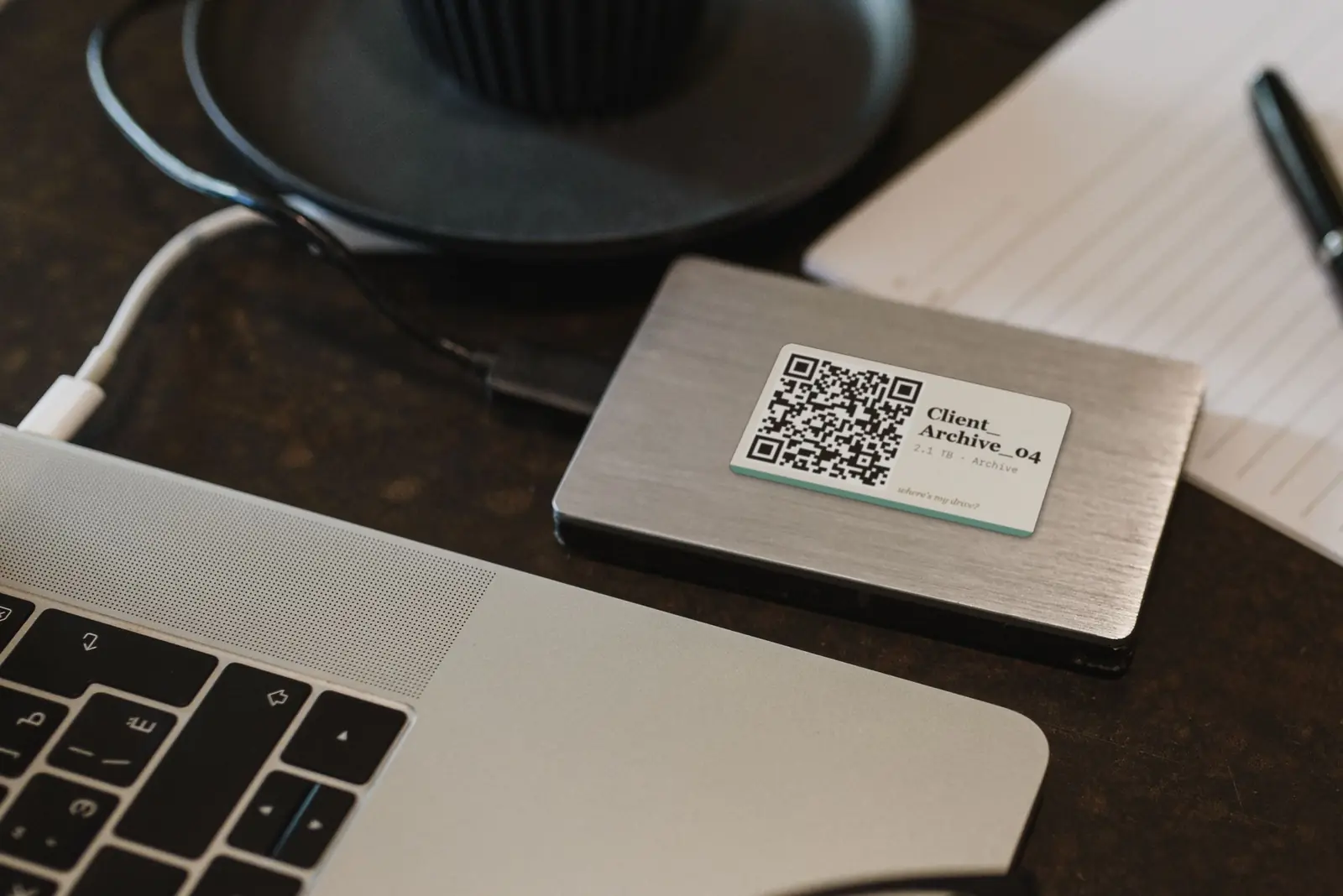
If you only buy one roll, buy 50×30 mm. It fits every 2.5-inch drive, it is the most common size for 2-inch label printers like the NIIMBOT B21 and B1, or the Phomemo M110, and it is the “rect” format Where’s My Drive exports: QR on the left, name and capacity on the right.
Small SSDs
Pocket SSDs are small and often ribbed or rubberised. Use 40×30 mm on the flattest face, or a 12×40 mm strip from a 300 dpi D11 if even that is too big. At 300 dpi an 11 mm QR still scans from a hand’s length.
Stacks and shelves
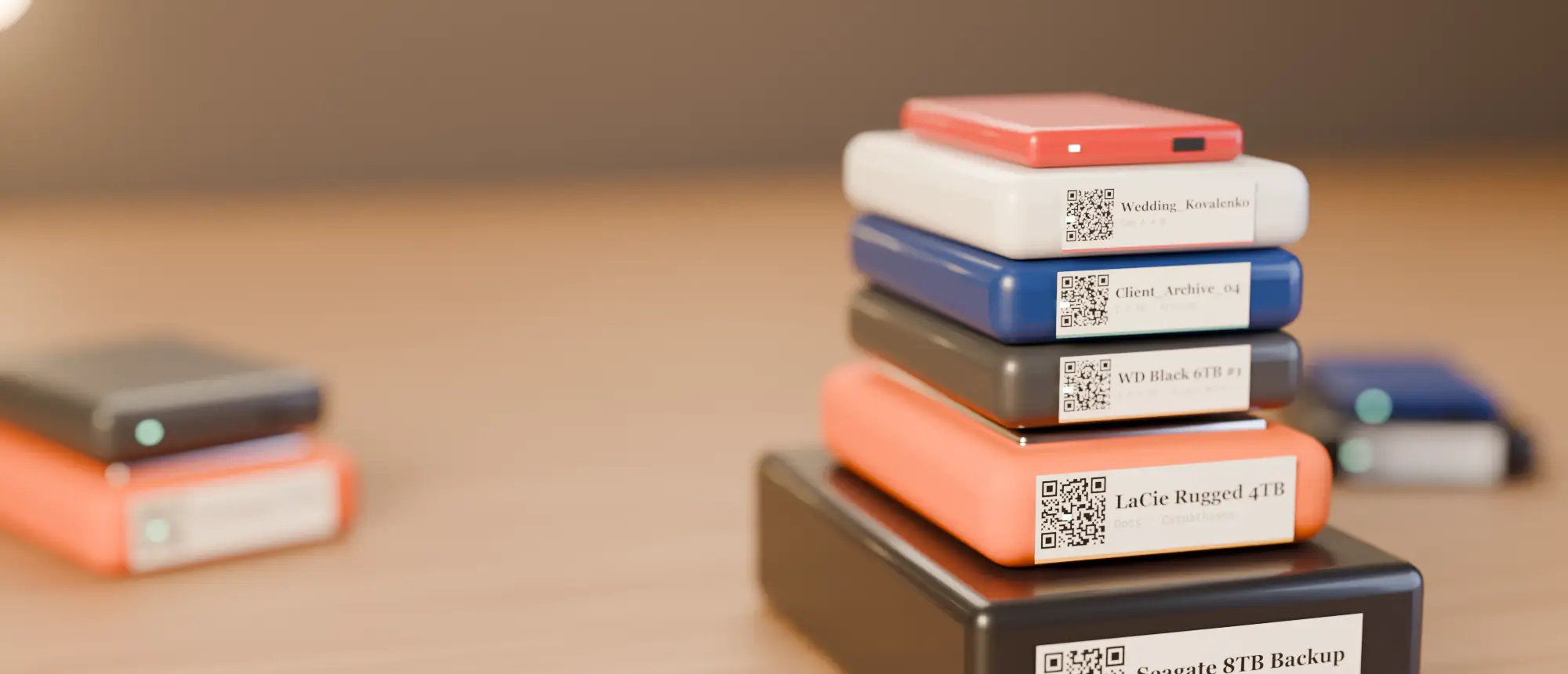
When drives live in stacks you see their front edges, not their tops. Put the QR on top and add a thin text strip on the front edge with the drive name — your eyes find the drive, your phone reads the top. Many studios colour-code the strip by client or year.
Avoid vents, rubber feet and curved edges. A label that lifts at one corner will eventually peel off and take the QR with it.
Catalog your first drive tonight
14-day free trial, no card. Scan a drive in Chrome or Edge, print its QR sticker, and find any file on it from your phone.
Paper or synthetic?
Paper thermal labels are fine for drives you handle often. For drives that go into storage, use synthetic (PET) thermal-transfer labels — they do not fade or peel with heat. See thermal vs thermal transfer.
Frequently asked questions
What size label fits a portable hard drive?
A 50×30 mm label fits almost any 2.5-inch portable drive with room to spare.
What size label for a Samsung T7?
40×30 mm on the top face, or a 12×40 mm strip if you prefer something discreet.
Should the label go on the top or the edge?
Both, if drives are stacked: QR code on top, a thin name strip on the front edge.