where's my
 What to record for every backup drive
- Which master it copies (e.g.
BKP-042↔RAW-042). - When it was last updated — i.e. last scanned.
- Where it lives: studio shelf, home, off-site.
- Its health: good, watch, problem.
Pair masters and backups
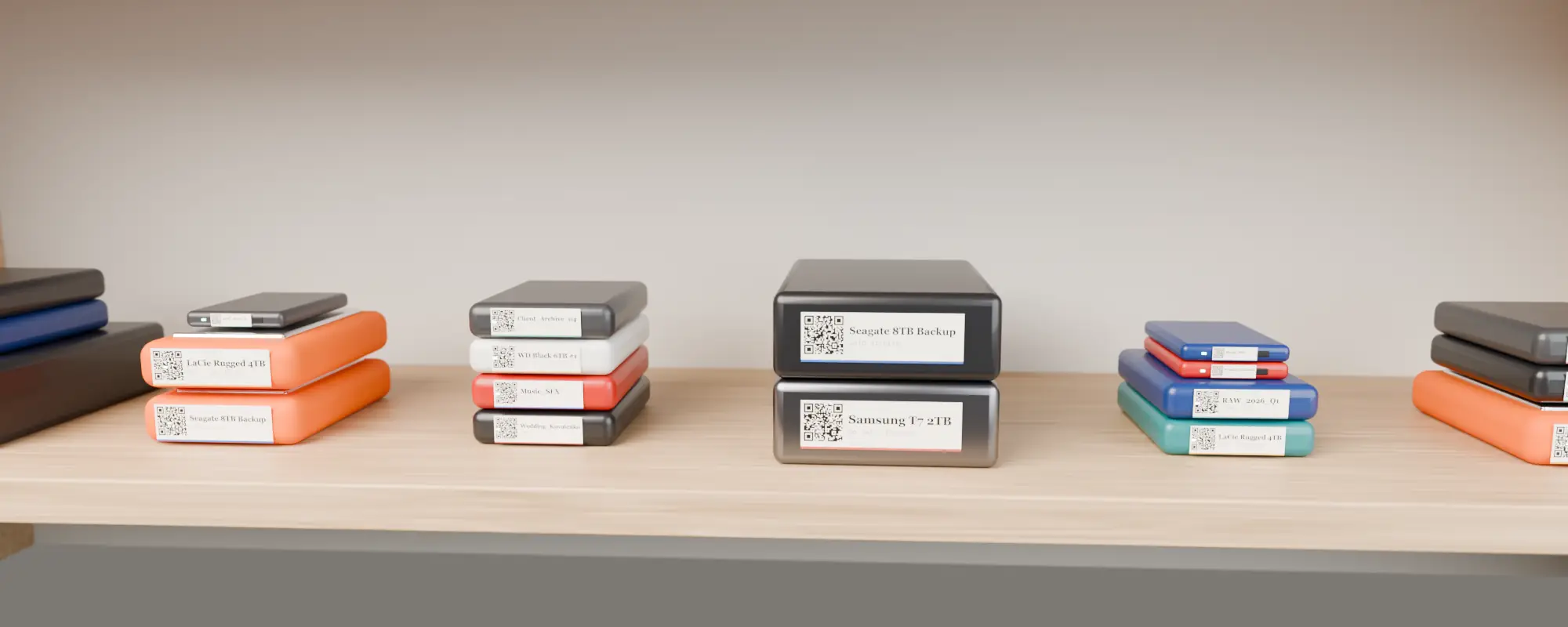
Name them as pairs (see naming conventions) and add a note on each pointing to the other. Search either ID and you find both.
Track drive health
Where’s My Drive lets you set a health status per drive — Good, Watch, Problem — with a comment like “SMART warnings, replace soon”. It shows on the drive for everyone who scans it.
Verify, don’t assume
Rescan backups after each backup run. If the backup’s file count or size is far from the master’s, you know before you need it.
Drives in cold storage? Use durable labels — direct thermal ones can fade. See thermal vs thermal transfer labels.
A simple 3-2-1 layout for a small studio
| Copy | Where | Named | Updated |
|---|---|---|---|
| Working drive | Edit suite | RAW-042 | Daily |
| Backup 1 | Studio shelf / NAS | BKP-042 | End of each day or milestone |
| Backup 2 (off-site) | Home / second office / cloud | OFF-042 | Weekly or at project end |
Catalog all three. When a drive fails, one search for 042 shows every copy, where it lives and when it was last updated.
When a drive starts failing
- Set its health to Problem with a note (“clicking on spin-up, SMART warnings”) so nobody grabs it for a new job.
- Search its ID to find the backups and check their last scan dates.
- Copy from the most recent backup to a new drive, scan the new drive, and give it the old drive’s ID in the note so the history carries over.
- Move the failed drive to Trash in the catalog (restorable if you need to look back).
Drives in cold storage should still be spun up and rescanned occasionally — a backup nobody has checked is only a hope.
Catalog your first drive tonight
14-day free trial, no card. Scan a drive in Chrome or Edge, print its QR sticker, and find any file on it from your phone.
Frequently asked questions
How do I keep track of backup hard drives?
Pair each backup with its master by name, catalog both, record location and health, and rescan after each backup run.