where's my
What a good drive catalog records
- Every folder and file name — not just top-level folders. The file you need is always three levels deep.
- Sizes — so you can see what fills the drive and what can be deleted.
- When it was last scanned — a catalog is only as good as its freshness.
- Human notes — “final grade is in /Edits”, “don’t touch RAW”.
- A physical link — a label on the drive that points to its catalog entry.
Step 1 — Take stock of the shelf
Pull every drive into one place. Give each one a working name if it has none — even “Blue WD 2” is better than nothing. Set aside drives that do not mount; note them separately.
Step 2 — Scan each drive
With Where’s My Drive, open the app in Chrome or Edge, add a drive, pick its root folder and let it scan. It reads folder and file names and sizes only — file contents never leave the drive — and indexes up to 400,000 file names per drive so search finds individual files, not just folders.
Step 3 — Label the drive
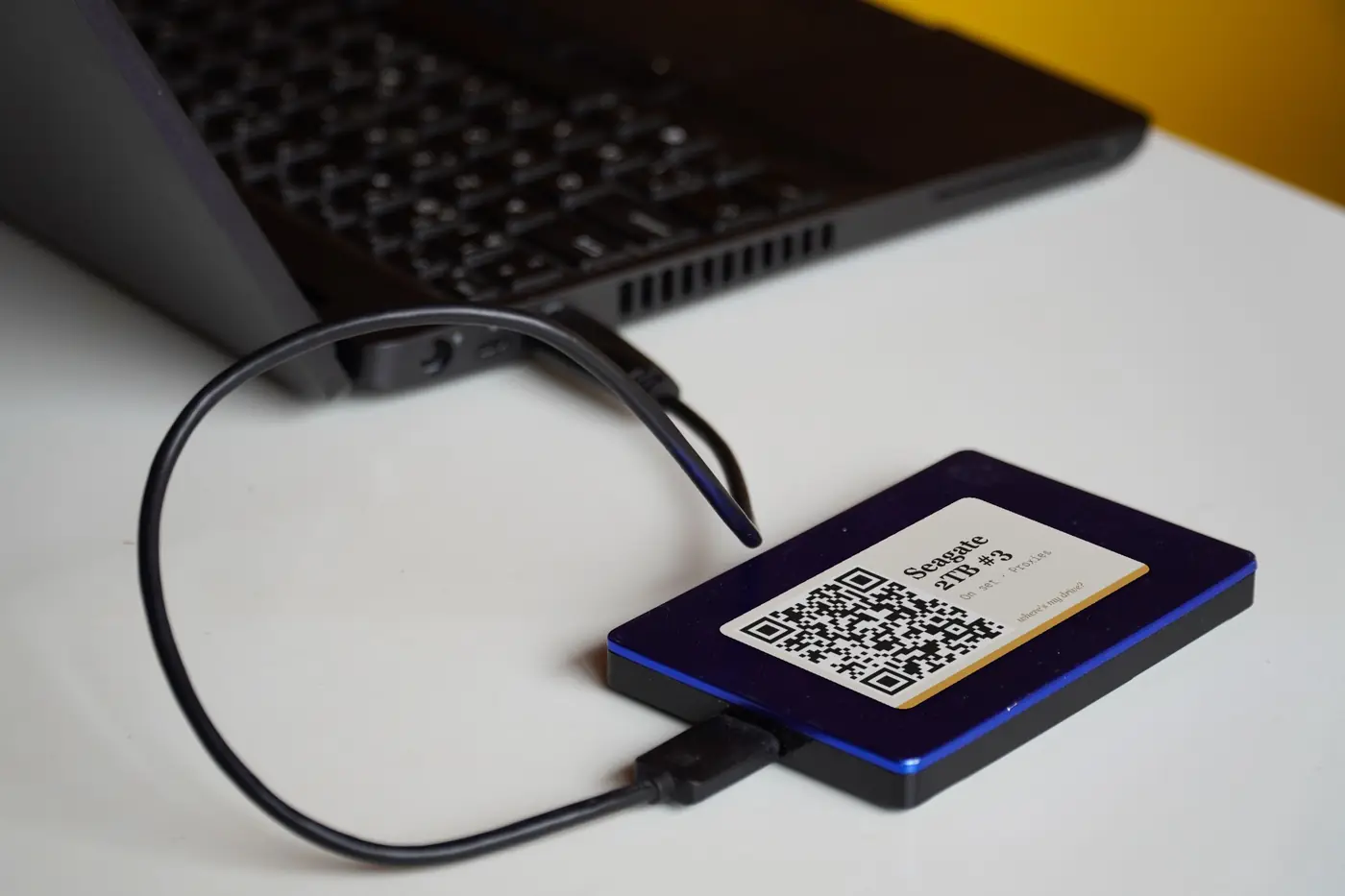
Print the drive’s QR sticker and put it on the top face. From now on the sticker is the drive’s identity: scan it with a phone and the catalog opens. No label printer yet? Print a whole shelf on A4. Want a proper one? See label printers for drives.
Step 4 — Add what the file names cannot say
Which folder holds the final export? Is the drive a backup of another one? Is it showing SMART warnings? Put it in a note or a health status — it is what future-you will actually need.
Step 5 — Make rescanning a habit
A catalog goes stale when the drive changes. Rescan whenever you finish a project or reorganise a drive; the QR sticker stays the same and the catalog updates.
Catalog your first drive tonight
14-day free trial, no card. Scan a drive in Chrome or Edge, print its QR sticker, and find any file on it from your phone.
How long it takes
Most of the time is the scan itself, which depends on file count and the drive’s speed: a portable SSD with a few thousand files takes seconds; a spinning 8 TB archive with hundreds of thousands of files can take several minutes. You can label and note the previous drive while the next one scans.
What about a spreadsheet?
A spreadsheet records what you typed, not what is on the drive — and nobody updates it. We compare the two in spreadsheet vs drive catalog.
Frequently asked questions
What is the easiest way to catalog external hard drives?
Scan each drive once with a catalog tool that records every file name, then put a QR label on the drive that opens its catalog. Where’s My Drive does both in the browser.
Does cataloging a drive upload my files?
Not with Where’s My Drive — only folder and file names and sizes are stored. File contents never leave the drive.
How often should I rescan a drive?
Whenever its contents change — typically at the end of a project or after a reorganisation.