Where’s My Drive
Heads-up: links to the NIIMBOT store on this page are affiliate links. If you buy through them we may earn a small commission, at no extra cost to you. We only recommend printers we would use for drive labels ourselves.
The quick picks
| If you need… | Buy |
|---|---|
| Best overall for 50 mm labels | NIIMBOT B21 |
| Best for labels that must last years | NIIMBOT M2 |
| Best budget | NIIMBOT B1 |
| Best for tiny labels and SSDs | NIIMBOT D11 (300 dpi) |
| Best for wide labels and boxes | NIIMBOT M3 |
| Best for big batches | NIIMBOT K3 |
The printers
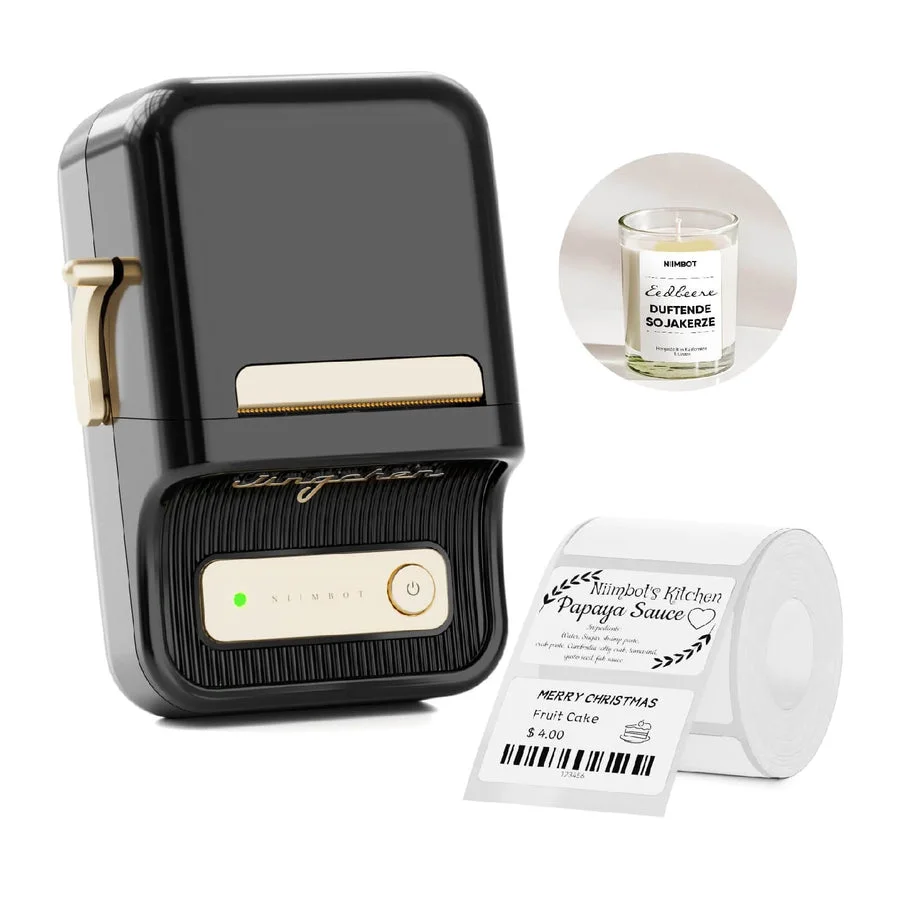
NIIMBOT B21
- Print: Direct thermal · 203 dpi
- Size: 20–50 mm labels
- Connect: Bluetooth + USB (PC driver)
The workhorse. Takes the same 50×30 mm rolls our QR labels are designed for, prints from phone or computer.
See on NIIMBOT →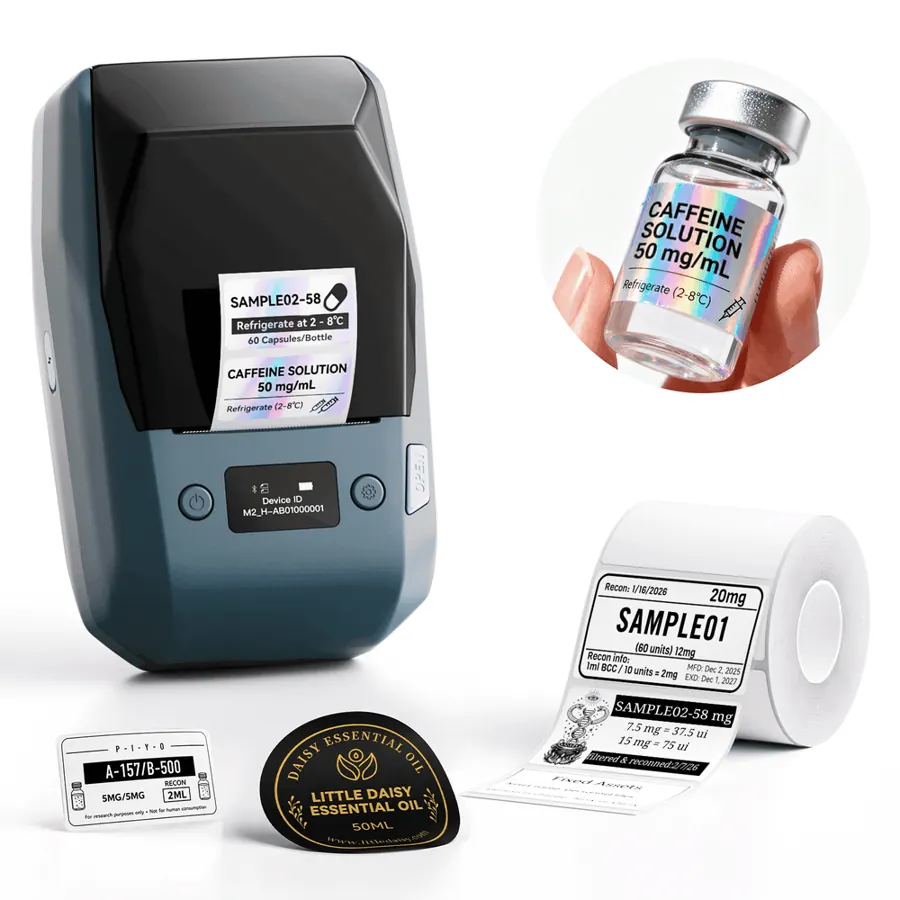
NIIMBOT M2
- Print: Thermal transfer (ribbon) · 300 dpi
- Size: 20–50 mm labels
- Connect: Bluetooth + PC
Prints with a ribbon onto PET labels rated for 8–10 years — the one to buy for drives that sit on a shelf for years.
See on NIIMBOT →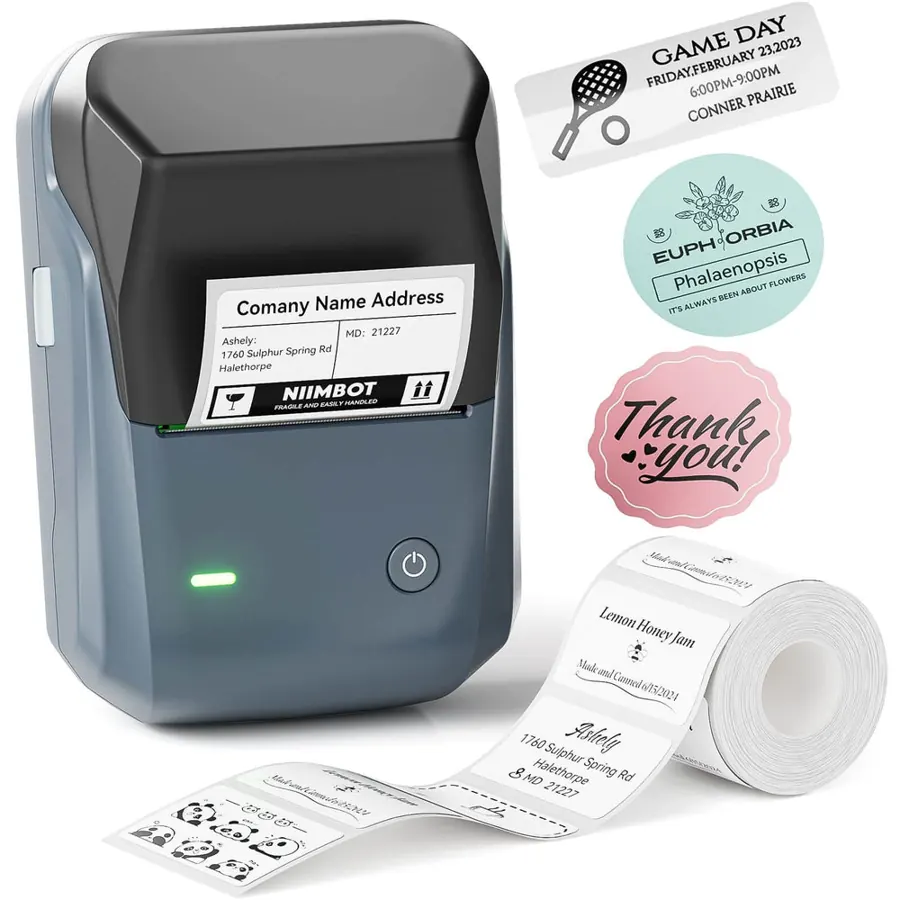
NIIMBOT B1
- Print: Direct thermal · 203 dpi
- Size: 20–50 mm labels
- Connect: Bluetooth + USB
The cheapest way into 50 mm labels. Auto-detects the roll, so there is nothing to configure.
See on NIIMBOT →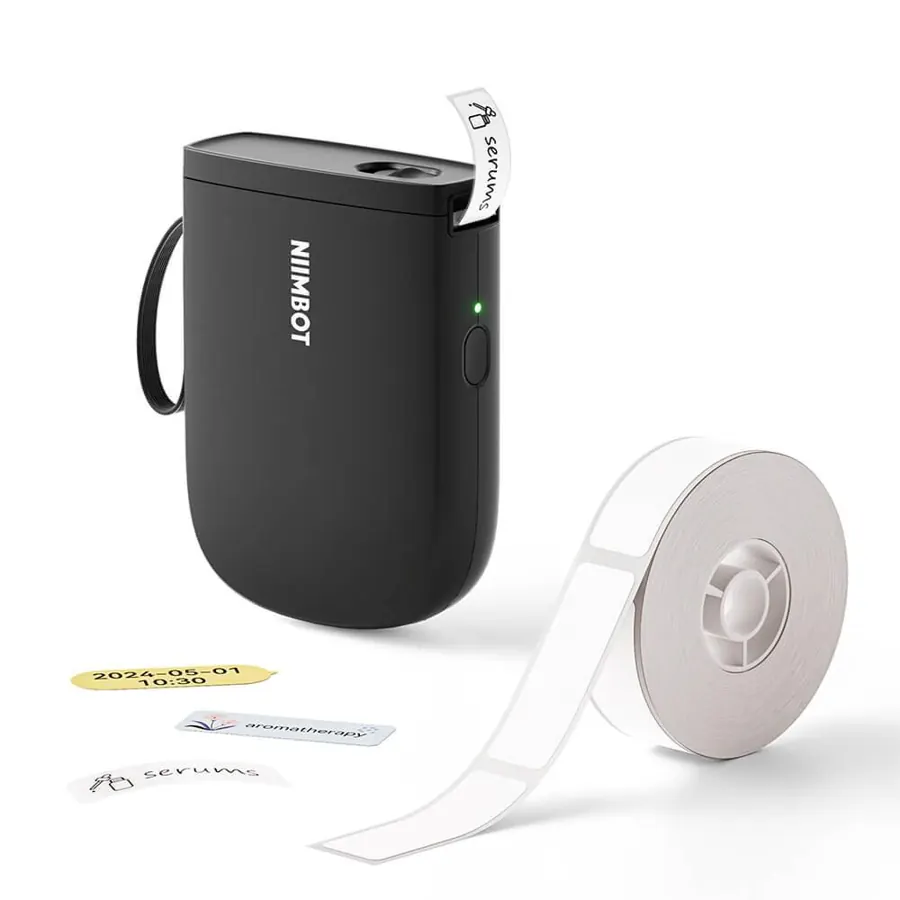
NIIMBOT D11 (300 dpi)
- Print: Direct thermal · 300 dpi
- Size: 12–15 mm tape
- Connect: Phone only (Bluetooth)
Pocket printer for narrow strips. At 300 dpi a 12 mm QR still scans — good for SSDs and the thin edge of a drive.
See on NIIMBOT →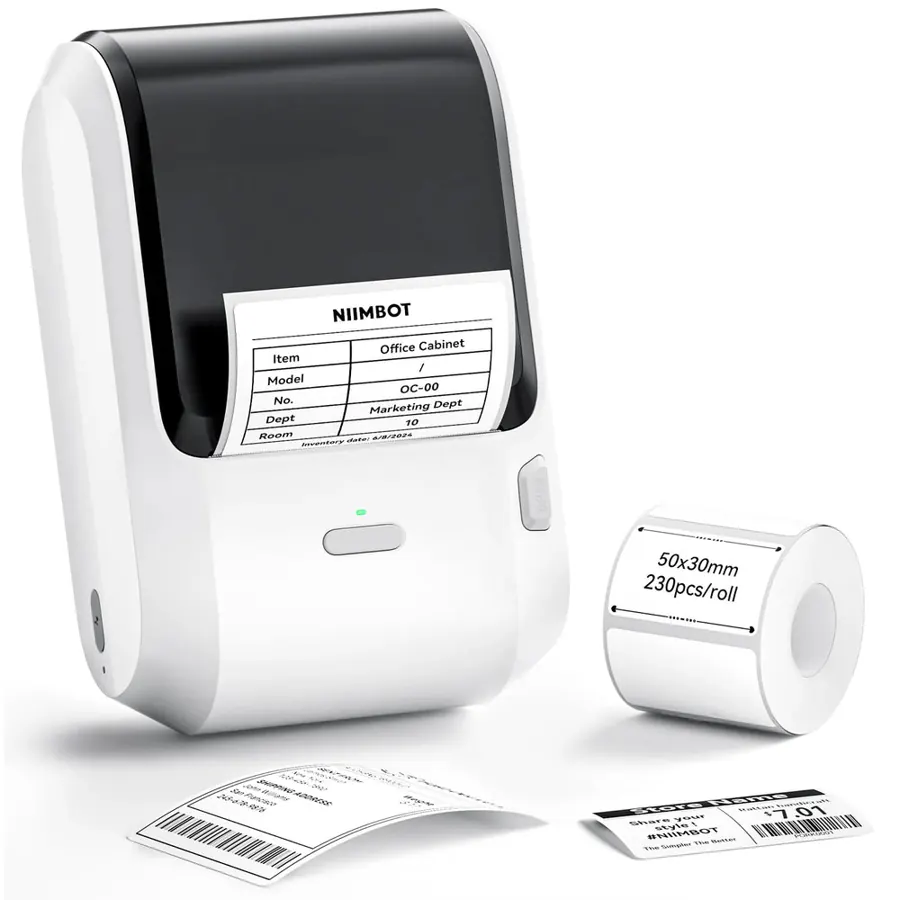
NIIMBOT M3
- Print: Thermal transfer · 300 dpi
- Size: 20–78 mm labels
- Connect: Bluetooth + USB
The M2’s bigger sibling. Worth it if you also label desktop drives, NAS boxes or tape cases with wider labels.
See on NIIMBOT →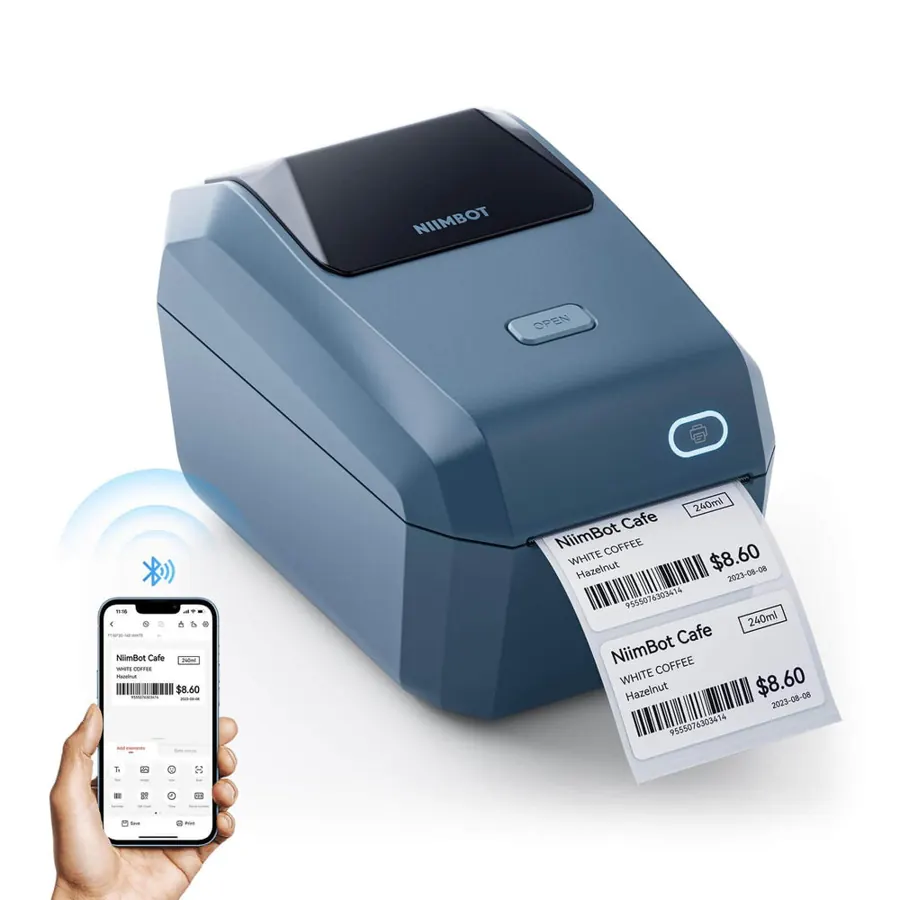
NIIMBOT K3
- Print: Direct thermal · up to 180 mm/s
- Size: 22–80 mm labels
- Connect: Bluetooth + USB (Windows)
Desktop speed: hundreds of labels a minute from a roll or fanfold stack. The pick for labelling a whole archive in one go.
See on NIIMBOT →Three questions that decide it
- How wide are your labels? Up to 15 mm → D-series. Up to 50 mm → B21, B1 or M2. Up to 78–80 mm → M3 or K3.
- Must the labels last for years? Yes → a ribbon (thermal-transfer) printer: M2 or M3. No → direct thermal is cheaper.
- How many at once? A few a week → any portable model. Hundreds in one go → the desktop K3.
Comparing two specific models? See NIIMBOT M2 vs M3 and B1 Pro vs B2 Pro.
Detailed comparisons: NIIMBOT M2 vs M3 · B1 Pro vs B2 Pro · NIIMBOT vs Phomemo.
Label your first drive tonight
14-day free trial, no card. Connect a drive once, print its QR label, and scan it from any phone to see every file — even when the drive is unplugged.
Frequently asked questions
Which NIIMBOT printer is best?
For most people the B21: 20–50 mm labels, phone and computer printing. Choose the M2 if labels must last for years, the B1 on a budget, the D11 for tiny labels and the K3 for big batches.
Which NIIMBOT printer is best for durable labels?
The M2 (or the wider M3). They print with a ribbon onto PET labels that do not fade like direct-thermal labels.
Which NIIMBOT printer is best for small labels?
The D11 at 300 dpi — a 12 mm QR code still scans.