where's my
Why Spotlight and Windows Search cannot do this
Desktop search indexes live on the computer and describe connected volumes. Unplug a drive and its entries vanish or become unreachable — and a teammate’s computer never had them in the first place.
The fix: an offline index
Scan each drive once and store its file list in a catalog. When you search, you search the catalog — the drives can be on the shelf, in a bag, or at a client’s office. Where’s My Drive keeps that catalog online for your whole team, so the same search works from any laptop or phone.
What you can search
- File names —
A001_C004.R3D,invoice_2023.pdf - Folder names — client, project, date
- Drive names — the name you gave each drive
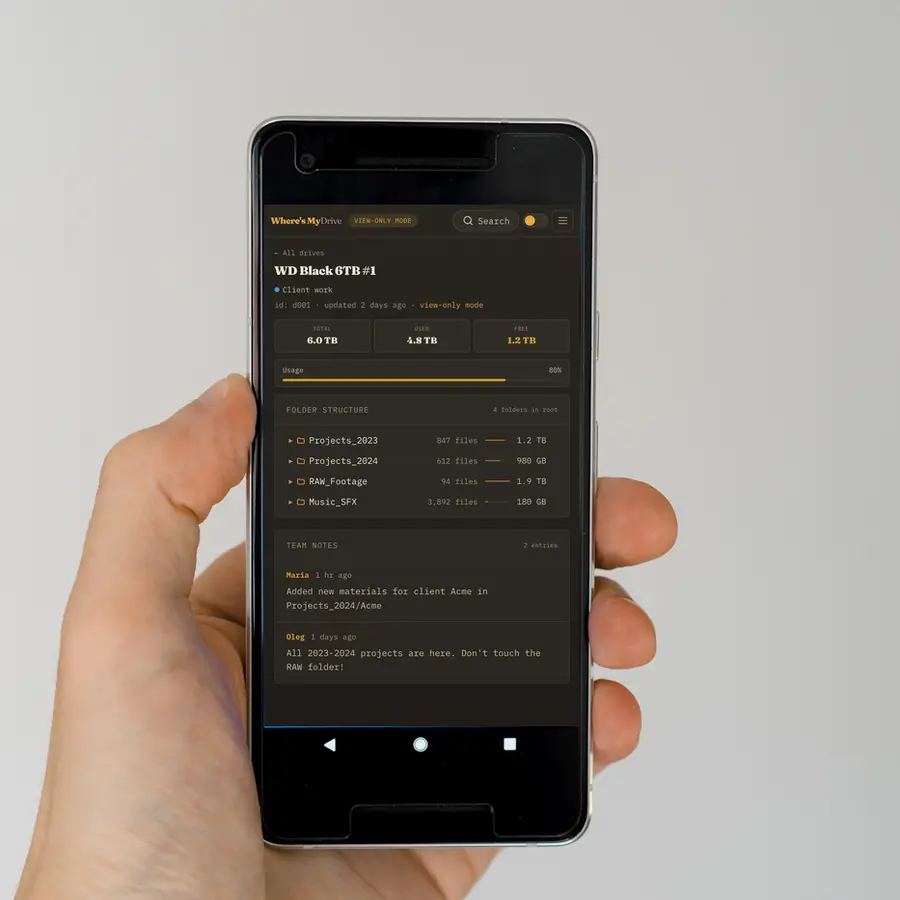
Results show the drive, the full path and the size, and one click opens the folder in that drive’s tree with the file highlighted.
Search tips that save time
- Search the camera clip name (e.g.
A001_C004) to find the original and every proxy of it across drives. - Search an extension like
.drpor.prprojto find every project file. - Search a client name to see every drive that ever held their work.
How big can the index get?
Where’s My Drive indexes up to 400,000 file names per drive and compresses the catalog before storing it, so even large archives stay quick to search. Folder structure is always complete; on truly enormous drives only the first 400,000 file names are searchable, which is why splitting huge volumes by top-level folder helps.
From result to drive in your hand
- Search the name — the result shows the drive, path and size.
- Click it to open the drive’s folder tree at that spot.
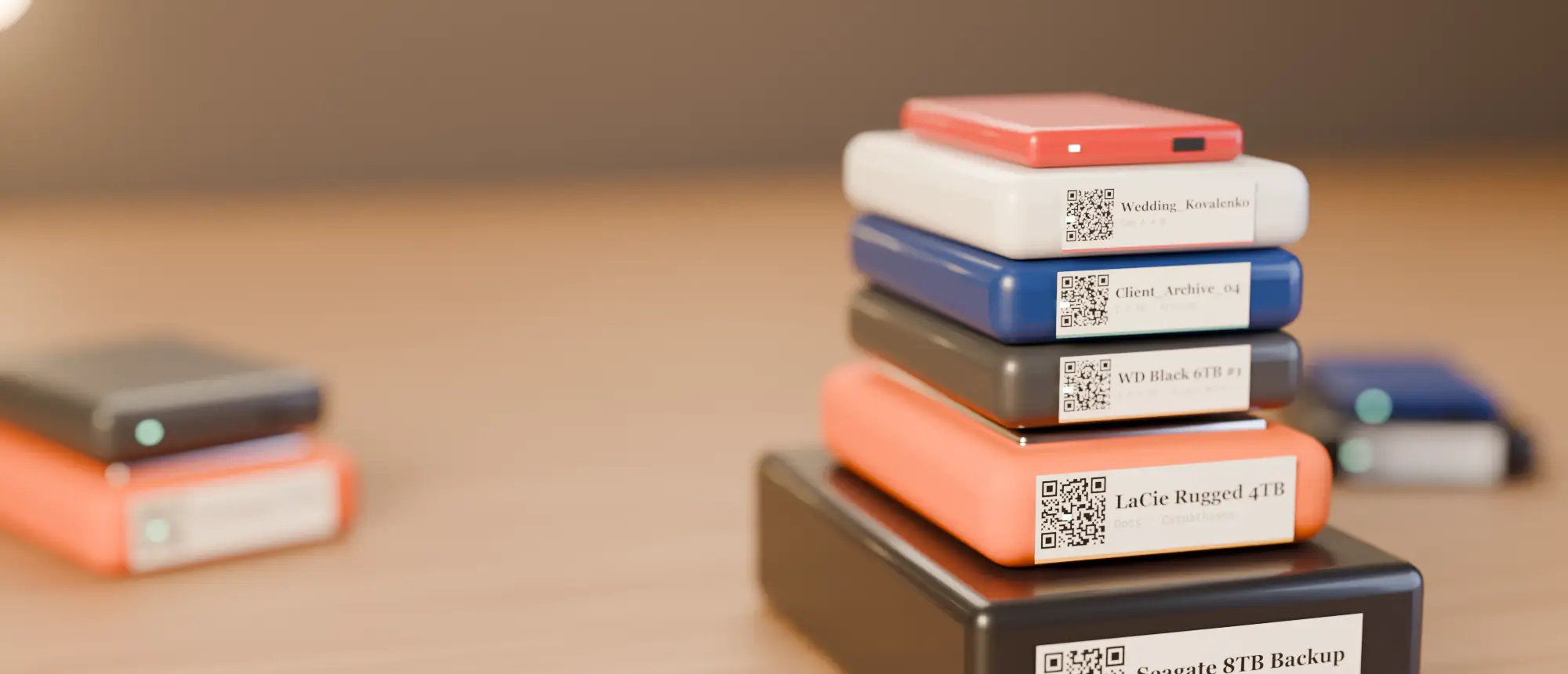
- Find the drive on the shelf by its label and colour; scan its QR to confirm you have the right one.
Try it on a demo shelf
The live demo has three drives already scanned — search “R3D” or “invoice” and see which drive holds what.
Keeping results trustworthy
Every drive shows when it was last scanned. If a drive has been reorganised since, rescan it — the QR sticker and notes stay put.
Frequently asked questions
Can I search a hard drive without plugging it in?
Yes, if its file list was cataloged beforehand. Where’s My Drive scans each drive once and lets you search every file name afterwards without connecting it.
Does it search inside documents?
No — it searches folder and file names. File contents are never read or uploaded.