where's my
 Heads-up: links to label printer stores on this page are affiliate links — we may earn a small commission at no extra cost to you.
One search per couple
Name each wedding folder with the date and couple — 2024-06-08_Kovalenko — and every drive that ever held it shows up in one search: Cam A, Cam B, audio, the edit, the delivery.
Season workflow
- After each wedding: offload, scan the drive, note the delivery date.
- After delivery: set the drive to archive, keep the backup paired.
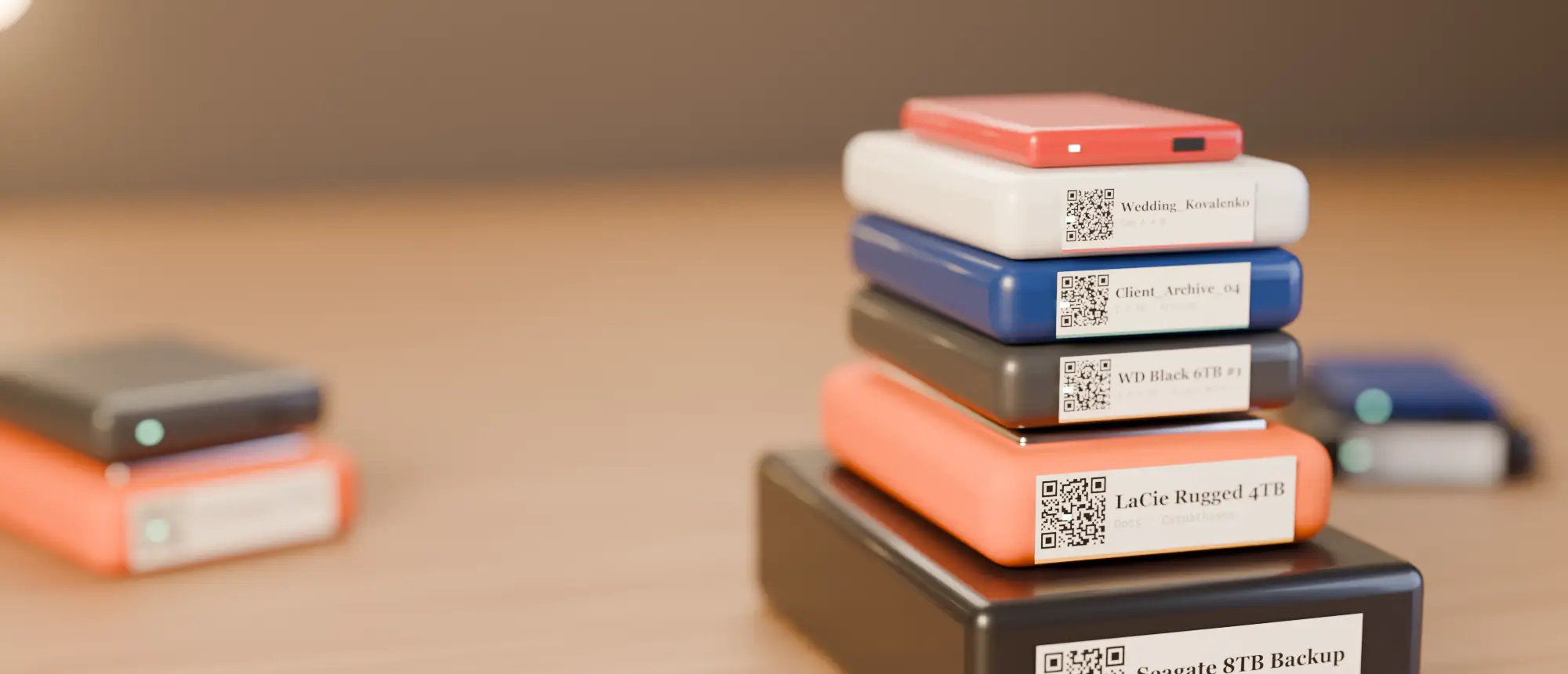
- End of season: print labels for the whole season in one A4 sheet.
Tell couples how long you keep footage
Whatever your policy — one year, five years — a catalog makes it easy to honour. Add a note with the retention date on each archive drive.
Labels for drives that live in a cupboard
Seasons of archive drives sit for years. Durable ribbon-printed labels from a NIIMBOT M2 will not fade — more in thermal vs thermal transfer.
A per-wedding checklist
- Folder named
YYYY-MM-DD_CoupleNameon every drive that holds the wedding. - Cam A, Cam B, drone and audio in their own subfolders.
- Delivery date and retention date in a note on the archive drive.
- Backup drive scanned and paired by name.
Handling second shooters
Second shooters hand over cards or drives on the night. Scan their drive before you wipe anything; the catalog becomes the receipt of what you received, and search shows which shooter’s footage is where.
End-of-season clean-up
At the end of the season, search each couple’s folder name to confirm every wedding exists on at least two drives. Anything with only one copy gets backed up before the drives go on the shelf — and the whole season gets labels printed in one go.
Catalog your first drive tonight
14-day free trial, no card. Scan a drive in Chrome or Edge, print its QR sticker, and find any file on it from your phone.
Frequently asked questions
How long should wedding videographers keep raw footage?
It is your policy to set — many keep it one to five years. Note the retention date on each archive drive so it is easy to honour.