 where's my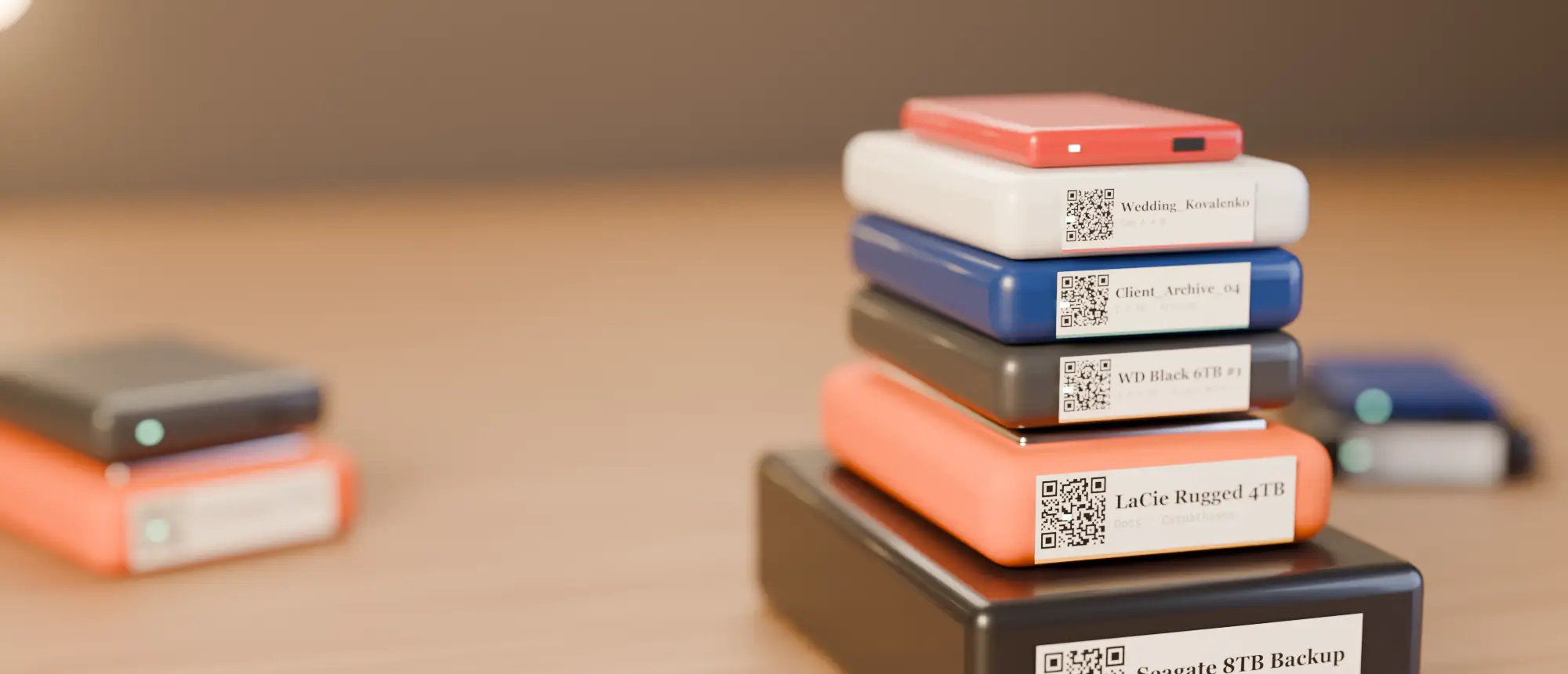
Heads-up: links to the NIIMBOT store on this page are affiliate links. If you buy through them we may earn a small commission, at no extra cost to you. We only recommend printers we would use for drive labels ourselves.
The short answer
For most people labelling portable hard drives, the NIIMBOT B21 is the one: it prints the same 50×30 mm labels our QR stickers are designed for, works from a phone or a computer, and its paper is cheap and everywhere. If your drives are going into long-term storage, pay a bit more for the NIIMBOT M2 — it prints with a ribbon onto PET labels that are rated to last 8–10 years instead of fading. For tiny SSDs, the 300 dpi NIIMBOT D11 (300 dpi) prints QR codes small enough to fit and sharp enough to scan.
Every NIIMBOT printer at a glance
NIIMBOT makes three families that matter for drive labels: the B-series (20–50 mm labels, the sweet spot), the D-series (narrow 12–15 mm strips) and the M-series (ribbon-printed, archive-grade labels). The K3 and B3S are 3-inch business printers; the B4 is for shipping labels.
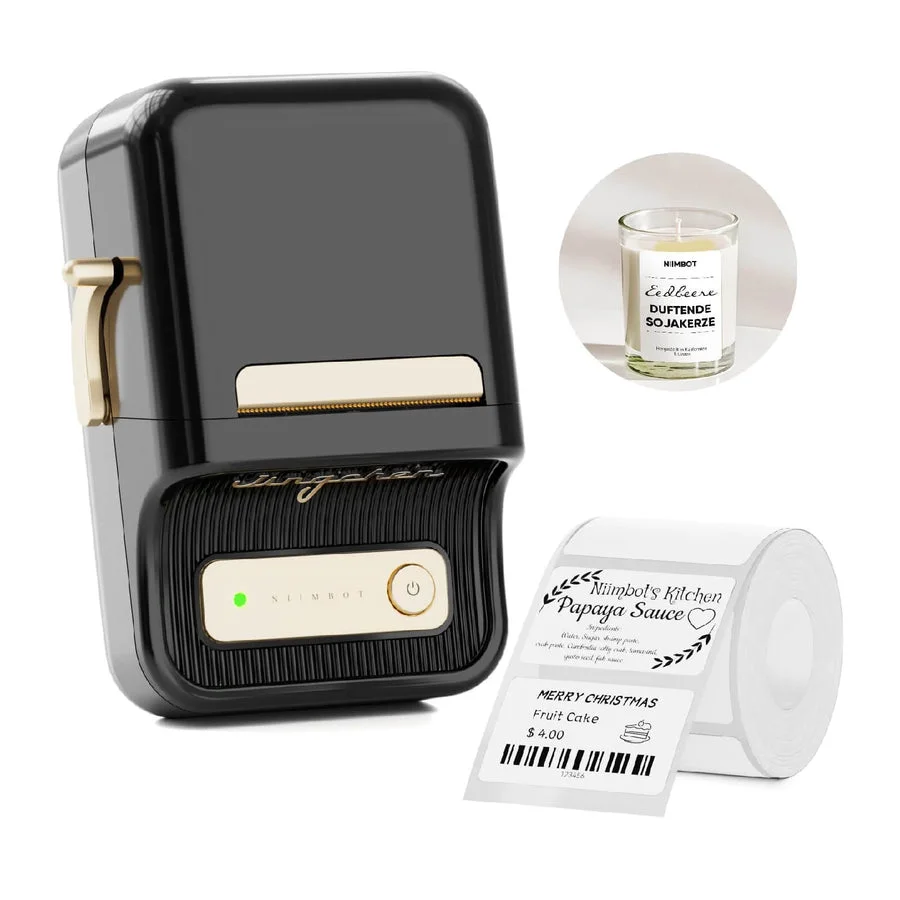
NIIMBOT B21
- Print: Direct thermal · 203 dpi
- Size: 20–50 mm labels
- Connect: Bluetooth + USB (PC driver)
The workhorse. Takes the same 50×30 mm rolls our QR labels are designed for, prints from phone or computer.
See on NIIMBOT →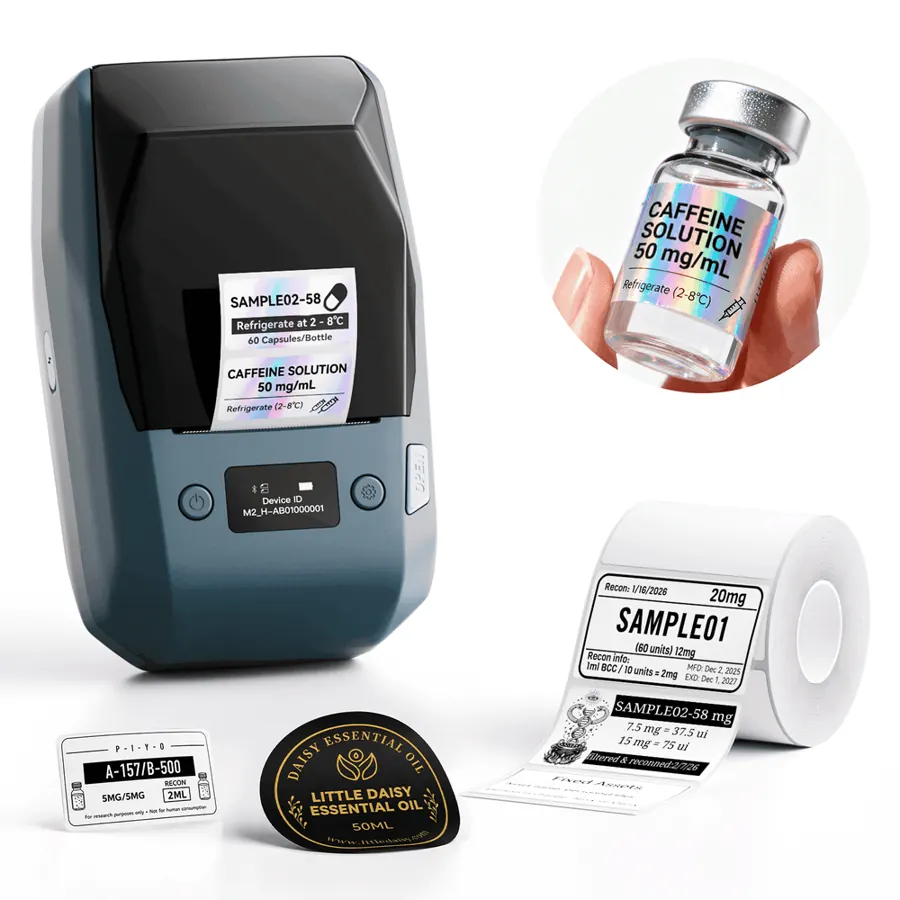
NIIMBOT M2
- Print: Thermal transfer (ribbon) · 300 dpi
- Size: 20–50 mm labels
- Connect: Bluetooth + PC
Prints with a ribbon onto PET labels rated for 8–10 years — the one to buy for drives that sit on a shelf for years.
See on NIIMBOT →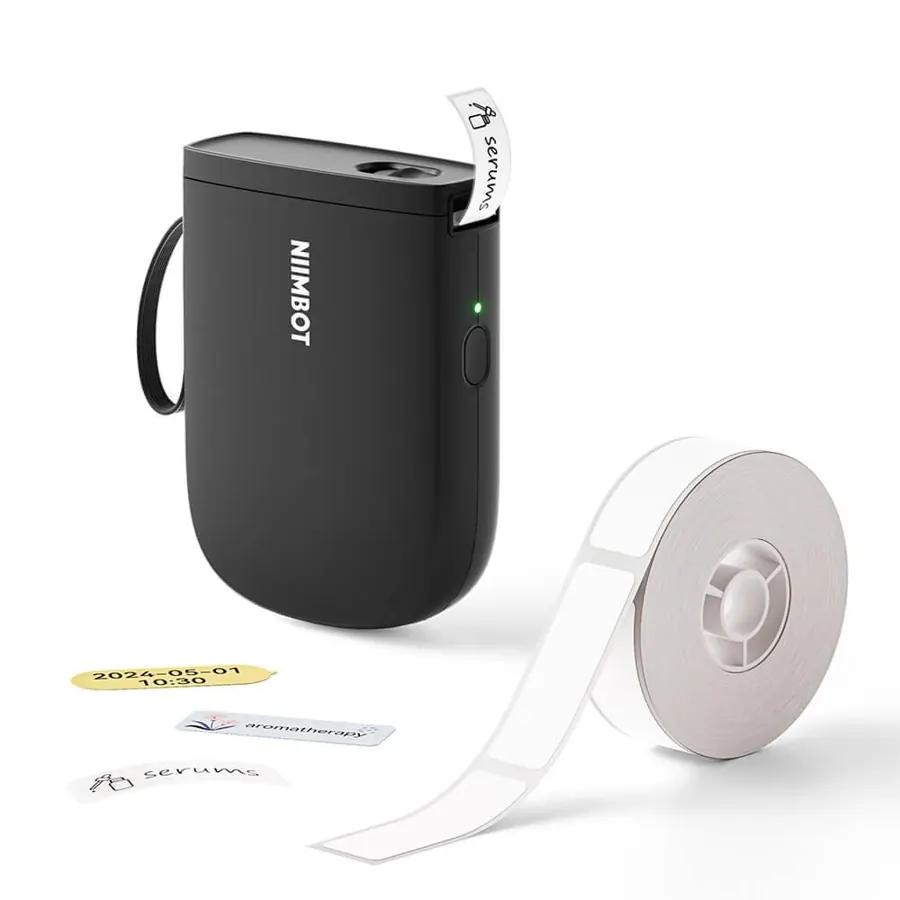
NIIMBOT D11 (300 dpi)
- Print: Direct thermal · 300 dpi
- Size: 12–15 mm tape
- Connect: Phone only (Bluetooth)
Pocket printer for narrow strips. At 300 dpi a 12 mm QR still scans — good for SSDs and the thin edge of a drive.
See on NIIMBOT →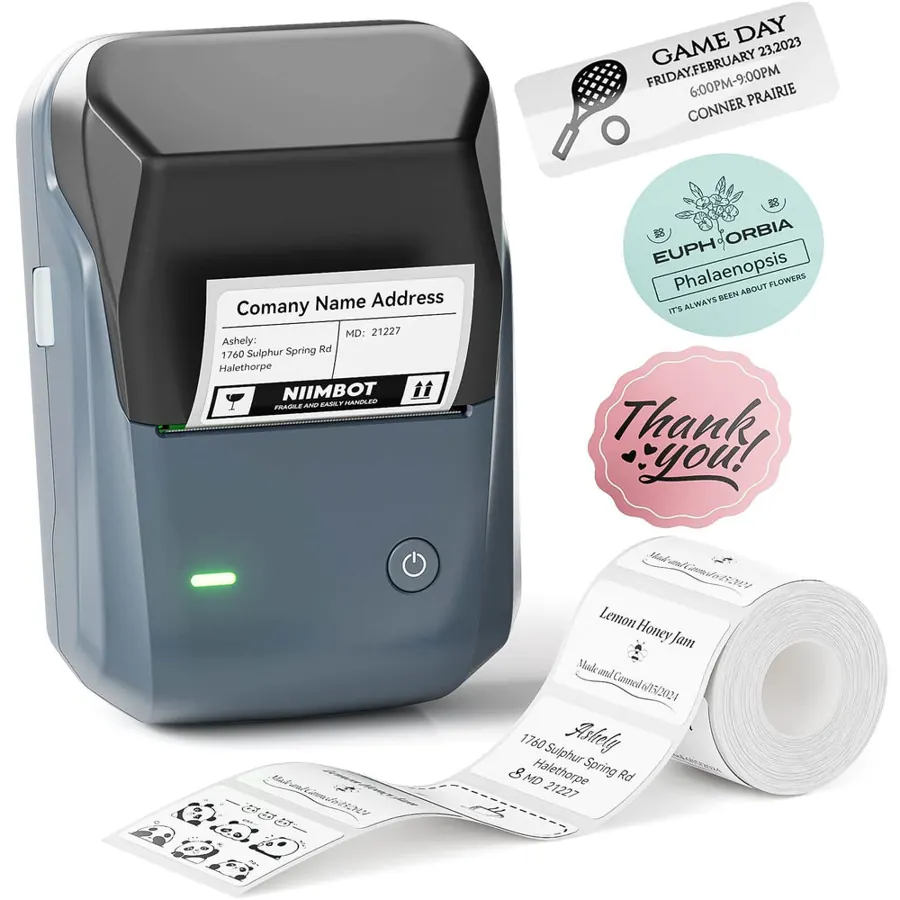
NIIMBOT B1
- Print: Direct thermal · 203 dpi
- Size: 20–50 mm labels
- Connect: Bluetooth + USB
The cheapest way into 50 mm labels. Auto-detects the roll, so there is nothing to configure.
See on NIIMBOT →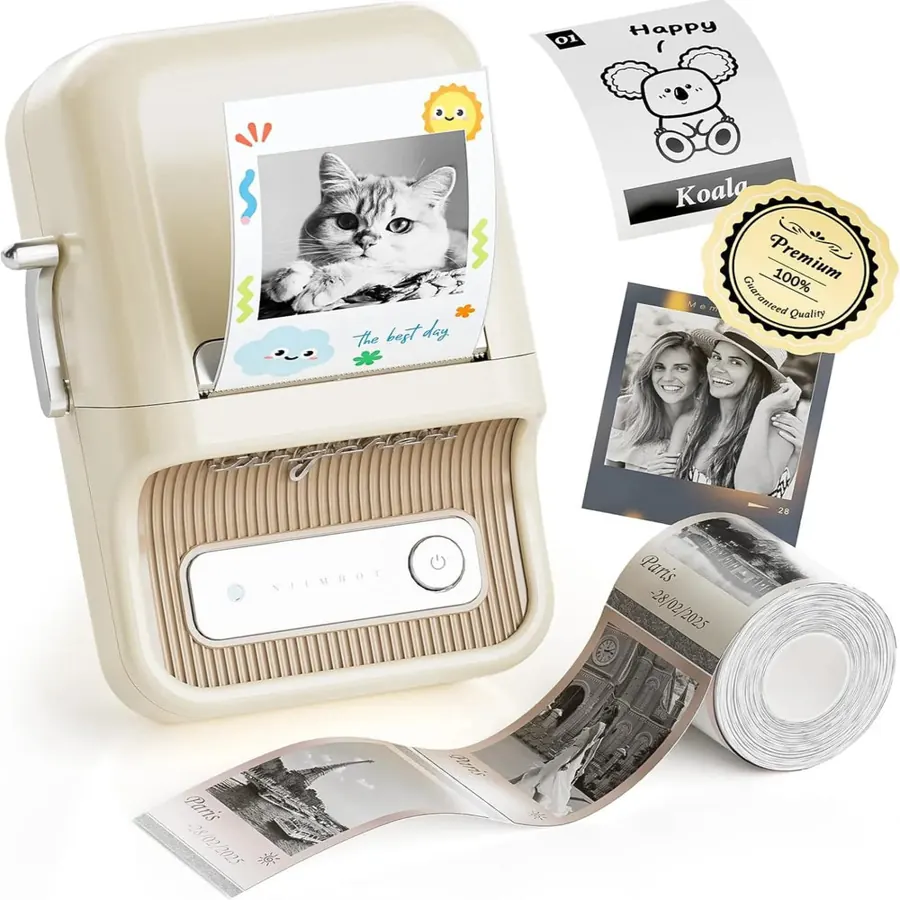
NIIMBOT B21 Pro
- Print: Direct thermal · 300 dpi
- Size: 20–50 mm labels
- Connect: Bluetooth + USB (PC driver)
Same size as the B21 with a 300 dpi head — crisper small QR codes and text on tiny SSD labels.
See on NIIMBOT →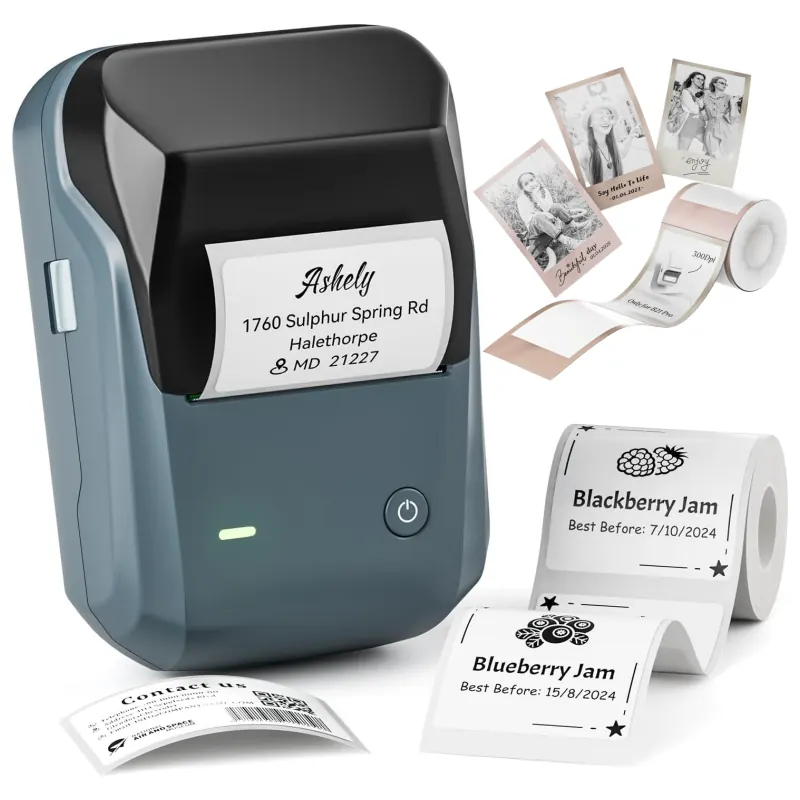
NIIMBOT B1 Pro
- Print: Direct thermal · 300 dpi
- Size: 20–50 mm labels
- Connect: Bluetooth + USB
Adds two-colour (red + black) printing on special paper — handy to flag “cold archive” drives in red.
See on NIIMBOT →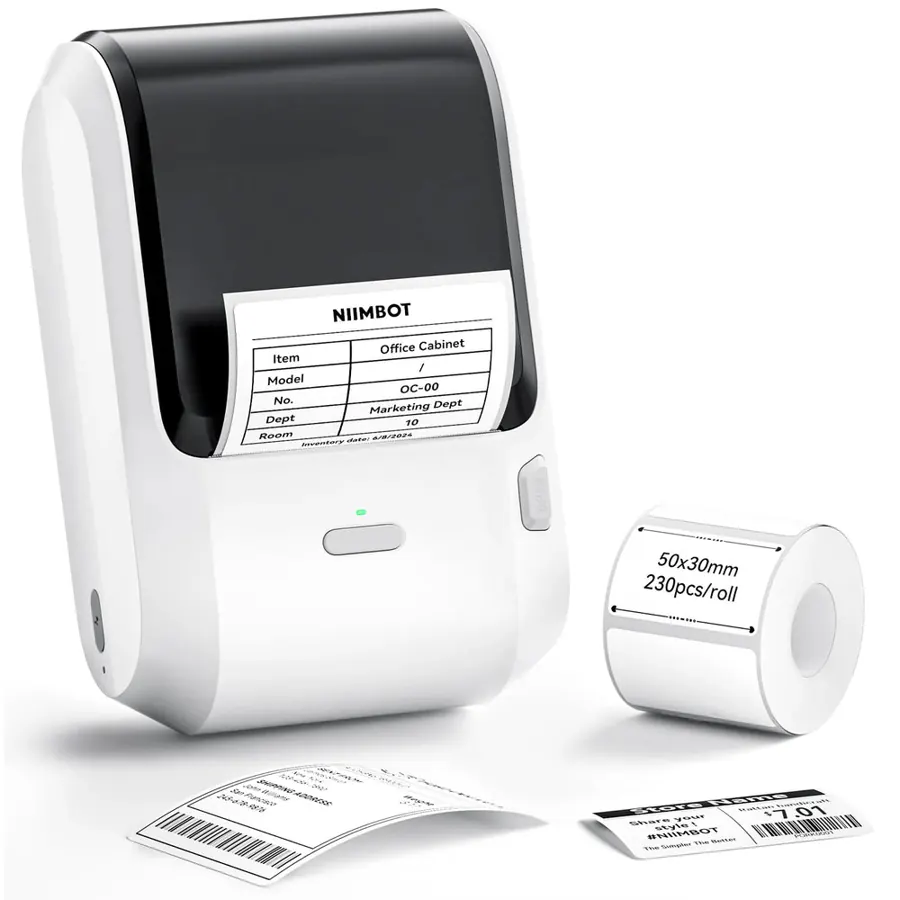
NIIMBOT M3
- Print: Thermal transfer · 300 dpi
- Size: 20–78 mm labels
- Connect: Bluetooth + USB
The M2’s bigger sibling. Worth it if you also label desktop drives, NAS boxes or tape cases with wider labels.
See on NIIMBOT →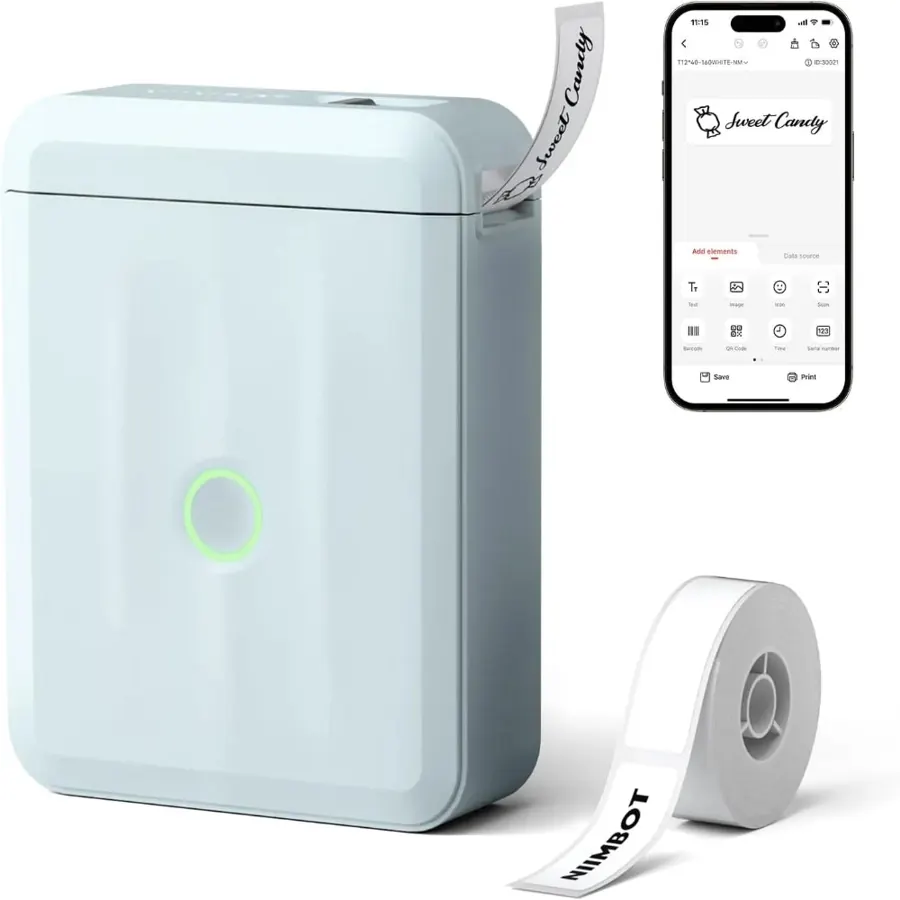
NIIMBOT D110
- Print: Direct thermal · 203 dpi
- Size: up to 15 mm tape
- Connect: Phone only (Bluetooth)
146 g and cheap. Great for text labels on drive edges and cables; for QR codes prefer the 300 dpi D11.
See on NIIMBOT →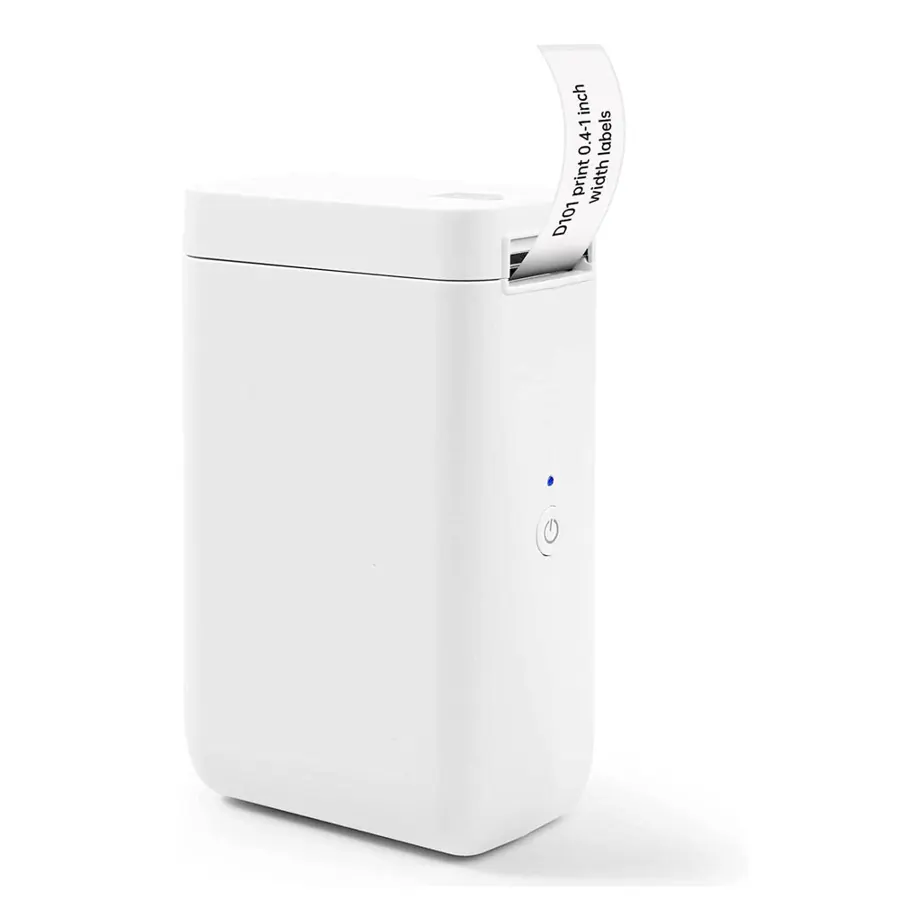
NIIMBOT D101
- Print: Direct thermal
- Size: 10–25 mm tape
- Connect: Phone / tablet (Bluetooth)
Takes both D11 strips and wider 25 mm tape, so one printer covers edges and small tops.
See on NIIMBOT →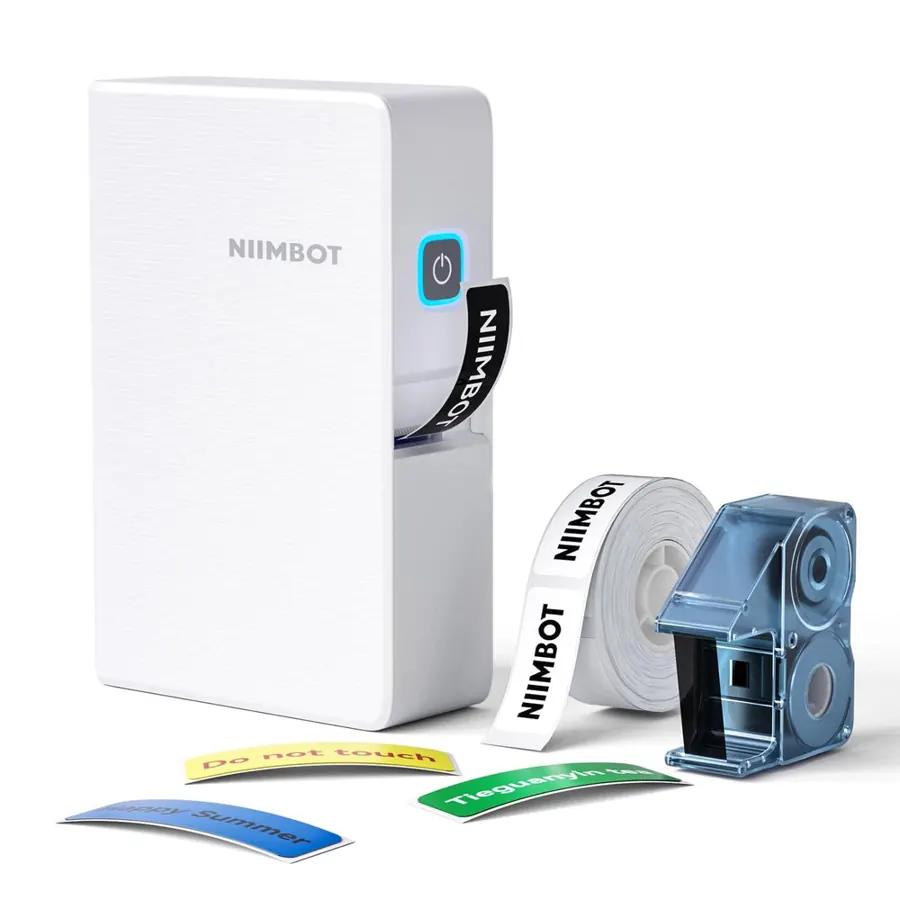
NIIMBOT N1
- Print: Thermal transfer (ribbon) · 203 dpi
- Size: narrow tape (~12–15 mm)
- Connect: Phone (Bluetooth)
Ribbon-printed narrow labels that shrug off heat, water and scratches — ideal for cable tags and drive edges.
See on NIIMBOT →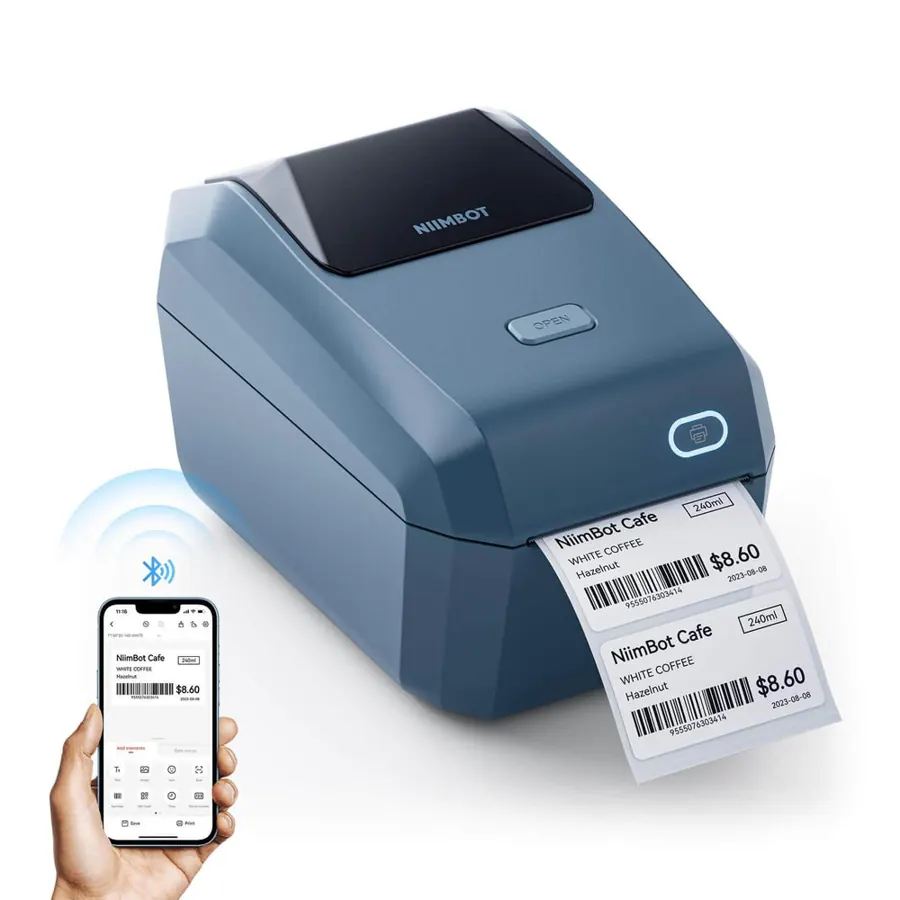
NIIMBOT K3
- Print: Direct thermal · up to 180 mm/s
- Size: 22–80 mm labels
- Connect: Bluetooth + USB (Windows)
Desktop speed: hundreds of labels a minute from a roll or fanfold stack. The pick for labelling a whole archive in one go.
See on NIIMBOT →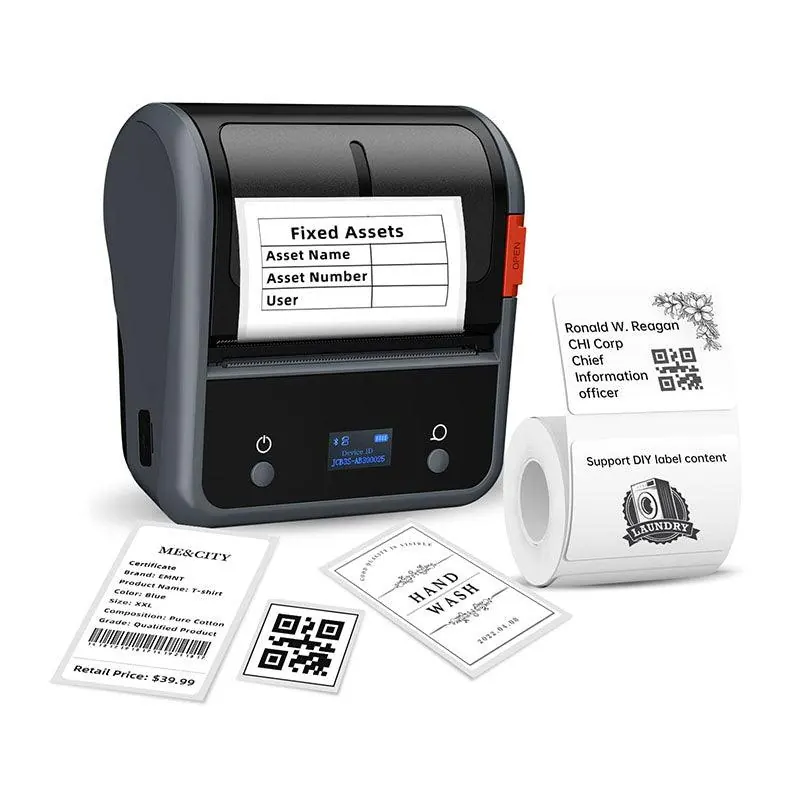
NIIMBOT B3S
- Print: Direct thermal
- Size: 20–75 mm labels
- Connect: Bluetooth
A portable 3-inch model with a big 2200 mAh battery. Prints die-cut and continuous paper.
See on NIIMBOT →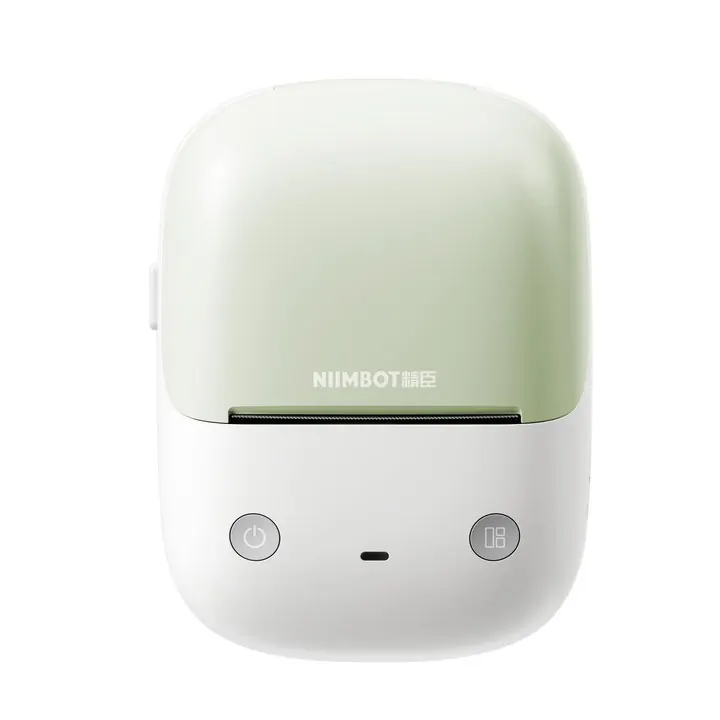
NIIMBOT B2
- Print: Direct thermal
- Size: 20–50 mm labels
- Connect: Bluetooth + PC driver
A rounder, newer body for the same 20–50 mm roll family. Fine for drives, not for shipping labels.
See on NIIMBOT →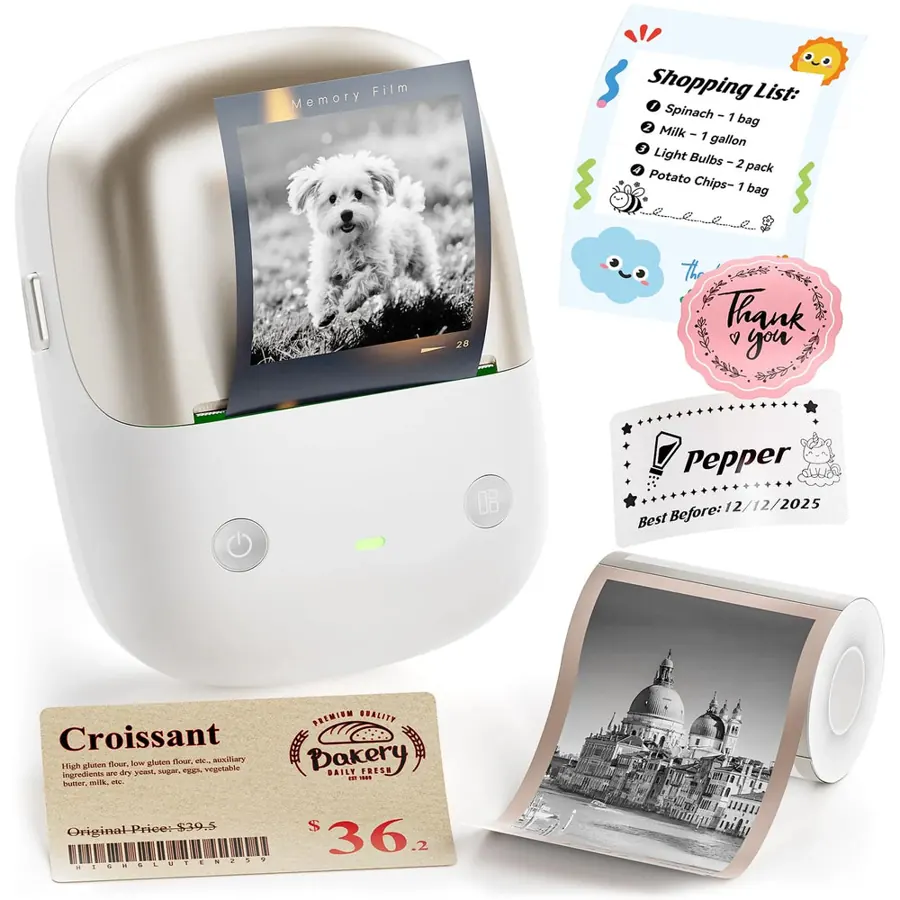
NIIMBOT B2 Pro
- Print: Direct thermal · 300 dpi
- Size: 20–50 mm labels
- Connect: Bluetooth
Built for photo and journal stickers (grayscale photo paper). Works for drives, but you pay for features you will not use.
See on NIIMBOT →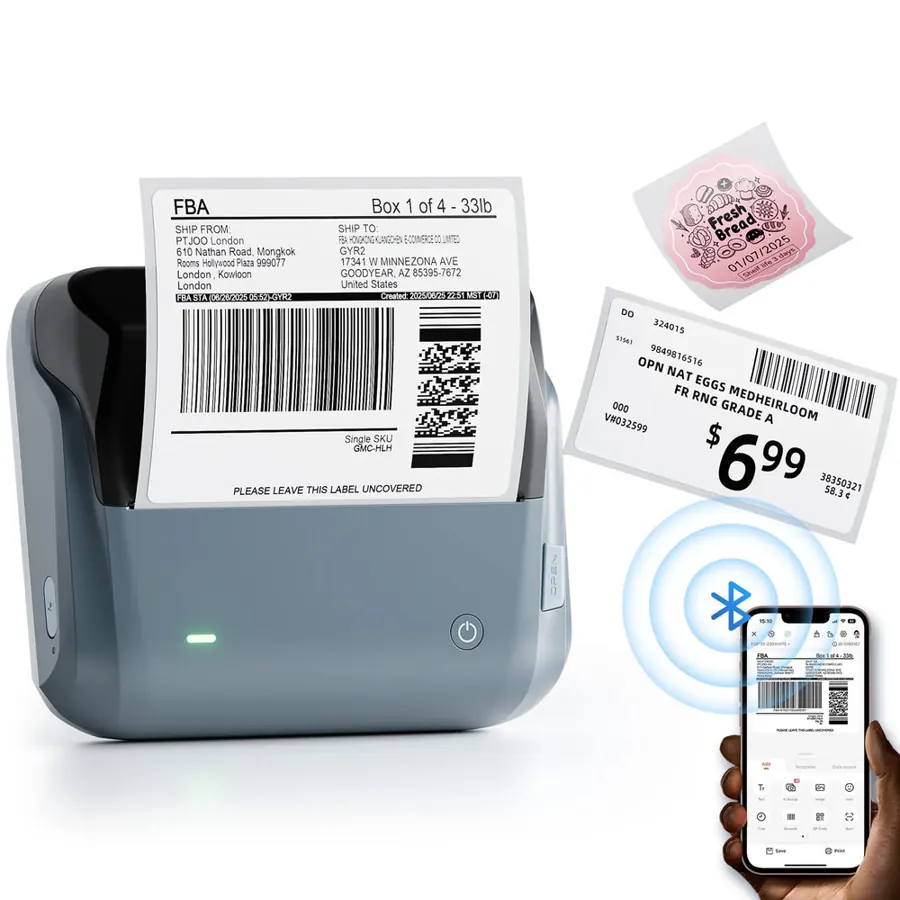
NIIMBOT B4
- Print: Direct thermal · 203 dpi
- Size: 4×6 in shipping labels
- Connect: Bluetooth (phone + PC)
A compact 4×6 shipping printer. Listed for completeness — overkill and oversized for drive labels.
See on NIIMBOT →Got the printer? Make the labels.
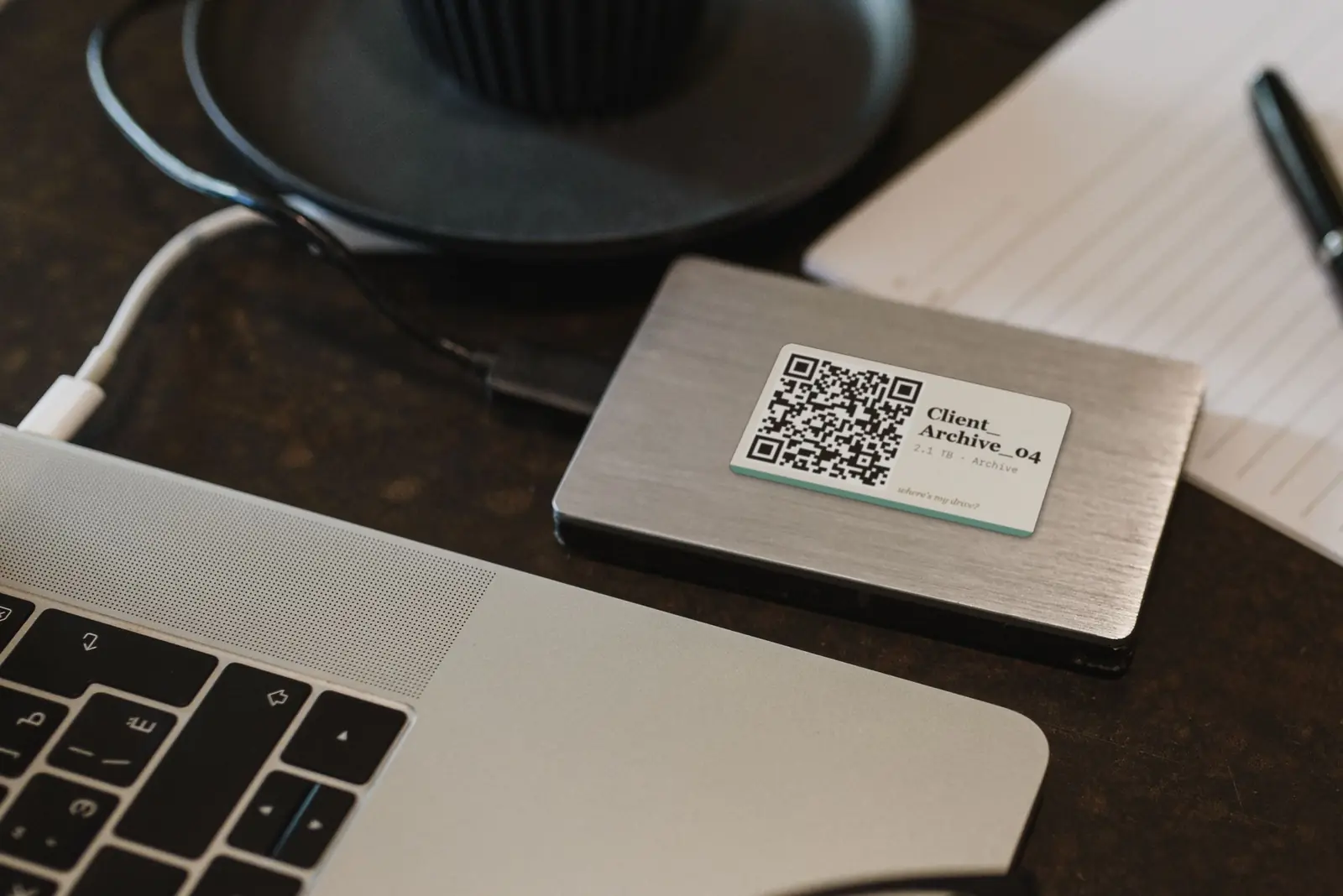
Where’s My Drive scans each drive, gives it a QR code, and exports print-ready 50×30 mm or 50×50 mm labels. Anyone can scan the sticker to see what is on the drive.
Comparison table
| Model | Print tech | Label width | Resolution | Best for |
|---|---|---|---|---|
| NIIMBOT B21 | Direct thermal | 20–50 mm | 203 dpi | Portable HDD labels, everyday |
| NIIMBOT B21 Pro | Direct thermal | 20–50 mm | 300 dpi | Small, sharp QR codes |
| NIIMBOT B1 | Direct thermal | 20–50 mm | 203 dpi | Budget 50 mm labels |
| NIIMBOT B1 Pro | Direct thermal | 20–50 mm | 300 dpi | Red + black status labels |
| NIIMBOT M2 | Thermal transfer | 20–50 mm | 300 dpi | Archive drives (8–10 yr labels) |
| NIIMBOT M3 | Thermal transfer | 20–78 mm | 300 dpi | Desktop drives, NAS, cases |
| NIIMBOT D11 (300 dpi) | Direct thermal | 12–15 mm | 300 dpi | SSDs, drive edges |
| NIIMBOT D110 | Direct thermal | up to 15 mm | 203 dpi | Text on edges and cables |
| NIIMBOT D101 | Direct thermal | 10–25 mm | — | Edges + small tops |
| NIIMBOT N1 | Thermal transfer | ~12–15 mm | 203 dpi | Durable cable tags |
| NIIMBOT K3 | Direct thermal | 22–80 mm | — | Batch-printing a whole shelf |
| NIIMBOT B3S | Direct thermal | 20–75 mm | — | Portable 3-inch labels |
| NIIMBOT B4 | Direct thermal | 4×6 in | 203 dpi | Shipping (not drives) |
Thermal vs thermal transfer: the choice that matters most
Most NIIMBOT printers are direct thermal: no ink, the heat-sensitive paper darkens where the head touches it. It is clean and cheap, and for a drive that gets handled every week it is perfect. The catch is time and heat: direct-thermal labels can fade over years, especially near a window or a warm NAS.
The M2, M3 and N1 are thermal transfer printers: they melt pigment from a ribbon onto a synthetic (PET) label. NIIMBOT rates those labels for 8–10 years and they resist water, oil, scratches, heat and cold. For a cold archive — drives you might not touch for three years — that is the difference between a sticker you can scan and a blank white rectangle. We wrote a longer comparison here.
Which labels to buy
NIIMBOT printers read a chip in each roll and set the size automatically — so buy the roll made for your printer family. For drives we use these:
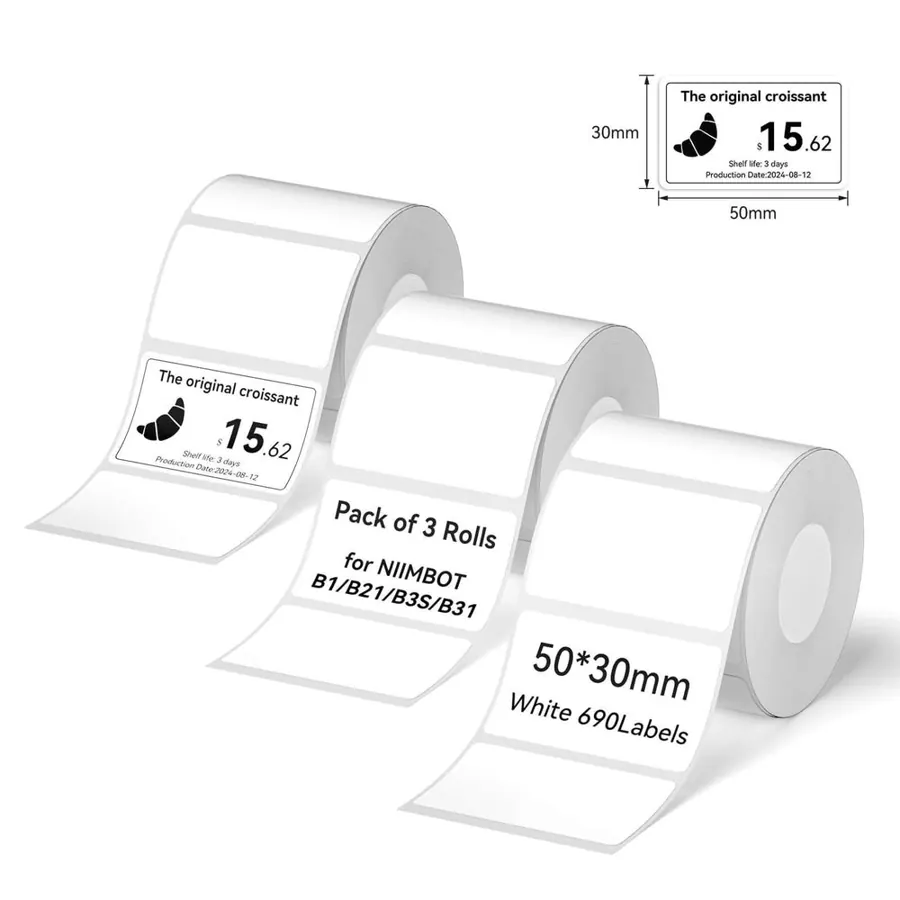
Label tape set for B21 / B1 / B3S
50×30 mm white rolls — exactly the size of a Where’s My Drive “rect” label. The default choice.
See labels →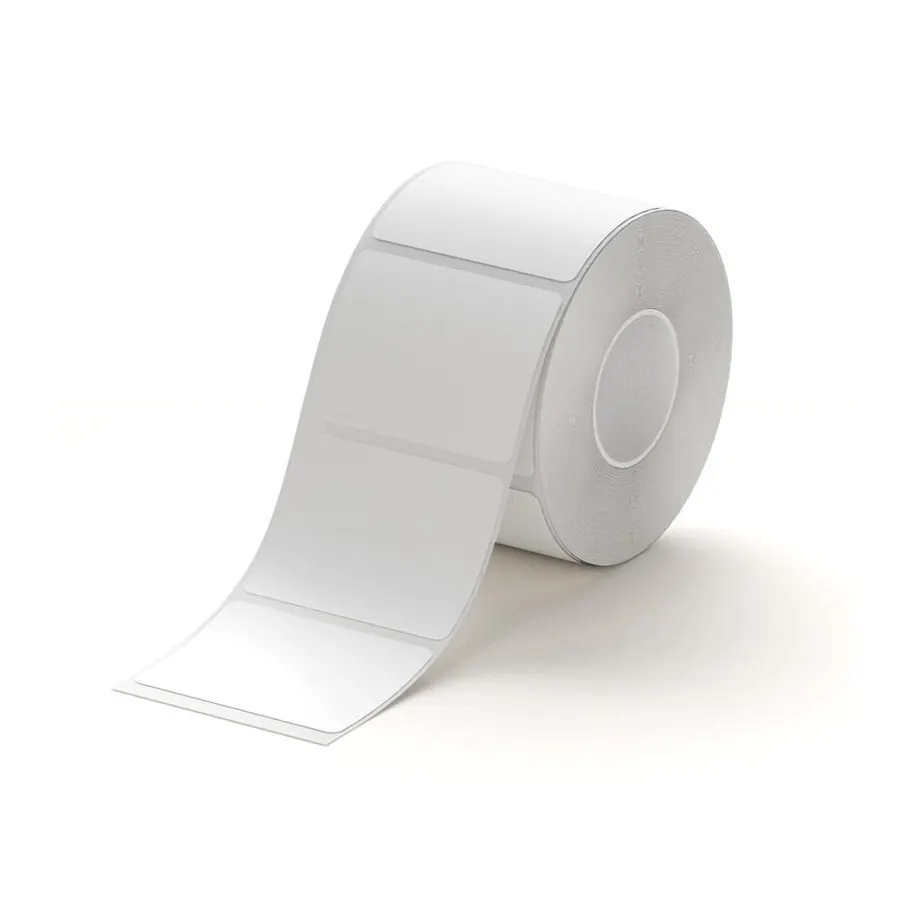
White label for B21 / B1 / B3S
Plain white die-cut labels in several sizes — pick 40×30 or 50×30 for portable drives, 50×50 for square QR stickers.
See labels →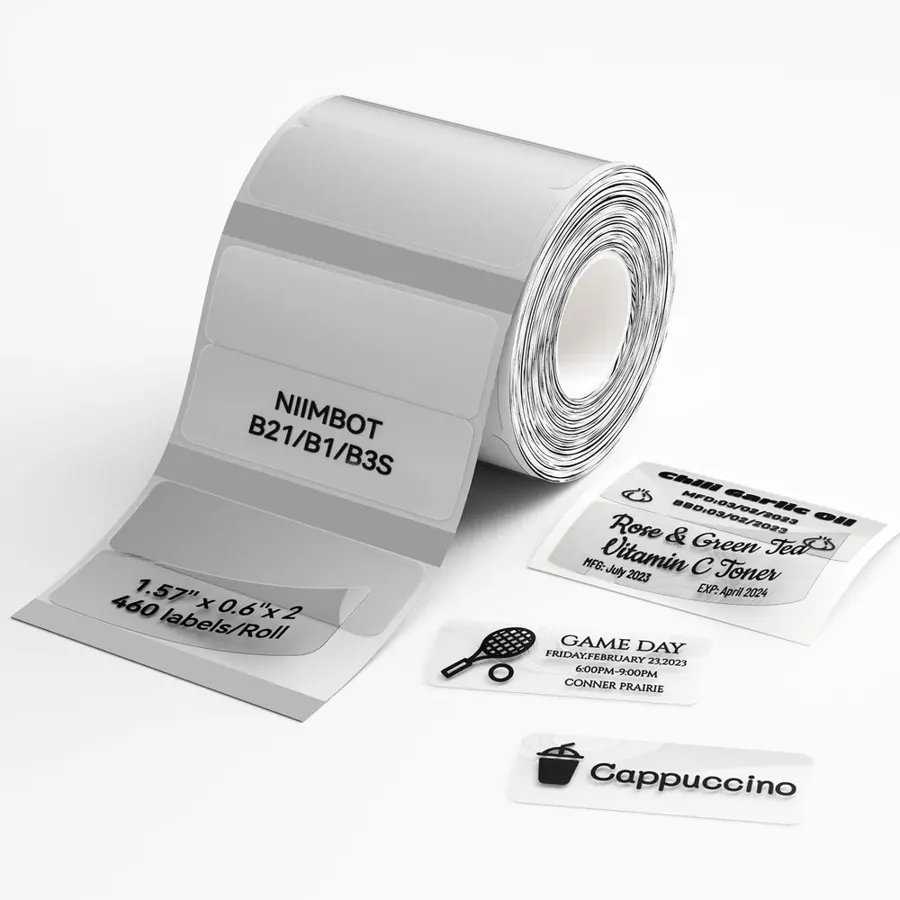
Clear label tape for B21 / B1 / B3S
Transparent labels that disappear on black drives. Keep a white background behind the QR for reliable scans.
See labels →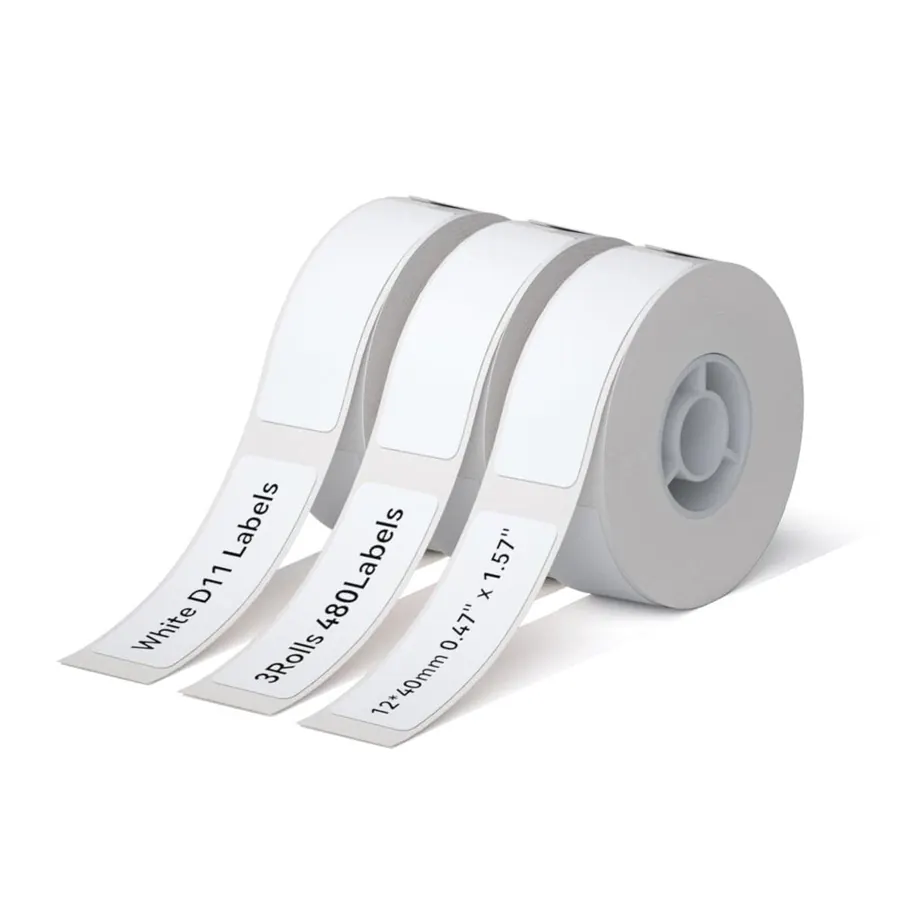
Label tape set for D11 / D110 / D101
12×40 mm strips for SSDs and the thin front edge of stacked drives.
See labels →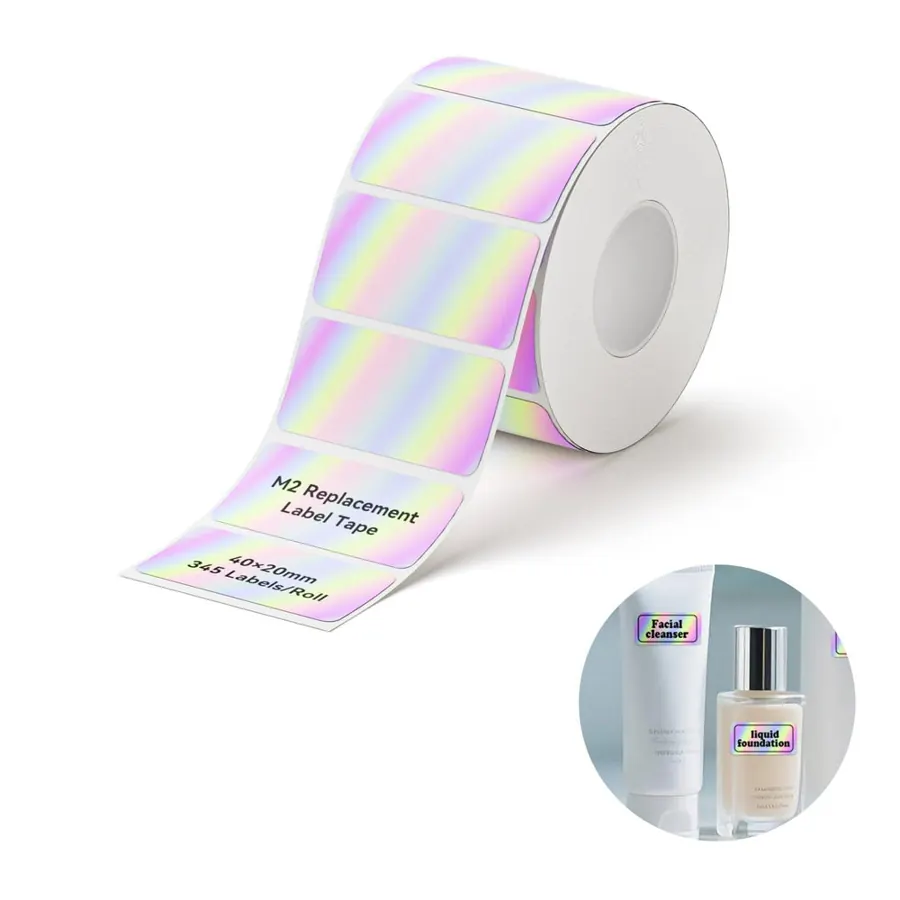
Thermal transfer labels for M2 / M3
PET labels rated for 8–10 years, waterproof and scratch-resistant — archive-grade.
See labels →Keep the QR on a white background. Clear labels look great on black drives, but phone cameras read black-on-white far more reliably than black-on-clear.
How to print Where’s My Drive labels on a NIIMBOT
- Scan the drive in Where’s My Drive (Chrome or Edge) so it has a catalog and a QR code.
- Open the drive, click QR and pick the 50×30 format (or 50×50 for square labels). Add a short note if you like — it prints under the name.
- Click Download PNG. The image is 300 dpi and already sized for the label.
- In the NIIMBOT app, start a label of the same size, insert the PNG as an image and stretch it to the edges.
- Print, peel, stick on the top face of the drive. Scan it with your phone to check.
Printing a whole shelf? Use Print all labels in the app to get every drive on one A4 sheet for an office printer — or batch the PNGs through a K3. More in printing QR labels on A4 and label sizes for external drives.
Our picks by situation
- Freelance editor, 10–40 portable drives: NIIMBOT B21 + the 50×30 mm roll.
- Studio archive that must still scan in 2032: NIIMBOT M2 + thermal transfer labels.
- Mostly SSDs (Samsung T7, SanDisk Extreme): NIIMBOT D11 (300 dpi) with 12×40 mm strips, or the NIIMBOT B21 Pro with small 30 mm labels.
- Labelling 200 drives this weekend: NIIMBOT K3 — speed matters more than portability.
- Cheapest route in: NIIMBOT B1.
Prefer Phomemo? See our Phomemo guide or NIIMBOT vs Phomemo.
Frequently asked questions
Which NIIMBOT printer is best for hard drive labels?
For portable hard drives, the NIIMBOT B21: it prints 50×30 mm labels (the size of a Where’s My Drive QR label), connects to phone and computer, and its paper is cheap. For long-term archives choose the M2, whose ribbon-printed labels are rated for 8–10 years.
Can a NIIMBOT print QR codes that phones can scan?
Yes. The NIIMBOT app can create QR codes itself, and you can also print a QR image. On narrow tape, prefer a 300 dpi model (D11, B21 Pro, M2) so the modules stay sharp.
Do NIIMBOT labels fade?
Direct-thermal labels (most models) can fade over years with heat and light. Thermal-transfer labels from the M2, M3 and N1 are rated for 8–10 years.
Do I need a computer to use a NIIMBOT?
No — every model prints from the NIIMBOT phone app over Bluetooth. Many B- and M-series models also print from a computer with a driver; the D-series is phone-only.
What label size fits an external hard drive?
Most 2.5-inch portable drives take a 50×30 mm label on the top face comfortably. Small SSDs suit 40×30 mm or 12×40 mm strips; desktop drives can take 50×50 mm or wider.