 where's my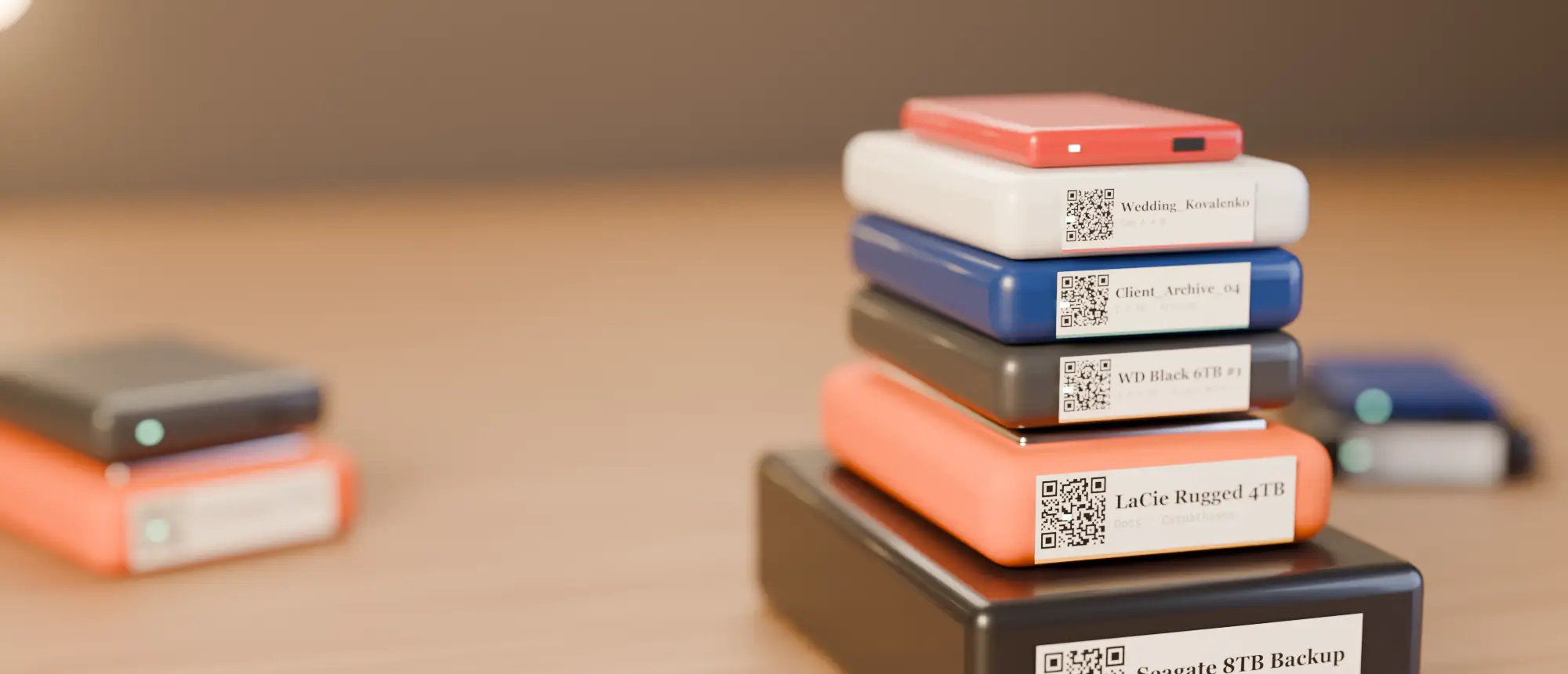
Decide what to keep
- Camera originals (or a mezzanine master if originals are gone).
- Project files and the exact software version noted.
- Final deliverables and graphics/audio stems.
- Delete render caches, proxies you can regenerate and duplicate exports.
One project, one top-level folder
Use a predictable structure — 2026_ACME_Spring-Campaign/01_RAW, 02_PROJECT, 03_AUDIO, 04_GFX, 05_DELIVERY. Future search results will make sense at a glance.
Catalog before it goes on the shelf
Scan the archive drive, add a note (“client, delivery date, software versions”), set its colour/status to archive. Now anyone can search a clip name years later and see which drive to pull.
Label for the long haul
Archive drives sit for years, sometimes somewhere warm. Use thermal transfer labels that will not fade.
Keep two copies
An archive on one drive is a future data-loss story. Keep a paired backup and track both — see backup drive inventory.
Write a one-page “readme” for every project
Put a plain text file at the top of each project folder: client, dates, who edited, software and versions, where the approved master is, and anything unusual (“music licence expires 2028”). It takes five minutes and saves the person who restores the project an afternoon. Because the file name is cataloged, searching README plus a client name finds it instantly.
Check the archive before you trust it
- Open the project file from the archive drive once, before shelving it, to confirm media relinks.
- Compare the file count and size of the archive against the working drive — your catalog shows both.
- Set a reminder to spin archive drives up once a year; drives that never spin can develop problems silently.
| What | Keep | Usually safe to delete |
|---|---|---|
| Camera originals | Yes | — |
| Project files | Yes (+ version note) | Autosaves beyond the last few |
| Render / cache files | — | Yes, they regenerate |
| Proxies | Only if originals are gone | Yes |
| Final masters & deliverables | Yes | — |
Catalog your first drive tonight
14-day free trial, no card. Scan a drive in Chrome or Edge, print its QR sticker, and find any file on it from your phone.
Frequently asked questions
What is the best way to archive video projects?
Keep originals, project files and deliverables in one folder per project, catalog the drive, label it durably and keep a second copy.