where's my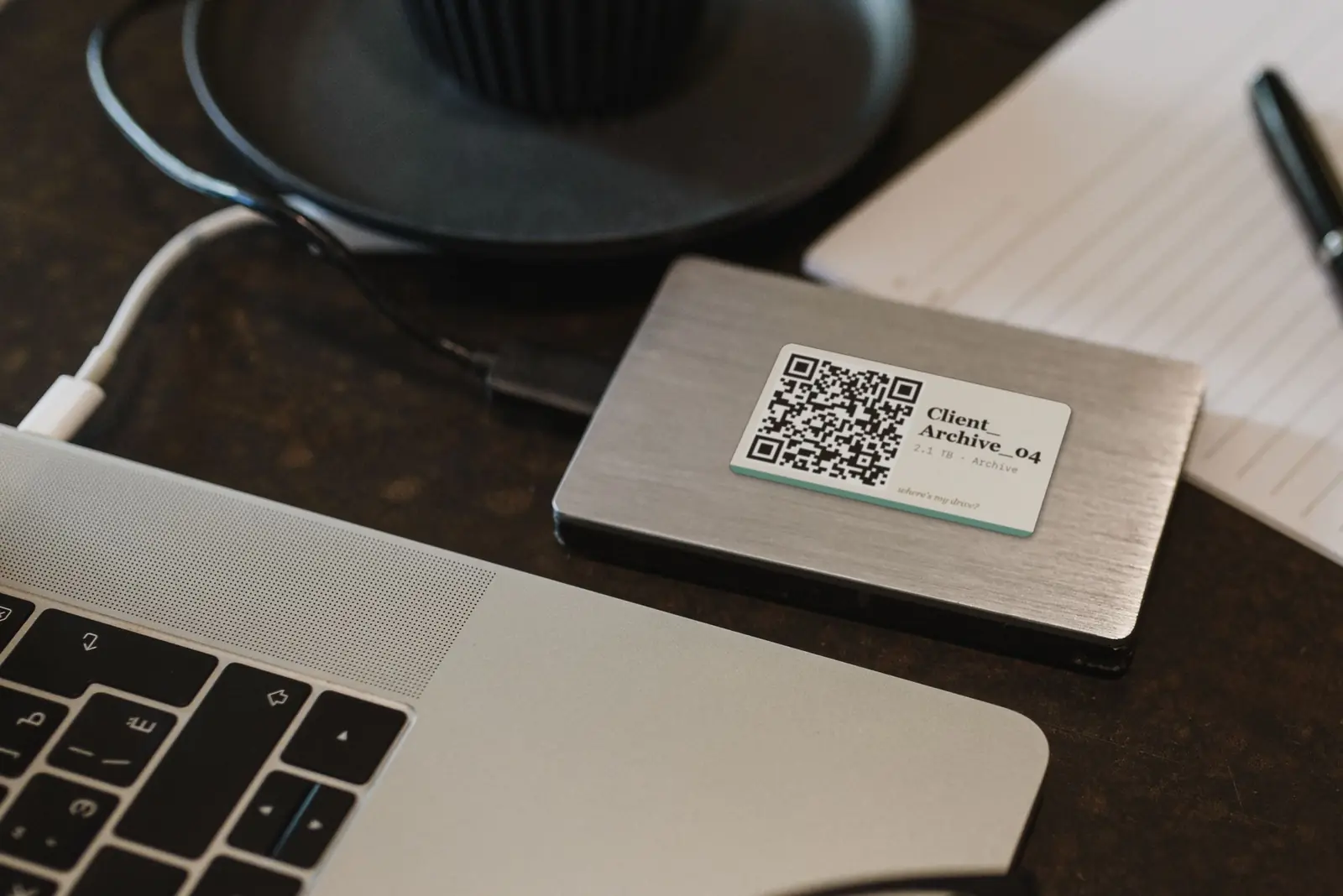
Heads-up: links to label printer stores on this page are affiliate links — we may earn a small commission at no extra cost to you.
The editor’s drive problem
You know the clip exists. You even remember roughly when you shot it. What you do not remember is which of the thirty drives it landed on — so you plug them in, one by one, waiting for each to spin up.
Search by clip name, across every drive
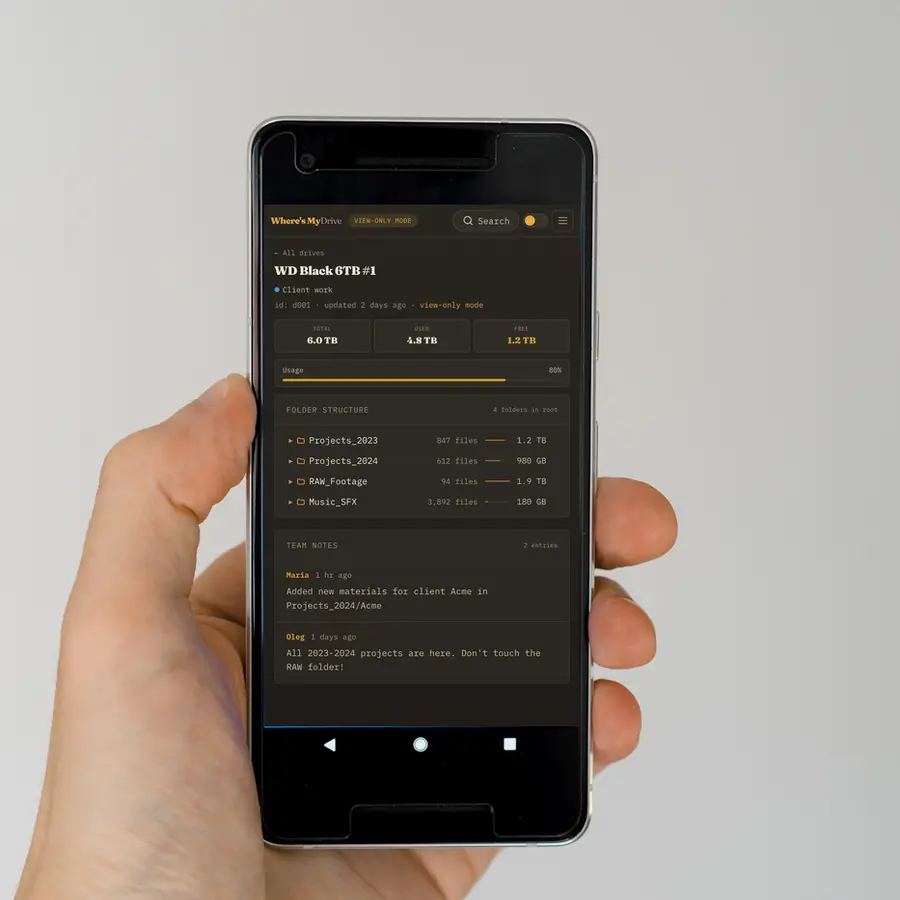
Camera clip names are unique and searchable: A001_C004 finds the R3D original, the proxy on the SSD and the XML on the backup drive in one search. Where’s My Drive indexes every file name on each drive, so the clip is one query away — with the drive unplugged.
A workflow that fits a real edit
- Ingest day: offload cards to the RAW drive, scan it, stick its QR label.
- Proxies: scan the proxy SSD too — search now finds both.
- Delivery: add a note on the drive: “final grade in /Edits, v7 approved”.
- Archive: set the drive to archive, move it to the shelf. Rescan only if it changes.
Working with assistants and freelancers
Your assistant needs to find drives, not manage your account. Give them the team PIN: they scan any sticker with their phone and browse read-only. Change the PIN when the job ends.
Subtitles without uploading client footage
Need captions in a language Premiere does not support, or footage that must stay offline? Our sister plugin CaptionLab runs Whisper inside Premiere Pro, in 99 languages, fully on your machine.
Labels that survive a location
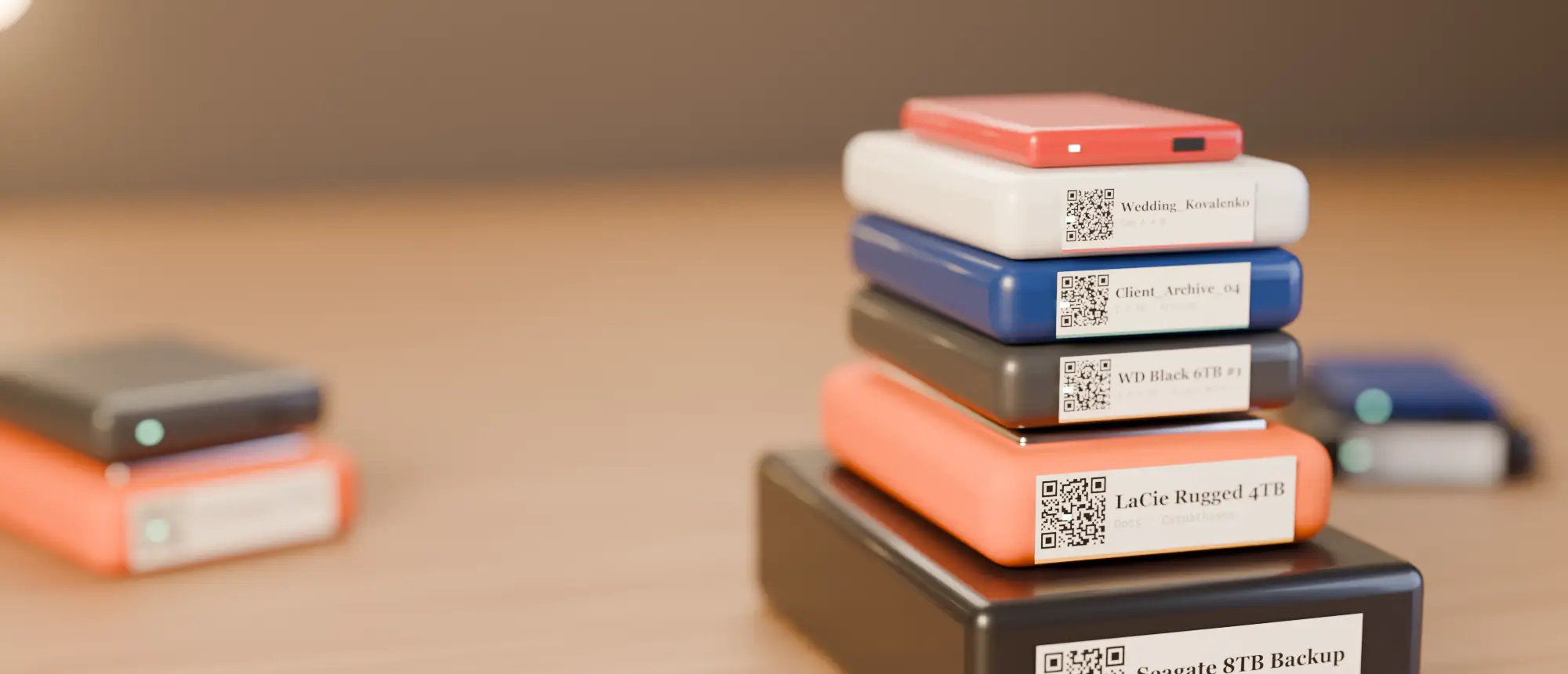
For drives that travel, use a tough label — a small thermal label printer prints one in seconds, and the NIIMBOT B21 takes the 50×30 mm labels our stickers are built for.
Catalog your RAW drives this week
Start with the drive you plug in most often. 14 days free, no card.
Frequently asked questions
How do video editors keep track of footage across drives?
By cataloging every drive’s file names so clips can be searched while drives are unplugged, and labelling each drive with a QR code that opens its catalog.
Can I find a clip by its camera file name?
Yes — search the clip name (e.g. A001_C004) and see every drive that holds it, including proxies and backups.