 where's my
Heads-up: links to label printer stores on this page are affiliate links — we may earn a small commission at no extra cost to you.
Folder names are your search engine
Most photographers already name shoot folders well — 2026-05-14_Kovalenko_Wedding. A drive catalog makes those names searchable across every drive at once, plugged in or not.
Find a single RAW file
Client asks for _DSC4412 from a 2023 shoot? Search the file name, see which drive and which folder. Every file name is indexed, not just folders.
Backups you can trust
Pair each working drive with its backup, scan both, and compare sizes and file counts after each backup. See backup drive inventory.
Labels
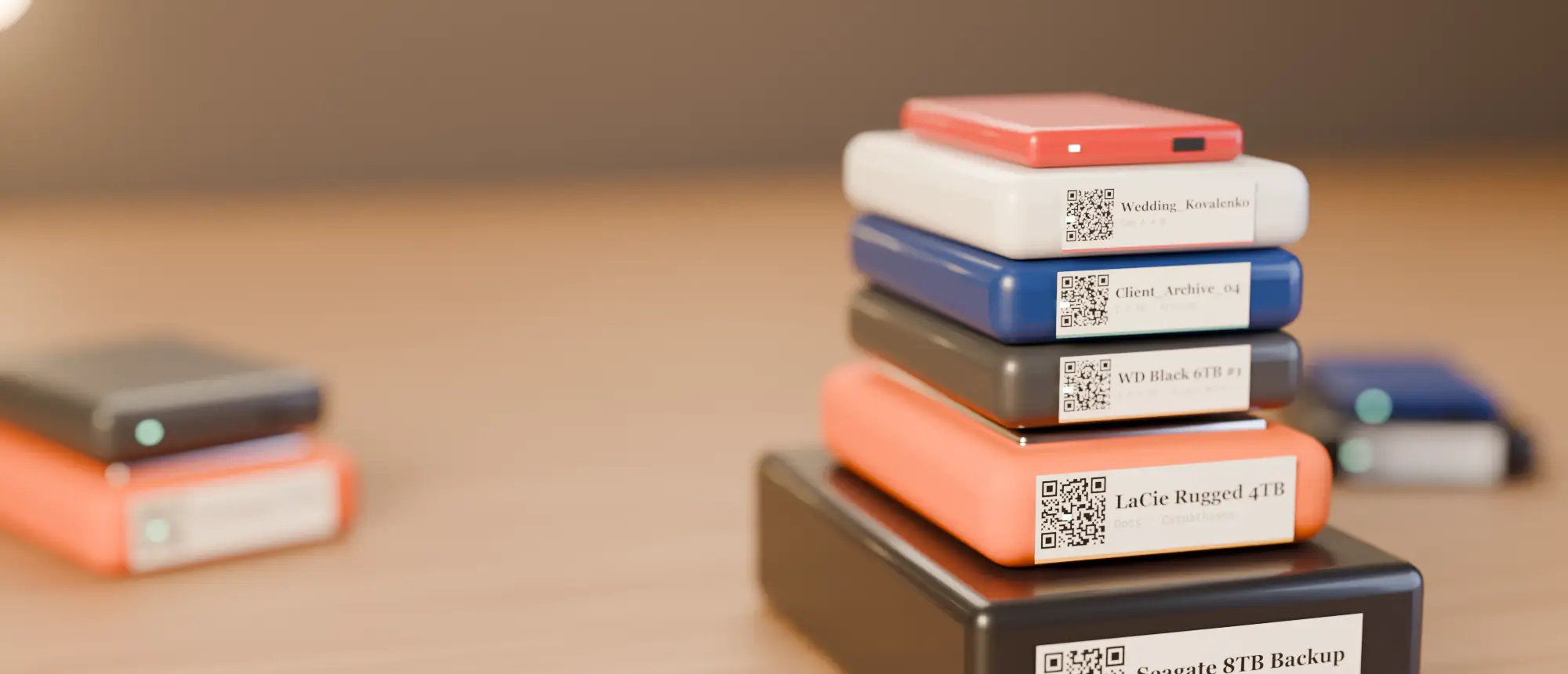
A QR on the top of each drive and the shoot year on the edge. Photographers with small SSDs like the 300 dpi NIIMBOT D11 for tiny, sharp labels.
A folder naming scheme that searches well
| Level | Pattern | Example |
|---|---|---|
| Year | YYYY | 2026 |
| Shoot | YYYY-MM-DD_Client_Type | 2026-05-14_Kovalenko_Wedding |
| Inside | RAW / SELECTS / EXPORT | EXPORT/web |
Dates first means folders sort chronologically everywhere; client names mean one search pulls up every shoot for that client across all drives.
Lightroom, Capture One and the catalog
Your photo catalog knows about edits and keywords; Where’s My Drive knows which physical drive holds which folder. They complement each other: when Lightroom says a folder is missing, search its name and you know which drive to plug in.
What to do when a client asks for an old file
- Search the client name or the file number, e.g.
_DSC4412. - See the drive and folder; grab the drive by its label.
- Plug it in once, send the file, done — no plugging in five drives to find it.
Catalog your first drive tonight
14-day free trial, no card. Scan a drive in Chrome or Edge, print its QR sticker, and find any file on it from your phone.
Frequently asked questions
How do photographers organise photos across many external drives?
Consistent shoot folder names, a catalog of every drive’s contents that can be searched offline, labelled drives and paired backups.