 where's my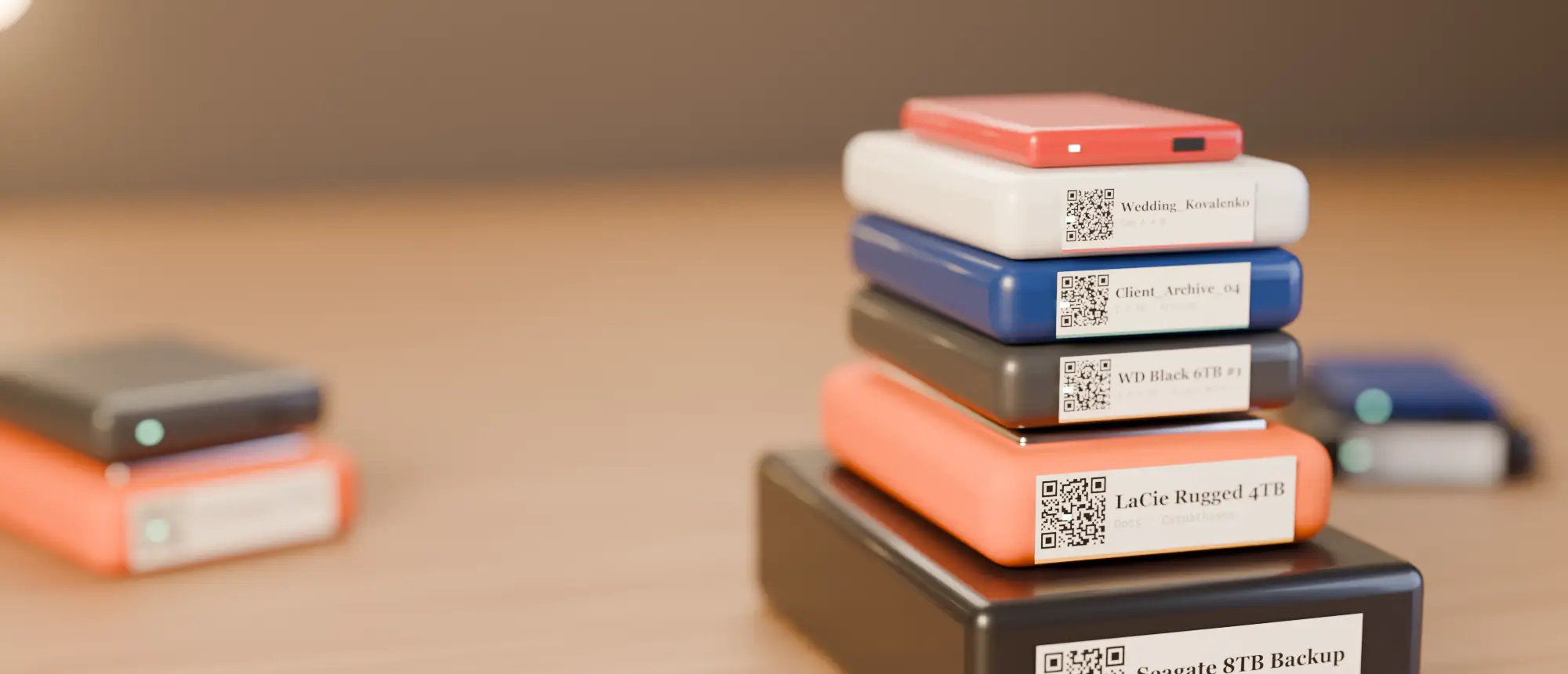
Heads-up: links to the Phomemo and NIIMBOT stores on this page are affiliate links. If you buy through them we may earn a small commission, at no extra cost to you. We only recommend printers we would use for drive labels ourselves.
Find your printer in one click
Our top picks
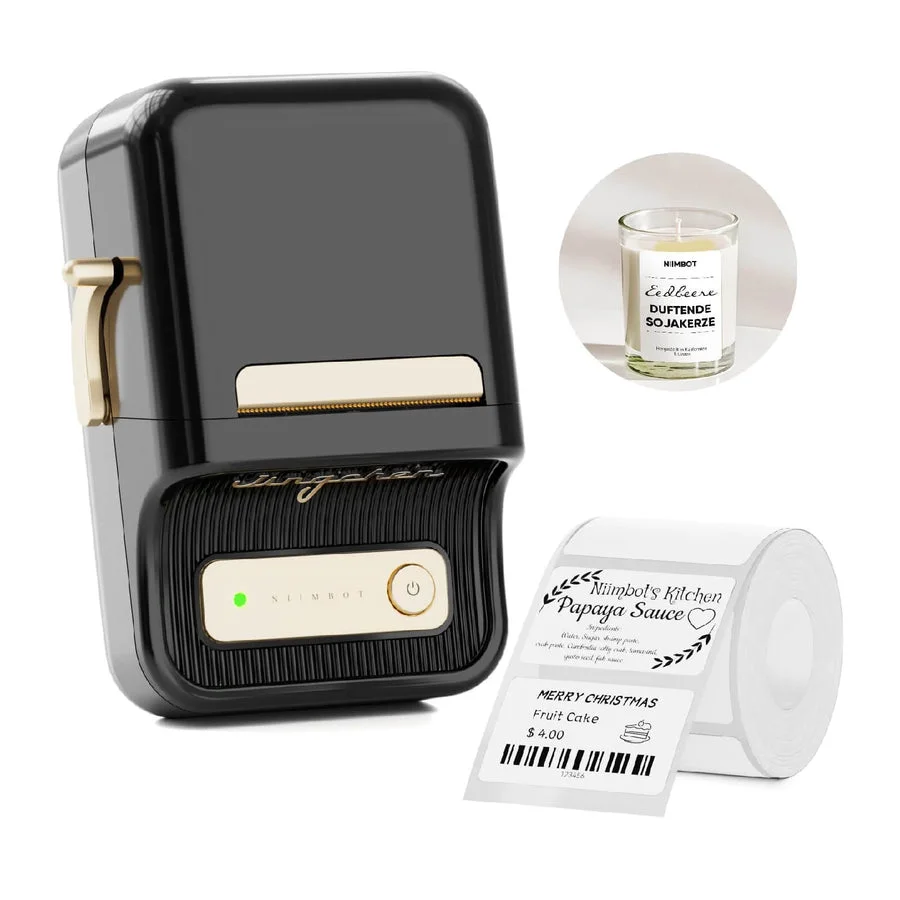
NIIMBOT B21
- Print: Direct thermal · 203 dpi
- Size: 20–50 mm labels
- Connect: Bluetooth + USB (PC driver)
The workhorse. Takes the same 50×30 mm rolls our QR labels are designed for, prints from phone or computer.
See on NIIMBOT →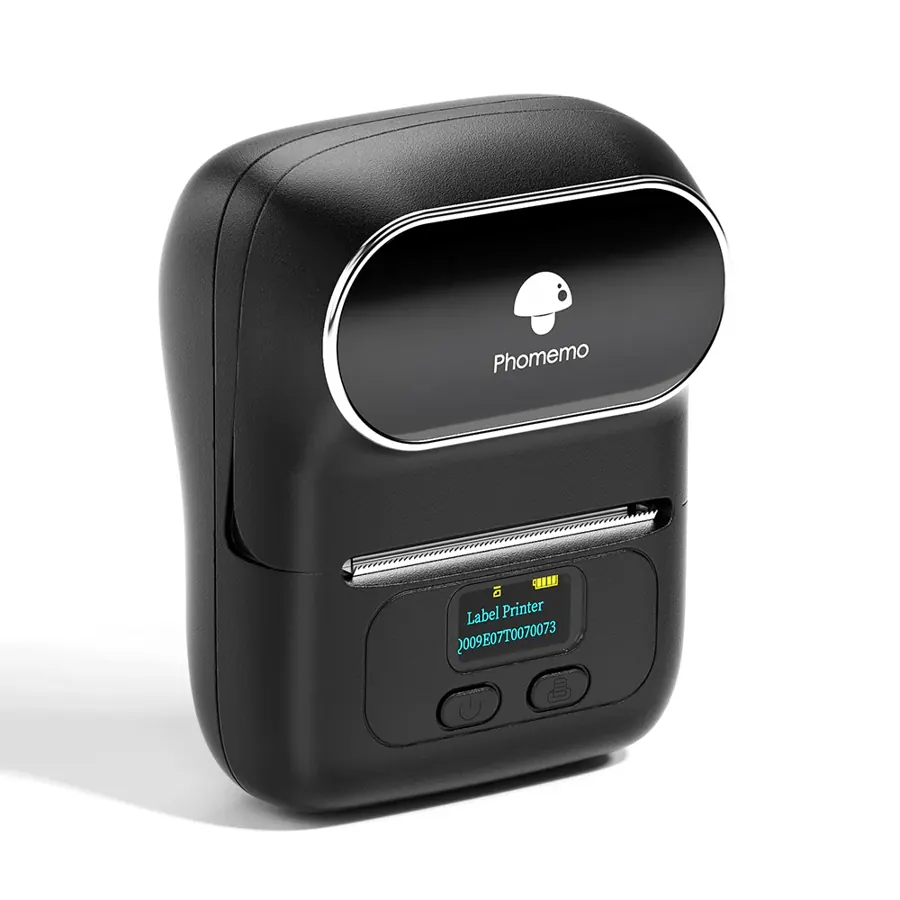
Phomemo M110
- Print: Direct thermal · 203 dpi
- Size: 20–50 mm labels
- Connect: Bluetooth + USB (PC)
Phomemo’s answer to the NIIMBOT B21: pocket-sized, takes 50×30 mm rolls, prints from phone or computer.
See on Phomemo →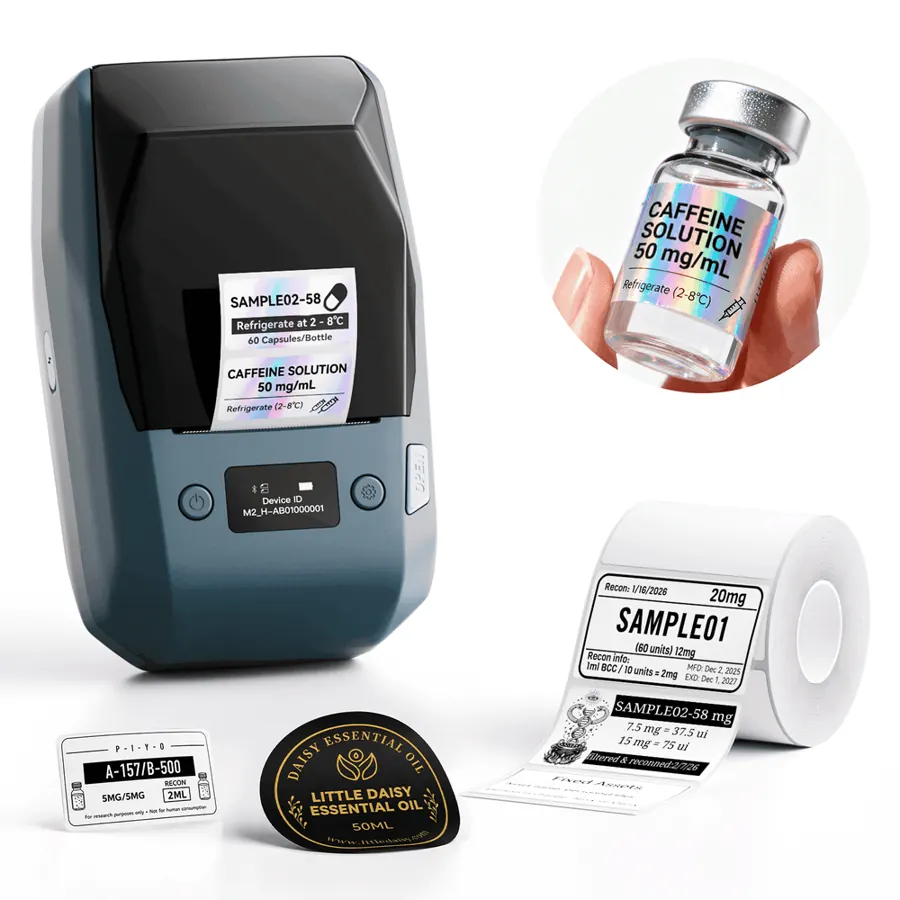
NIIMBOT M2
- Print: Thermal transfer (ribbon) · 300 dpi
- Size: 20–50 mm labels
- Connect: Bluetooth + PC
Prints with a ribbon onto PET labels rated for 8–10 years — the one to buy for drives that sit on a shelf for years.
See on NIIMBOT →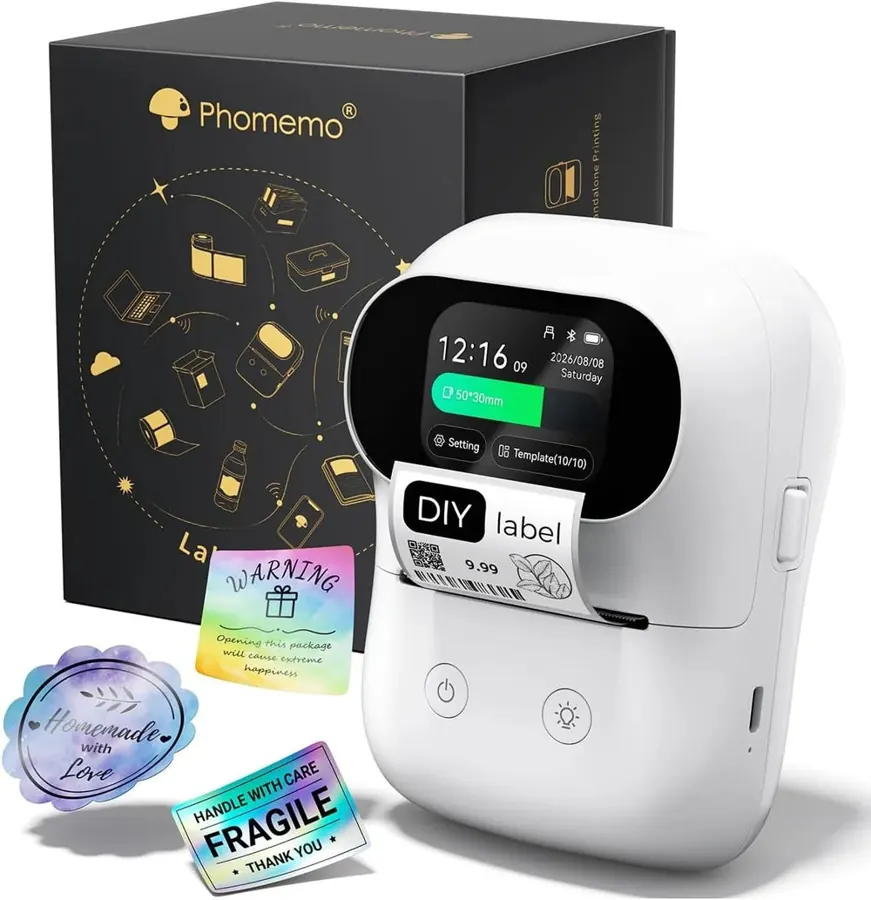
Phomemo M20 Pro
- Print: Direct thermal · 300 dpi
- Size: 2-inch labels
- Connect: Bluetooth + PC
Touch screen, RFID roll detection and offline templates. The 300 dpi head keeps small QR codes crisp.
See on Phomemo →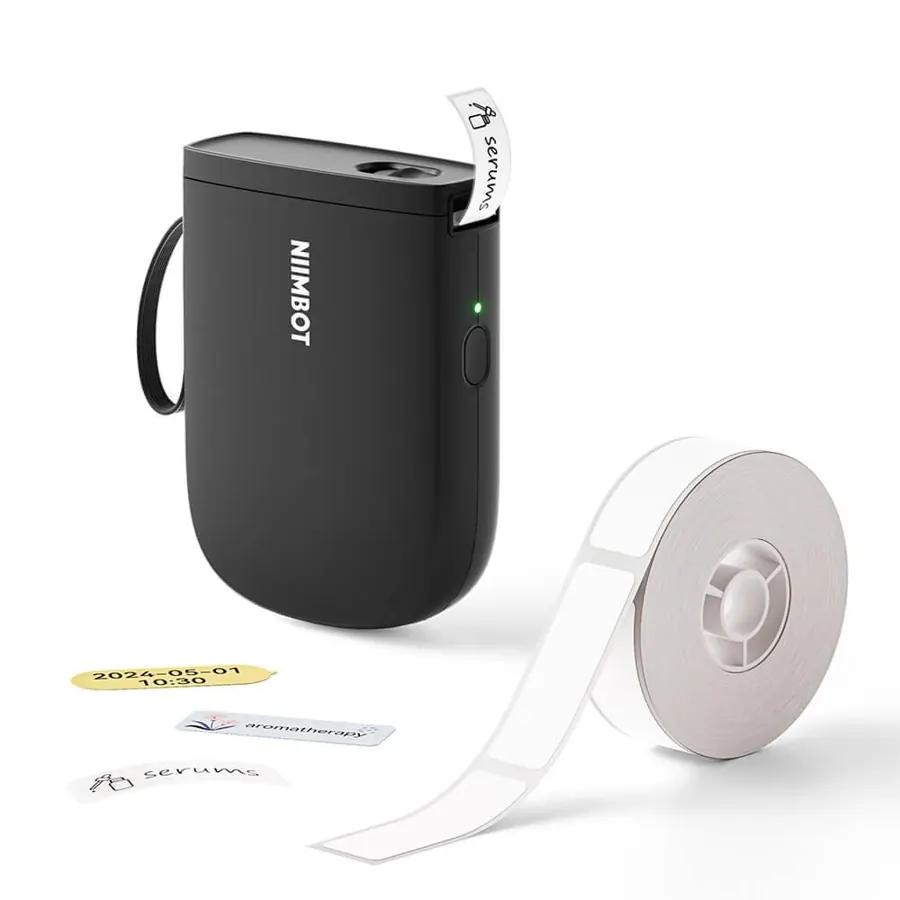
NIIMBOT D11 (300 dpi)
- Print: Direct thermal · 300 dpi
- Size: 12–15 mm tape
- Connect: Phone only (Bluetooth)
Pocket printer for narrow strips. At 300 dpi a 12 mm QR still scans — good for SSDs and the thin edge of a drive.
See on NIIMBOT →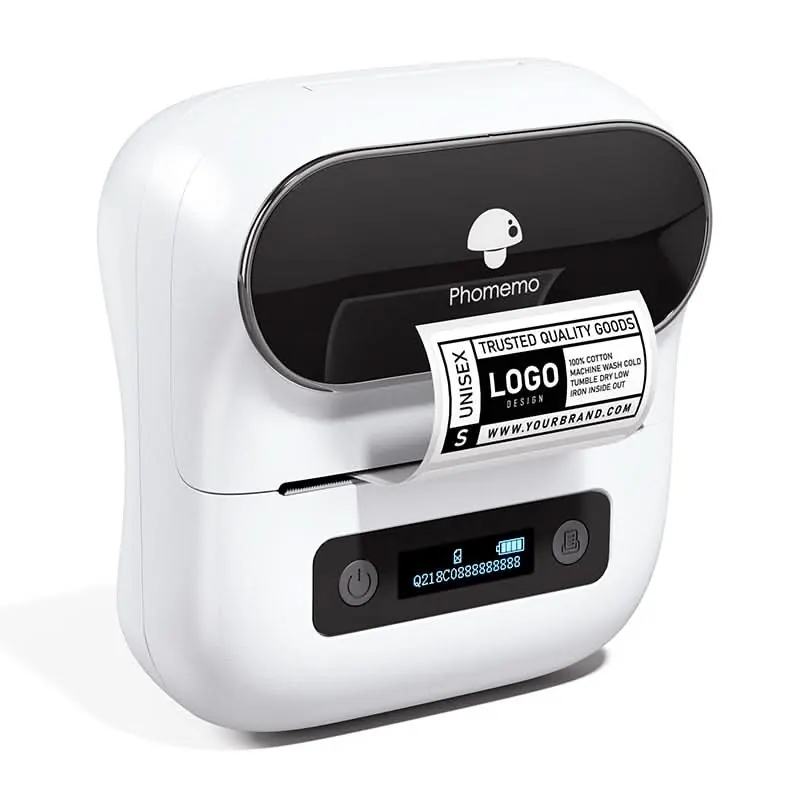
Phomemo M220
- Print: Direct thermal · 203 dpi
- Size: 20–80 mm labels
- Connect: Bluetooth + USB
The widest of the portable range: room for a big QR and a readable project name on RAID boxes and NAS fronts.
See on Phomemo →Printer ready? Make the labels.
Where’s My Drive scans each drive and exports print-ready 50×30 or 50×50 mm QR labels for any printer.
What matters for drive labels
| What | Why it matters | Look for |
|---|---|---|
| Label width | Room for a QR plus a readable name | 40–50 mm for portable drives, up to 80 mm for desktop boxes |
| Resolution | Small QR codes need sharp modules | 203 dpi is fine at 50×30; 300 dpi for tiny labels |
| Print method | Direct-thermal can fade over years | Thermal transfer (ribbon) for archives |
| Phone + computer | You design on a laptop, print anywhere | Bluetooth and USB/driver |
| Cheap rolls | You will buy many | Common 50×30 mm rolls |
No label printer yet?
Start with any office printer: Where’s My Drive prints every drive’s QR on an A4 sheet in five label sizes — see printing QR labels on A4. Buy a label printer once the system sticks.
Brand guides
- NIIMBOT label printers — 15 models, from pocket strip printers to the archive-grade M2.
- Phomemo label printers — M110, M20 Pro, wide M220 and 300 dpi mini printers.
- NIIMBOT vs Phomemo — head to head.
Frequently asked questions
What is the best label printer for hard drive labels?
A 2-inch Bluetooth thermal printer that takes 50×30 mm labels — the NIIMBOT B21 or the Phomemo M110. For archives, a thermal-transfer model like the NIIMBOT M2.
Do I need a label printer to use Where’s My Drive?
No. You can print QR labels on A4 with any office printer; a label printer is just faster for a whole shelf.