where's my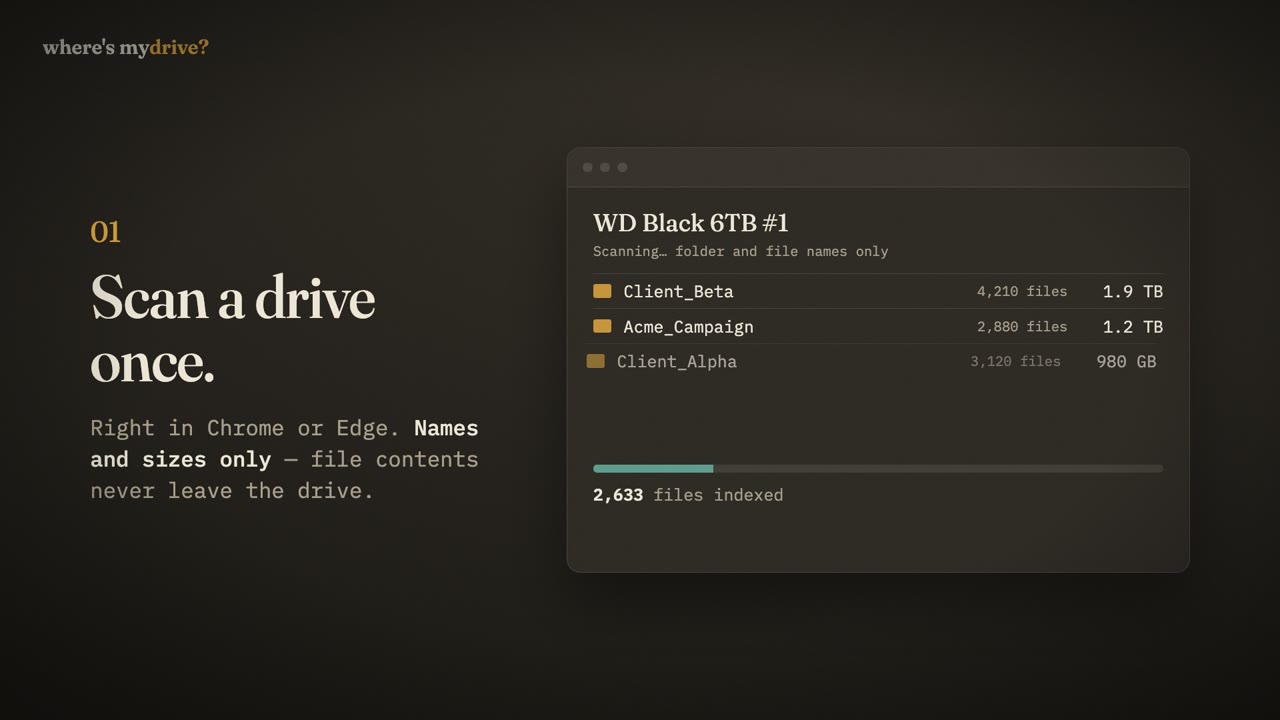
Watch it in 39 seconds
1. Scan a drive
Plug the drive in, open Where’s My Drive in Chrome or Edge, add the drive and pick its folder. The app reads folder and file names and sizes — up to 400,000 files per drive — and stores the catalog. File contents never leave the drive.
2. Print its QR sticker
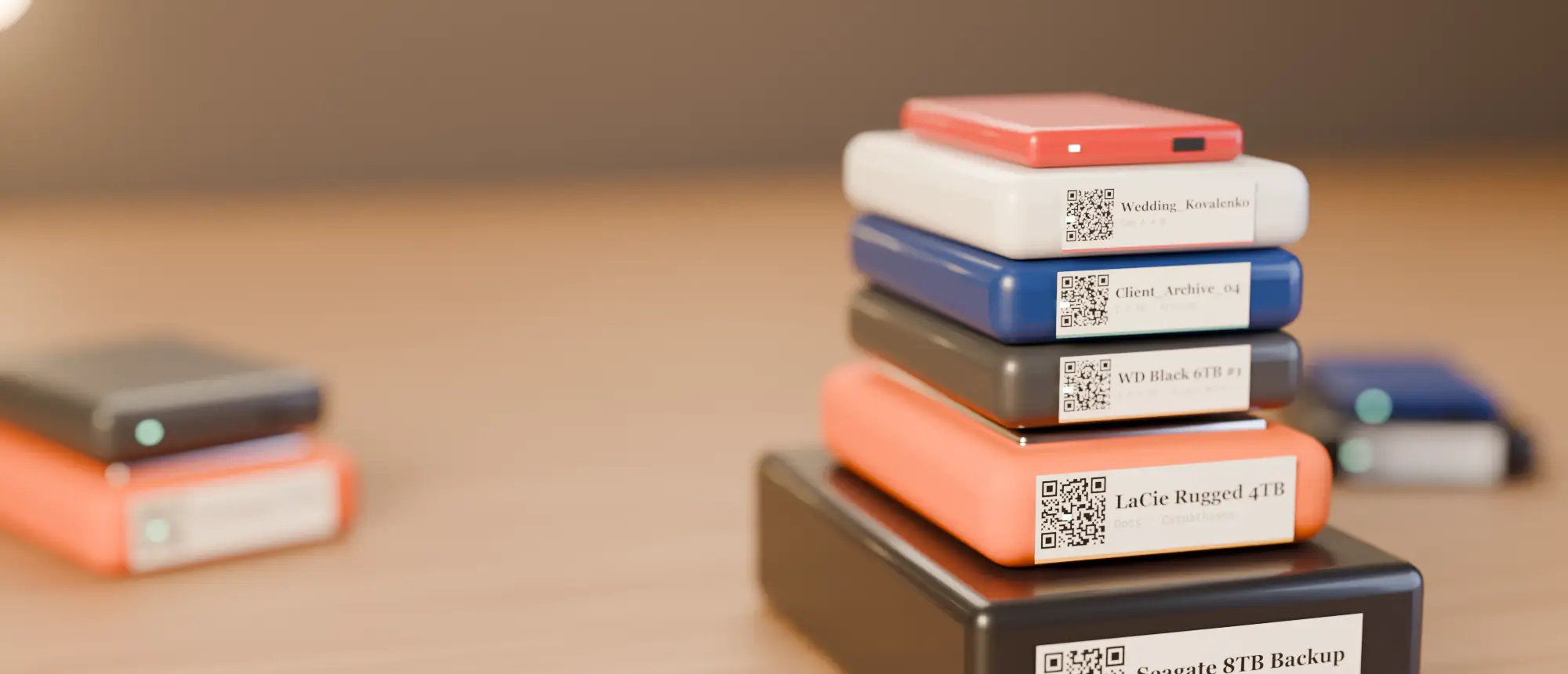
Each drive gets a QR code. Print one sticker on any printer, all your drives on an A4 sheet, or on a small label printer. On Studio and Studio Plus you can put your studio logo in the centre.
3. Anyone scans the sticker
A teammate points their phone camera at the sticker, types the team PIN once, and sees the drive’s folders, sizes, last scan date and notes — read-only, no account, no app.
4. Search everything
Search a file, folder or drive name across every drive your team has scanned. Results show the drive and path; one click opens the folder with the file highlighted.
And the details that make it stick
- Team notes on each drive (“final grade is in /Edits”).
- Health status — Good, Watch, Problem.
- Colour tags to match your physical stickers.
- Trash — deleted drives can be restored; their stickers keep working after restore.
- CSV export of the whole catalog, any time.
Who does what on a typical team
| Person | Uses Where’s My Drive to… |
|---|---|
| Editor / DIT | Scan drives after ingest, print labels, leave notes |
| Assistant | Find drives for the editor, rescan after reorganising |
| Producer | Search which drive holds a deliverable, from their phone |
| Freelancer | Scan a sticker with the team PIN and browse read-only |
| Studio owner | Manage the team, the PIN and billing |
What it is not
It is not a backup tool and it does not move or sync files — your drives stay exactly as they are. It is not a media asset manager with previews either: it is the fast answer to “which drive, and where on it?”, for everyone on the team.
Catalog your first drive tonight
14-day free trial, no card. Scan a drive in Chrome or Edge, print its QR sticker, and find any file on it from your phone.
Frequently asked questions
Which browsers does Where’s My Drive support?
Scanning needs Chrome or Edge (the File System Access API). Browsing, searching and scanning stickers work in any browser, on any phone.
Do team members need an app?
No. A phone camera and a browser tab are enough.